
How to Recover Programs from an Old Hard Drive in 2026 A Complete, Safe, Step-by-Step Guide
Old hard drives often hold valuable programs, tools and applications that took years to collect and configure. Many people believe that once a hard drive is old, formatted or no longer in use, the programs stored on it are lost forever.

That is not always true.
In 2026, programs can often be recovered from old hard drives, even if they were deleted or the drive was formatted. Recovery depends on how the drive was handled and whether the data was overwritten.
This guide explains what is possible, what is not and how to safely recover programs without damaging the drive further.
Can Programs Be Recovered from an Old Hard Drive?
Yes, in many cases. Programs are made up of files stored on the hard drive. When a program is deleted or a drive is formatted, the files are often still present until new data replaces them.
Recovery is usually possible if:
- The program files were deleted but not overwritten
- The drive was formatted but not reused heavily
- The hard drive is readable and not severely damaged
Recovery becomes difficult or impossible only when the original program data has been overwritten.
Step 1: Identify the Type of Old Hard Drive
Before attempting recovery, identify the drive type. This determines how you connect and handle it.
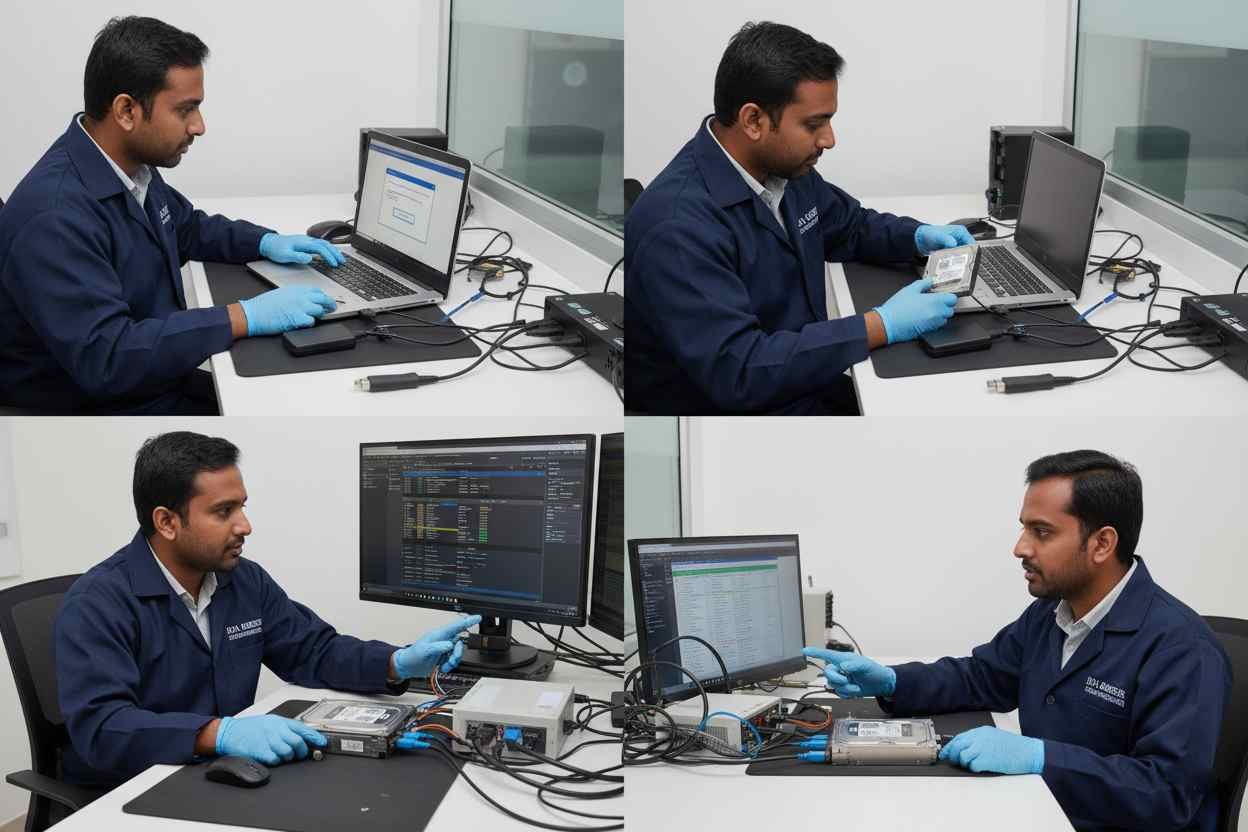
External USB Hard Drive
External drives are usually easy to work with.
- Connect it to a computer using USB
- If the system asks to format the drive, do not proceed
- Programs may still be intact if the drive was not reused
Laptop Hard Drive (2.5-inch SATA or IDE)
Laptop drives need careful handling.
- Remove the drive from the laptop
- Use a USB-to-SATA or IDE adapter or an external enclosure
- Connect it as a secondary drive, not as a boot drive
Desktop Hard Drive (3.5-inch SATA or IDE)
Desktop drives need external power.
- Use a powered USB adapter or enclosure
- Connect the drive externally
- Avoid copying new files to the drive
Important: Any writing to the drive can overwrite recoverable programs.
Step 2: Understand the Condition of the Programs
Recovery success depends on what happened to the programs.
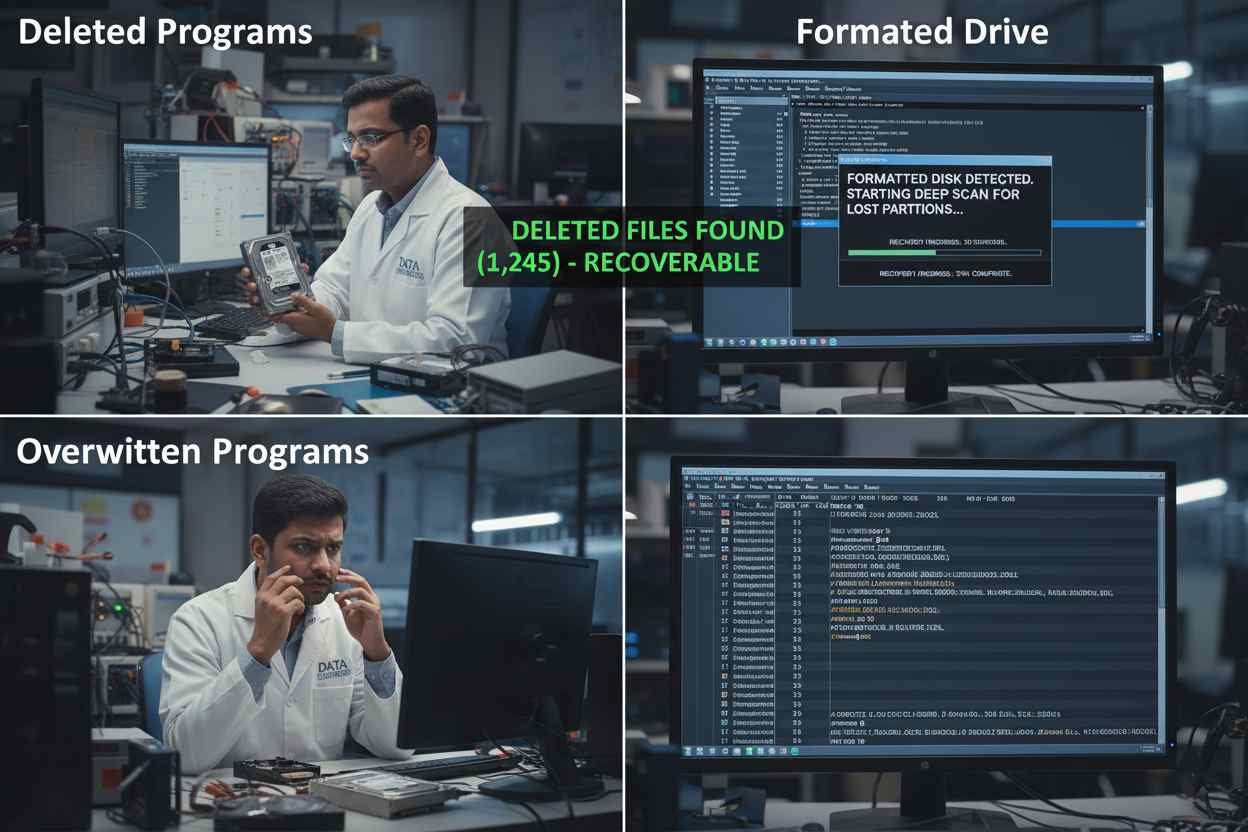
Deleted Programs
When programs are deleted:
- The system removes references, not always the files
- Program folders may still exist on disk
- Recovery chances are high if nothing overwrote them
Formatted Hard Drives
Formatting removes file structure, not always data.
- Program files may still be present in disk sectors
- Recovery is possible if the drive was not reused
- The more the drive was used after formatting, the lower the chances
Overwritten Programs
Overwriting is the biggest risk.
- New data replaces old program files
- Fully overwritten programs cannot be restored
- Partial recovery may result in broken or unusable software
A simple way to understand this:
Deleting removes the address. Formatting removes the map. Overwriting destroys the house.
Step 3: Safe Process to Recover Programs
Follow these steps carefully to avoid permanent loss.

Step 3.1: Connect the Drive Safely
- Use USB adapters or enclosures
- Never boot from the old drive
- Do not allow the system to repair or format it
Step 3.2: Locate Program Folders
Check common installation locations:
- Windows:
C:\Program Files
C:\Program Files (x86) - macOS:
/Applications - Linux:
/usr/bin
/opt
Home directories
Look for folders with recognizable program names.
Step 3.3: Copy Program Files
- Copy recovered folders to a different drive
- Never save recovered files back to the old drive
- Also copy configuration files if available
Step 3.4: Verify and Reinstall
Most programs depend on system components.
- Many recovered programs need reinstallation
- Some portable programs may run directly
- Old licenses or activation files may be required
Step 4: Avoid Overwriting at All Costs
Overwriting is permanent.

- Do not install new software on the old drive
- Do not use the drive for storage before recovery
- Do not allow automatic system repairs
Once overwritten, no method anywhere can fully recover the original program.
Step 5: Backup Recovered Programs Properly
After recovery:
- Store files on a separate external drive
- Keep copies of license keys and configuration files
- Maintain at least one additional backup
- Do not reuse the old drive immediately
Recovered programs are often irreplaceable. Treat them carefully.
Step 6: Special Recovery Scenarios

Programs with Online Activation
Some programs require reactivation.
You may need original login details or license keys.
Legacy Software and Old Games
Older programs may not work on modern systems.
Virtual machines or emulators may help.
Partially Corrupted Programs
Even if software does not run, important data inside it may still be recoverable.
When Professional Help Is Required
If:
- The drive is not detected
- The drive makes unusual sounds
- The data is critical
- The drive suffered physical damage
Professional recovery is the safest option.
Data Engineers specializes in logical and physical hard drive recovery, including advanced forensic cases. Professional handling prevents permanent data loss.
Final Thoughts
Recovering programs from an old hard drive in 2026 is often possible, but only if handled correctly.
Key points to remember:
- Do not format or write to the drive
- Connect it safely as an external device
- Recover first, then reinstall if needed
- Back up recovered data immediately
The biggest mistake is rushing. Careful handling gives the highest chance of success.
FAQs
Can programs be recovered from a formatted hard drive?
Yes, if the data has not been overwritten.
What if the drive asks to format when connected?
Do not format. This can reduce recovery chances.
Can overwritten programs be recovered?
In most cases, no. Overwritten data is considered permanently lost.
Will recovered programs run without reinstalling?
Some portable programs may run, but most require reinstallation.

Worldwide Leader in Data Recovery

Leave a Comment