• +91-981-856-7981
  • support@dataengineers.in
  • Mon – Sat: 11:00am – 7:00pm
Data Engineers Data Engineers
Call Us
  • Home
  • Services
    • Hard Disk Data Recovery
    • Mobile & Tablet Data Recovery
    • SSD Data Recovery
    • Pen Drive & Memory Card Data Recovery
    • CCTV Footage Data Recovery
    • NAS / SAN Data Recovery
    • Corrupted Files Data Recovery
    • Ransomware Virus Data recovery
    • Server Data Recovery
  • Forensics
    • Drone Forensics
    • RAID Forensics
    • Smartphone Forensics
    • Cryptocurrency Forensics
    • Malware Forensics
    • CCTV Video Footage Forensics
    • Deepfake Forensics
  • Training
  • About Us
  • Blog
  • Contact Us
Recover Programs from an Old Hard Drive
  • 19 January, 2026
  • Data Engineers
  • 0 Comments
  • Blog

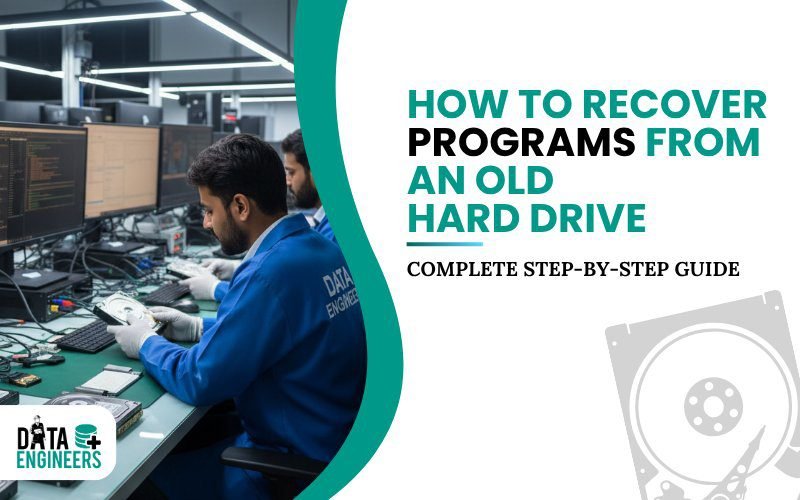
How to Recover Programs from an Old Hard Drive in 2026 A Complete, Safe, Step-by-Step Guide

Old hard drives often hold valuable programs, tools and applications that took years to collect and configure. Many people believe that once a hard drive is old, formatted or no longer in use, the programs stored on it are lost forever.

Table of Contents

Toggle
  • Can Programs Be Recovered from an Old Hard Drive?
  • Step 1: Identify the Type of Old Hard Drive
    • External USB Hard Drive
    • Laptop Hard Drive (2.5-inch SATA or IDE)
    • Desktop Hard Drive (3.5-inch SATA or IDE)
  • Step 2: Understand the Condition of the Programs
    • Deleted Programs
    • Formatted Hard Drives
    • Overwritten Programs
  • Step 3: Safe Process to Recover Programs
    • Step 3.1: Connect the Drive Safely
    • Step 3.2: Locate Program Folders
    • Step 3.3: Copy Program Files
    • Step 3.4: Verify and Reinstall
  • Step 4: Avoid Overwriting at All Costs
  • Step 5: Backup Recovered Programs Properly
  • Step 6: Special Recovery Scenarios
    • Programs with Online Activation
    • Legacy Software and Old Games
    • Partially Corrupted Programs
  • When Professional Help Is Required
  • Final Thoughts
  • FAQs
    • Worldwide Leader in Data Recovery
    • Professional Expertise with Long Term Experience
  • DATA ENGINEERS

recover programs old hard drive formatted deleted software tools apps data recovery guide windows mac forensic tools india www.dataengineers.in

That is not always true.

In 2026, programs can often be recovered from old hard drives, even if they were deleted or the drive was formatted. Recovery depends on how the drive was handled and whether the data was overwritten.

This guide explains what is possible, what is not and how to safely recover programs without damaging the drive further.

Can Programs Be Recovered from an Old Hard Drive?

Yes, in many cases. Programs are made up of files stored on the hard drive. When a program is deleted or a drive is formatted, the files are often still present until new data replaces them.

Recovery is usually possible if:

  • The program files were deleted but not overwritten
  • The drive was formatted but not reused heavily
  • The hard drive is readable and not severely damaged

Recovery becomes difficult or impossible only when the original program data has been overwritten.

Step 1: Identify the Type of Old Hard Drive

Before attempting recovery, identify the drive type. This determines how you connect and handle it.
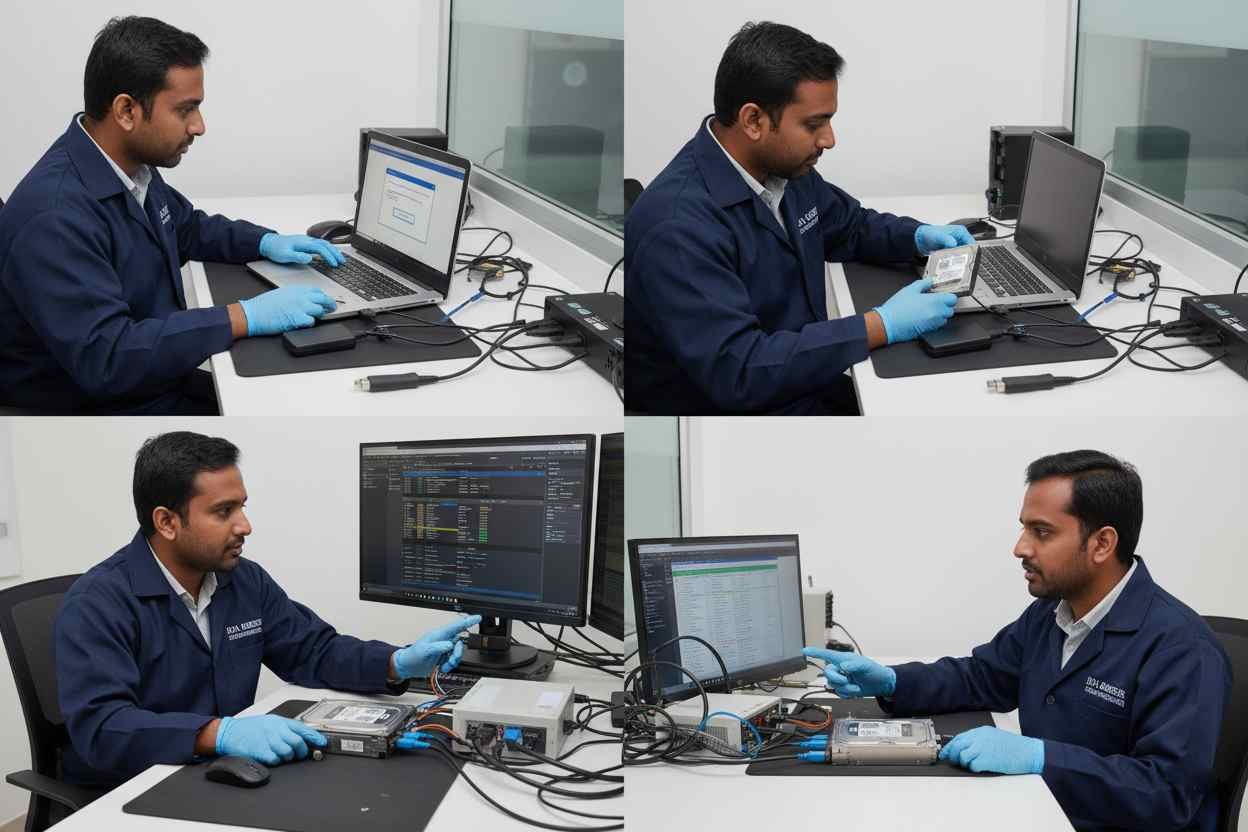
recover old hard drive programs external usb laptop desktop sata ide data recovery restore deleted formatted software tools forensic india www.dataengineers.in

External USB Hard Drive

External drives are usually easy to work with.

  • Connect it to a computer using USB
  • If the system asks to format the drive, do not proceed
  • Programs may still be intact if the drive was not reused

Laptop Hard Drive (2.5-inch SATA or IDE)

Laptop drives need careful handling.

  • Remove the drive from the laptop
  • Use a USB-to-SATA or IDE adapter or an external enclosure
  • Connect it as a secondary drive, not as a boot drive

Desktop Hard Drive (3.5-inch SATA or IDE)

Desktop drives need external power.

  • Use a powered USB adapter or enclosure
  • Connect the drive externally
  • Avoid copying new files to the drive

Important: Any writing to the drive can overwrite recoverable programs.

Step 2: Understand the Condition of the Programs

Recovery success depends on what happened to the programs.
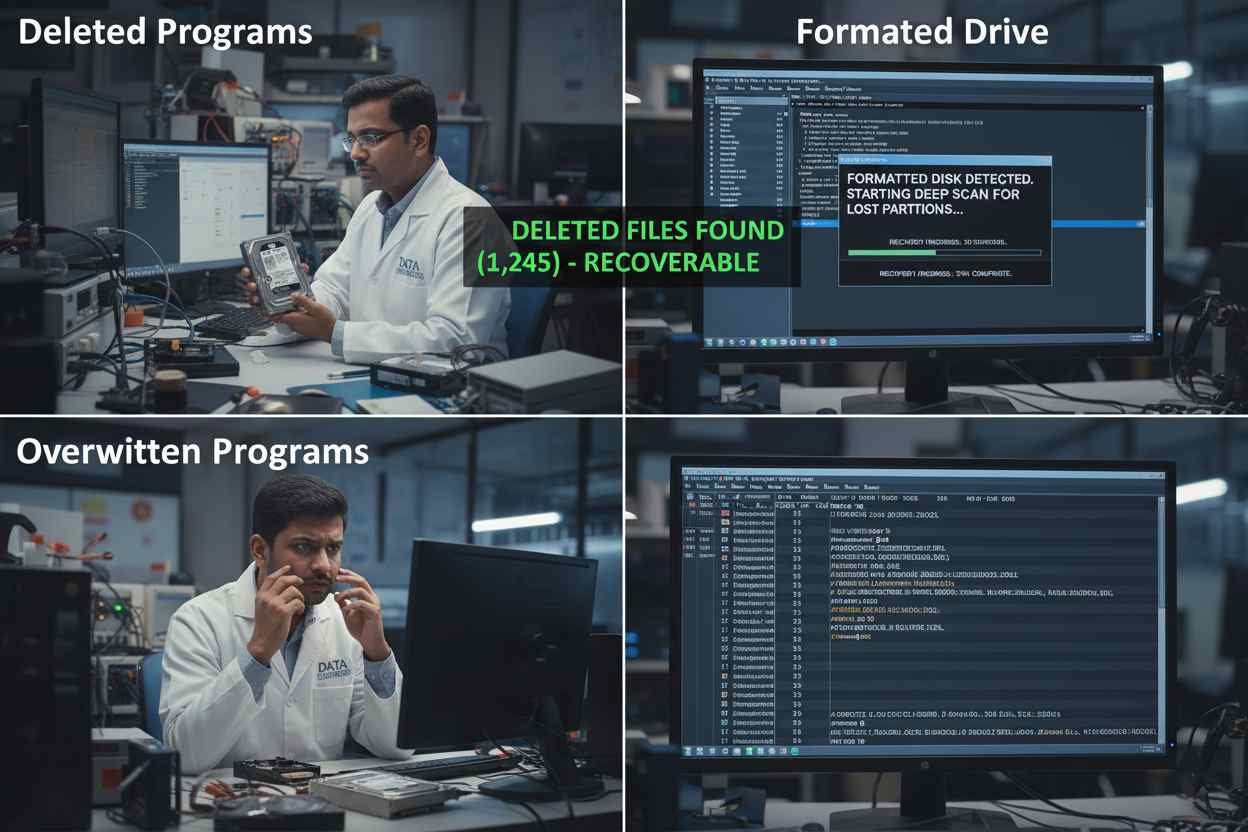
understand program recovery 2025 deleted formatted overwritten files software restore old hard drive data recovery tools windows mac forensic india www.dataengineers.in

Deleted Programs

When programs are deleted:

  • The system removes references, not always the files
  • Program folders may still exist on disk
  • Recovery chances are high if nothing overwrote them

Formatted Hard Drives

Formatting removes file structure, not always data.

  • Program files may still be present in disk sectors
  • Recovery is possible if the drive was not reused
  • The more the drive was used after formatting, the lower the chances

Overwritten Programs

Overwriting is the biggest risk.

  • New data replaces old program files
  • Fully overwritten programs cannot be restored
  • Partial recovery may result in broken or unusable software

A simple way to understand this:
Deleting removes the address. Formatting removes the map. Overwriting destroys the house.

Step 3: Safe Process to Recover Programs

Follow these steps carefully to avoid permanent loss.

safe steps recover programs old hard drive usb sata ide windows mac linux program files reinstall restore software data recovery tools india www.dataengineers.in

Step 3.1: Connect the Drive Safely

  • Use USB adapters or enclosures
  • Never boot from the old drive
  • Do not allow the system to repair or format it

Step 3.2: Locate Program Folders

Check common installation locations:

  • Windows:
    C:\Program Files
    C:\Program Files (x86)
  • macOS:
    /Applications
  • Linux:
    /usr/bin
    /opt
    Home directories

Look for folders with recognizable program names.

Step 3.3: Copy Program Files

  • Copy recovered folders to a different drive
  • Never save recovered files back to the old drive
  • Also copy configuration files if available

Step 3.4: Verify and Reinstall

Most programs depend on system components.

  • Many recovered programs need reinstallation
  • Some portable programs may run directly
  • Old licenses or activation files may be required

Step 4: Avoid Overwriting at All Costs

Overwriting is permanent.

avoid overwriting programs old hard drive data recovery restore deleted software corrupted files lost applications forensic tools india www.dataengineers.in

  • Do not install new software on the old drive
  • Do not use the drive for storage before recovery
  • Do not allow automatic system repairs

Once overwritten, no method anywhere can fully recover the original program.

Step 5: Backup Recovered Programs Properly

After recovery:

  • Store files on a separate external drive
  • Keep copies of license keys and configuration files
  • Maintain at least one additional backup
  • Do not reuse the old drive immediately

Recovered programs are often irreplaceable. Treat them carefully.

Step 6: Special Recovery Scenarios
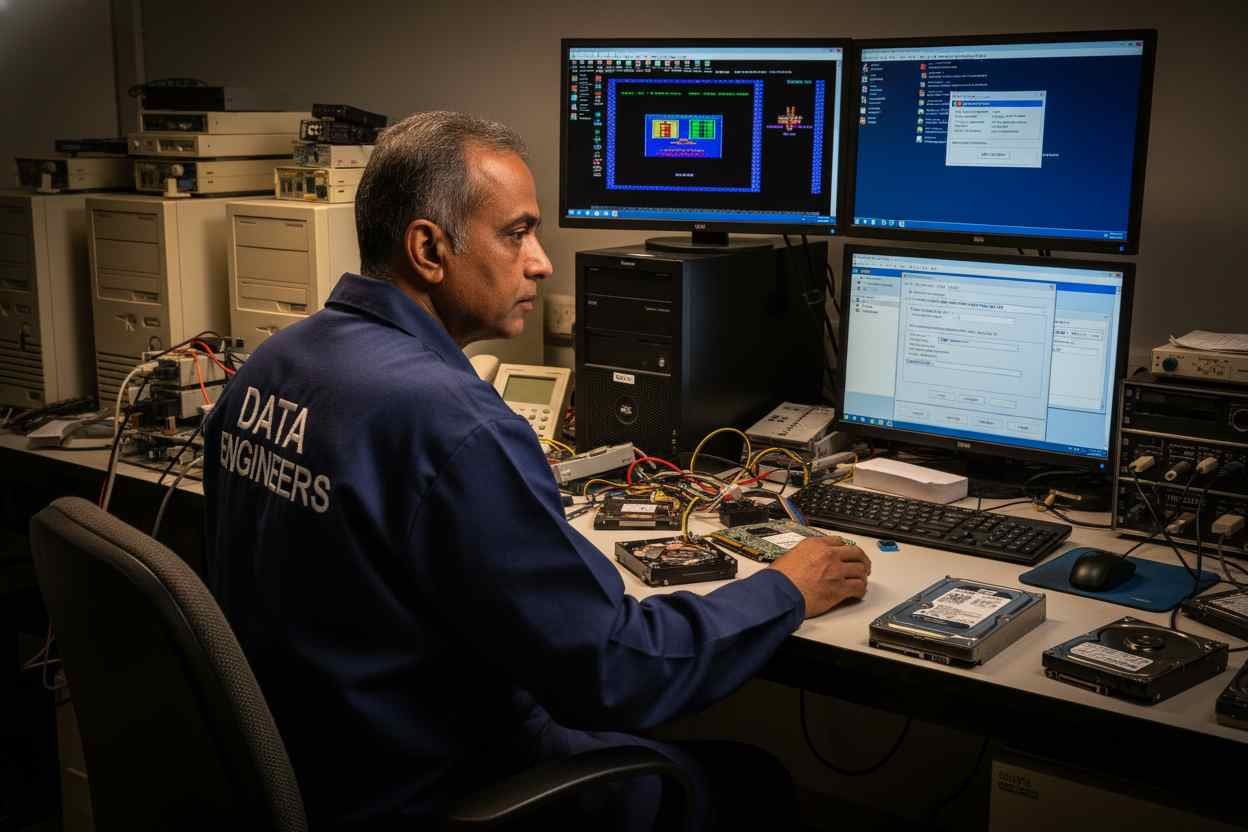
special cases program recovery old hard drive online license activation legacy software old games corrupted files virtual machine emulator data recovery india www.dataengineers.in

Programs with Online Activation

Some programs require reactivation.
You may need original login details or license keys.

Legacy Software and Old Games

Older programs may not work on modern systems.
Virtual machines or emulators may help.

Partially Corrupted Programs

Even if software does not run, important data inside it may still be recoverable.

When Professional Help Is Required

If:

  • The drive is not detected
  • The drive makes unusual sounds
  • The data is critical
  • The drive suffered physical damage

Professional recovery is the safest option.

Data Engineers specializes in logical and physical hard drive recovery, including advanced forensic cases. Professional handling prevents permanent data loss.

Final Thoughts

Recovering programs from an old hard drive in 2026 is often possible, but only if handled correctly.

Key points to remember:

  • Do not format or write to the drive
  • Connect it safely as an external device
  • Recover first, then reinstall if needed
  • Back up recovered data immediately

The biggest mistake is rushing. Careful handling gives the highest chance of success.

FAQs

Can programs be recovered from a formatted hard drive?
Yes, if the data has not been overwritten.

What if the drive asks to format when connected?
Do not format. This can reduce recovery chances.

Can overwritten programs be recovered?
In most cases, no. Overwritten data is considered permanently lost.

Will recovered programs run without reinstalling?
Some portable programs may run, but most require reinstallation.

worldwide leader data engineers

Worldwide Leader in Data Recovery
Professional Expertise with Long Term Experience

Professional Expertise with Long Term Experience

Data Recovery Professionals

DATA ENGINEERS

704, 7th Floor, Meghdoot Building-94, Nehru Place, New Delhi, India
011-26426316 | +91-9910132719 | +91-9818567981
support@dataengineers.in
Call us for a free advice.

Specialists at retrieving data from all types of hard drive and phone storage media, today Data Engineers has grown into the India’s largest and most technically capable data recovery company.

Get Free Quote
Tags:
Deleted Program RecoveryHard Disk RecoveryLost Program Recovery TipsOld Desktop Software RecoveryOld Hard Drive RecoveryOverwritten Program Recovery
Prev PostStep-by-Step Guide to Recover Password-Protected Email & Messaging Databases (PST, OST, DBX, EML, MSG, Thunderbird, The Bat!)
Next PostIs It Possible to Recover Files from an Old Hard Drive in 2026? A Complete Data Recovery Guide

Leave a Comment Cancel Comment

Your email address will not be published. Required fields are marked *

Recent Posts

  • Data Recovery Kahan Karwaye? Delhi, Nehru Place & India Mein Right Recovery Center Kaise Choose Karein
  • Laptop Not Turning On? Don’t Panic! Causes, Fixes & Data Recovery Explained
  • Hard Drive Short DST Check Failed: Causes, Fixes & Hard Drive Recovery Guide
  • How to Retrieve Deleted Text Messages on Android & iPhone (2026 Complete Guide)
  • No Boot Device Found Error: Causes, Fixes & Data Recovery Solutions

Recent Comments

No comments to show.

Popular Posts

data-recovery-kahan-karwaye-delhi-nehru-place-india-right-recovery-center-hard-drive-ssd-recovery-data-recovery-monitoring-dataengineers-data-recovery-center-www.dataengineers.in
10 August, 2026 / Blog
Data Recovery Kahan Karwaye? Delhi, Nehru Place & India Mein Right
Laptop Not Turning On Don’t Panic! Causes, Fixes & Data Recovery Explained www.dataengineers.in
27 July, 2026 / Blog
Laptop Not Turning On? Don’t Panic! Causes, Fixes & Data Rec
Hard Drive Short DST Check Failed Causes, Fixes & Hard Drive Recovery Guide www.dataengineers.in
27 July, 2026 / Blog
Hard Drive Short DST Check Failed: Causes, Fixes & Hard Drive Reco

Tags

Cryptocurrency Password Recovery damaged phone recovery Data Recovery Data Recovery Cost Data Recovery Near ME data recovery services Data recovery software Data Recovery Solutions Data Recovery Tips Deleted File Recovery Deleted Files Recovery Digital Forensics donor matching guide Drone Forensics Emergency Data Recovery Ethereum Keystore Password Recovery External Hard Drive Recovery hard disk data recovery Hard Disk Recovery Hard Drive Data Recovery hard drive data recovery tips Hard Drive Failure Hard Drive Not Detected hard drive PCB repair Hard Drive Recovery Hard Drive Recovery Near Me Hard Drive Repair HDD data recovery HDD Recovery iphone data recovery iPhone Passcode Bypass Laptop Data Recovery memory card data recovery Mobile Forensics Password Unlock phone data recovery RAID server recovery Recover Deleted Data SATA To USB Adapter Server Data Recovery smartphone password recovery SSD data recovery SSD Not Detected VeraCrypt recovery •

Categories

  • Blog

With Data Engineers, you can be assured of a seamless experience for data recovery services that are quick, easy and confidential with top-quality results.

    Our Services

    • Hard Disk Data Recovery
    • Mobile & Tablet Data Recovery
    • SSD Data Recovery
    • Pen Drive & Memory Card Data Recovery
    • CCTV Footage Data Recovery
    • NAS / SAN Data Recovery
    • Server Data Recovery

    Forensics Services

    • Damage Drone Forensics
    • Damaged RAID Forensics
    • Smartphone Forensics
    • Deepfake Forensics Investigation
    • CCTV Forensics Data Recovery
    • Malware Forensics Investigation
    • Cryptocurrency Forensics Investigation

    Useful Links

    • Home
    • Services
    • Training
    • FAQ
    • About Us
    • Contact Us
    • Privacy Policy
    • Terms & Conditions

    Locations: Mumbai | Delhi | Bengaluru | Chennai | Kolkata | Hyderabad | Pune | Ahmedabad | Surat | Jaipur | Lucknow | Kanpur | Nagpur | Indore | Thane | Coimbatore | Visakhapatnam | Bhopal | Patna | Vadodara | Ludhiana | Agra | Nashik | Madurai | Chandigarh |

    support@dataengineers.in Drop Us a Line
    +91-981-856-7981 Call Us Now
    704, Meghdoot Building-94, Nehru Place, New Delhi, India Get Direction
    Copyright 2026 Data Engineers, All rights reserved.
    Manage Consent
    To provide the best experiences, we use technologies like cookies to store and/or access device information. Consenting to these technologies will allow us to process data such as browsing behavior or unique IDs on this site. Not consenting or withdrawing consent, may adversely affect certain features and functions.
    Functional Always active
    The technical storage or access is strictly necessary for the legitimate purpose of enabling the use of a specific service explicitly requested by the subscriber or user, or for the sole purpose of carrying out the transmission of a communication over an electronic communications network.
    Preferences
    The technical storage or access is necessary for the legitimate purpose of storing preferences that are not requested by the subscriber or user.
    Statistics
    The technical storage or access that is used exclusively for statistical purposes. The technical storage or access that is used exclusively for anonymous statistical purposes. Without a subpoena, voluntary compliance on the part of your Internet Service Provider, or additional records from a third party, information stored or retrieved for this purpose alone cannot usually be used to identify you.
    Marketing
    The technical storage or access is required to create user profiles to send advertising, or to track the user on a website or across several websites for similar marketing purposes.
    • Manage options
    • Manage services
    • Manage {vendor_count} vendors
    • Read more about these purposes
    View preferences
    • {title}
    • {title}
    • {title}