• +91-981-856-7981
  • support@dataengineers.in
  • Mon – Sat: 11:00am – 7:00pm
Data Engineers Data Engineers
Call Us
  • Home
  • Services
    • Hard Disk Data Recovery
    • Mobile & Tablet Data Recovery
    • SSD Data Recovery
    • Pen Drive & Memory Card Data Recovery
    • CCTV Footage Data Recovery
    • NAS / SAN Data Recovery
    • Corrupted Files Data Recovery
    • Ransomware Virus Data recovery
    • Server Data Recovery
  • Forensics
    • Drone Forensics
    • RAID Forensics
    • Smartphone Forensics
    • Cryptocurrency Forensics
    • Malware Forensics
    • CCTV Video Footage Forensics
    • Deepfake Forensics
  • Training
  • About Us
  • Blog
  • Contact Us
Recover Files From an Old Hard Drive
  • 19 January, 2026
  • Data Engineers
  • 0 Comments
  • Blog

Is It Possible to Recover Files from an Old Hard Drive in 2026? A Complete Data Recovery Guide

Finding an old hard drive can bring back hope. It may contain lost photos, videos, documents, work files or personal data you thought were gone forever.

Table of Contents

Toggle
  • Can Files Be Recovered from an Old Hard Drive?
  • Step 1: Identify the Type of Old Hard Drive
    • External USB Hard Drive
    • Laptop Hard Drive (2.5-inch SATA or IDE)
    • Desktop Hard Drive (3.5-inch SATA or IDE)
  • Step 2: Check the Drive’s Condition
    • Logical vs Physical Damage
  • Step 3: Recovering Deleted or Formatted Files
  • Step 4: When Professional Data Recovery Is Required
  • Step 5: Back Up Recovered Files Immediately
  • Extra Tips to Improve Recovery Success
  • Final Thoughts
  • Frequently Asked Questions
    • Worldwide Leader in Data Recovery
    • Professional Expertise with Long Term Experience
  • DATA ENGINEERS

The good news is simple: yes, files can often be recovered from old hard drives, even if they were deleted, the drive was formatted or the system is asking to format it.

old-hard-drive-data-recovery-2025-lost-files-usb-external-hdd-sata-ide-recover-deleted-formatted-photos-documents-forensic-tools-india-guide-www.dataengineers.in

In 2026, professional data recovery techniques make it possible to retrieve data from external hard drives, laptop drives and desktop hard disks—provided the drive is handled correctly.

This guide explains how file recovery works, what affects success and how to avoid permanent data loss.

Can Files Be Recovered from an Old Hard Drive?

In many cases, yes.

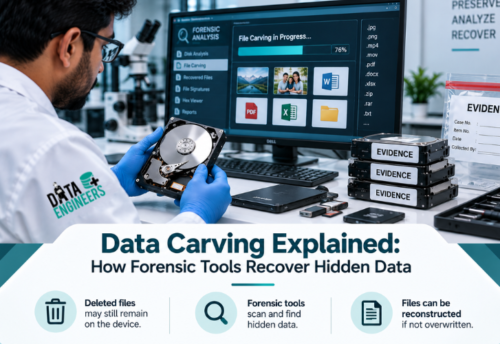
When files are deleted or a drive is formatted, the data is usually not erased immediately. The system only removes the reference to the files. The actual data often remains until new information overwrites it.

File recovery is possible if:

  • Files were deleted accidentally
  • The drive was formatted but not reused heavily
  • The drive is readable and not severely damaged

Recovery becomes difficult only when data has been overwritten or the drive has serious mechanical damage.

Step 1: Identify the Type of Old Hard Drive

Different hard drives require different handling methods.

hard drive type guide 2025 external usb laptop 2 5 sata ide desktop 3 5 data recovery deleted formatted files forensic tools india www.dataengineers.in

External USB Hard Drive

External drives are the easiest to work with.

  • Connect the drive via USB
  • If the system asks to format it, do not proceed
  • Deleted or formatted files are often still recoverable

Laptop Hard Drive (2.5-inch SATA or IDE)

Laptop drives must be removed carefully.

  • Remove the drive from the laptop
  • Use a USB-to-SATA or USB-to-IDE adapter or enclosure
  • Connect it as an external device

Even if the system shows the drive as inaccessible, data may still be intact.

Desktop Hard Drive (3.5-inch SATA or IDE)

Desktop drives need external power.

  • Use a powered adapter or enclosure
  • Avoid repeated connection attempts
  • Do not initialize or format the drive

Step 2: Check the Drive’s Condition

Once connected, observe how the drive behaves.

check drive health 2025 logical physical damage data recovery deleted formatted corrupted files hard disk repair forensic tools india www.dataengineers.in

  • Spinning normally: The drive is receiving power
  • Detected but inaccessible: Likely logical damage
  • Clicking, grinding or not spinning: Possible physical damage

Logical vs Physical Damage

  • Logical damage includes deleted files, formatting, partition loss or file system corruption. Recovery chances are high.
  • Physical damage includes head failure, platter damage or electronic faults. Professional recovery is required.

Avoid repeated attempts if the drive makes unusual sounds.

Step 3: Recovering Deleted or Formatted Files

Files can often be recovered even if:

  • They were deleted
  • The drive was formatted
  • The system is asking to format the drive

Professional recovery methods scan the drive at a low level and locate files that are no longer visible to the operating system. This process does not require formatting the drive.

Important rule: Always recover files to a different storage device. Writing data back to the same drive can overwrite recoverable files.

Step 4: When Professional Data Recovery Is Required

Professional help is strongly recommended if the drive:

professional data recovery hard drive mechanical issues clicking grinding not spinning damaged platters logical physical files forensic tools india www.dataengineers.in

  • Does not spin
  • Makes clicking or grinding sounds
  • Overheats quickly
  • Is not detected at all
  • Contains critical or irreplaceable data

Physical recovery requires specialized tools and controlled environments to avoid permanent data loss.

Data Engineers provides professional hard drive recovery services for both logical and physical failures, including advanced forensic cases.

Step 5: Back Up Recovered Files Immediately

After successful recovery:

  • Create at least two backups
  • Use external drives or secure cloud storage
  • Organize recovered data clearly
  • Avoid reusing the old drive immediately

Backup is the only real protection against future data loss.

Extra Tips to Improve Recovery Success
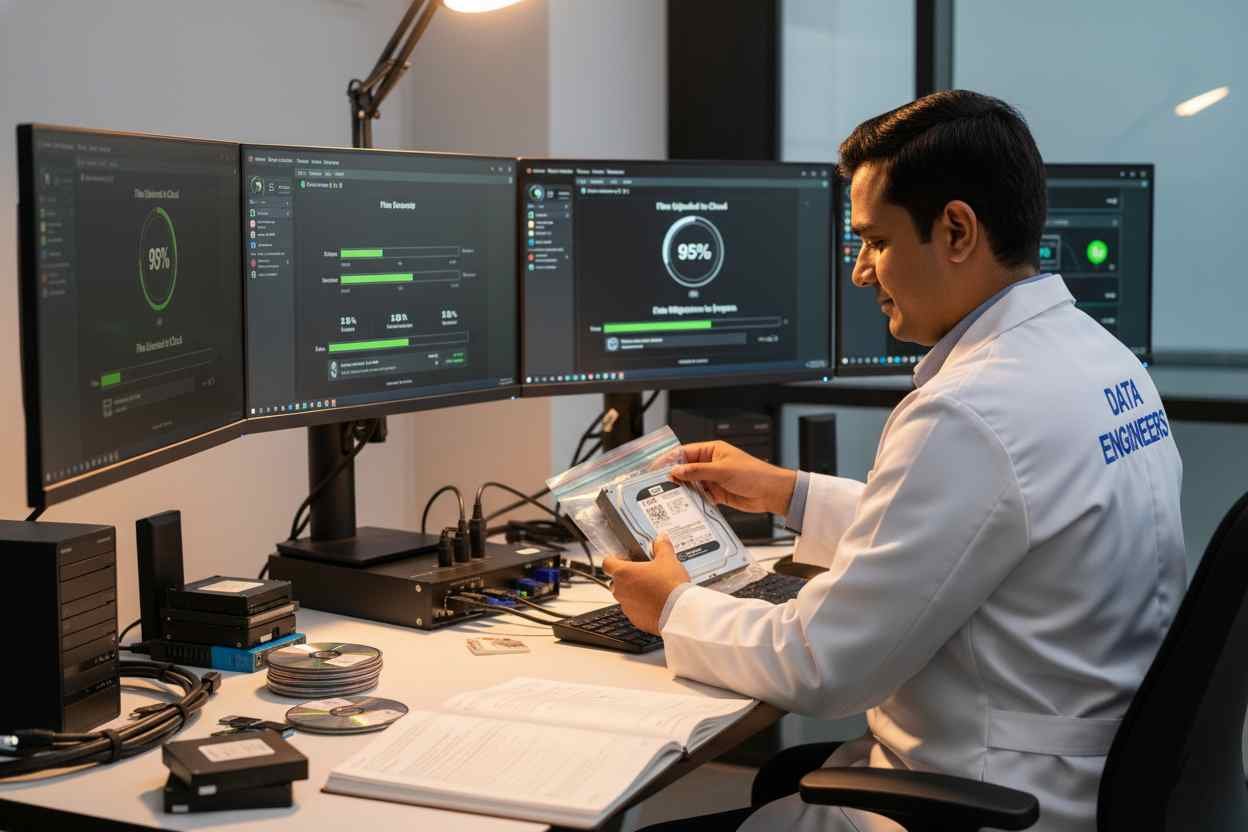
data recovery tips old hard drives handle safely correct adapter enclosure avoid formatting lost files forensic tools india www.dataengineers.in

  • Handle old drives carefully
  • Avoid drops, moisture or heat
  • Use the correct adapter or enclosure
  • Never format the drive before recovery
  • Avoid writing any new data to the drive
  • Stop immediately if unusual noises appear

Small mistakes can permanently destroy recoverable data.

Final Thoughts

Even if your old hard drive:

  • Was formatted
  • Shows deleted files
  • Appears inaccessible
  • Asks to be formatted

…your data is often still recoverable.

The keys to success are simple:

  1. Connect the drive safely
  2. Avoid overwriting data
  3. Recover files before reuse
  4. Seek professional help for physical damage

Old hard drives often hold irreplaceable memories and important information. Careful handling gives you the best chance of getting them back.

Frequently Asked Questions

Can files be recovered after formatting a hard drive?
Yes. Formatting removes the file system, not the data itself, unless overwritten.

What if my computer asks to format the drive?
Do not format it. This usually indicates file system damage, not data loss.

Can deleted files from an old laptop hard drive be restored?
Yes. Deleted files often remain recoverable until overwritten.

Can recovery work on both external and internal hard drives?
Yes. External, laptop and desktop hard drives are all recoverable using proper methods.

worldwide leader data engineers

Worldwide Leader in Data Recovery
Professional Expertise with Long Term Experience

Professional Expertise with Long Term Experience

Data Recovery Professionals

DATA ENGINEERS

704, 7th Floor, Meghdoot Building-94, Nehru Place, New Delhi, India
011-26426316 | +91-9910132719 | +91-9818567981
support@dataengineers.in
Call us for a free advice.

Specialists at retrieving data from all types of hard drive and phone storage media, today Data Engineers has grown into the India’s largest and most technically capable data recovery company.

Get Free Quote
Tags:
Deleted File RecoveryFormatted Hard Drive RecoveryHard Drive Asking To FormatLaptop Hard Drive RecoveryRecover Lost Photos From Old Drive
Prev PostHow to Recover Programs from an Old Hard Drive in 2026 A Complete, Safe, Step-by-Step Guide
Next PostBest Data Recovery Service 2026: Safely Fix Physically and Mechanically Damaged Hard Drives with DATA ENGINEERS

Leave a Comment Cancel Comment

Your email address will not be published. Required fields are marked *

Recent Posts

  • Data Recovery Kahan Karwaye? Delhi, Nehru Place & India Mein Right Recovery Center Kaise Choose Karein
  • Laptop Not Turning On? Don’t Panic! Causes, Fixes & Data Recovery Explained
  • Hard Drive Short DST Check Failed: Causes, Fixes & Hard Drive Recovery Guide
  • How to Retrieve Deleted Text Messages on Android & iPhone (2026 Complete Guide)
  • No Boot Device Found Error: Causes, Fixes & Data Recovery Solutions

Recent Comments

No comments to show.

Popular Posts

data-recovery-kahan-karwaye-delhi-nehru-place-india-right-recovery-center-hard-drive-ssd-recovery-data-recovery-monitoring-dataengineers-data-recovery-center-www.dataengineers.in
10 August, 2026 / Blog
Data Recovery Kahan Karwaye? Delhi, Nehru Place & India Mein Right
Laptop Not Turning On Don’t Panic! Causes, Fixes & Data Recovery Explained www.dataengineers.in
27 July, 2026 / Blog
Laptop Not Turning On? Don’t Panic! Causes, Fixes & Data Rec
Hard Drive Short DST Check Failed Causes, Fixes & Hard Drive Recovery Guide www.dataengineers.in
27 July, 2026 / Blog
Hard Drive Short DST Check Failed: Causes, Fixes & Hard Drive Reco

Tags

Cryptocurrency Password Recovery damaged phone recovery Data Recovery Data Recovery Cost Data Recovery Near ME data recovery services Data recovery software Data Recovery Solutions Data Recovery Tips Deleted File Recovery Deleted Files Recovery Digital Forensics donor matching guide Drone Forensics Emergency Data Recovery Ethereum Keystore Password Recovery External Hard Drive Recovery hard disk data recovery Hard Disk Recovery Hard Drive Data Recovery hard drive data recovery tips Hard Drive Failure Hard Drive Not Detected hard drive PCB repair Hard Drive Recovery Hard Drive Recovery Near Me Hard Drive Repair HDD data recovery HDD Recovery iphone data recovery iPhone Passcode Bypass Laptop Data Recovery memory card data recovery Mobile Forensics Password Unlock phone data recovery RAID server recovery Recover Deleted Data SATA To USB Adapter Server Data Recovery smartphone password recovery SSD data recovery SSD Not Detected VeraCrypt recovery •

Categories

  • Blog

With Data Engineers, you can be assured of a seamless experience for data recovery services that are quick, easy and confidential with top-quality results.

    Our Services

    • Hard Disk Data Recovery
    • Mobile & Tablet Data Recovery
    • SSD Data Recovery
    • Pen Drive & Memory Card Data Recovery
    • CCTV Footage Data Recovery
    • NAS / SAN Data Recovery
    • Server Data Recovery

    Forensics Services

    • Damage Drone Forensics
    • Damaged RAID Forensics
    • Smartphone Forensics
    • Deepfake Forensics Investigation
    • CCTV Forensics Data Recovery
    • Malware Forensics Investigation
    • Cryptocurrency Forensics Investigation

    Useful Links

    • Home
    • Services
    • Training
    • FAQ
    • About Us
    • Contact Us
    • Privacy Policy
    • Terms & Conditions

    Locations: Mumbai | Delhi | Bengaluru | Chennai | Kolkata | Hyderabad | Pune | Ahmedabad | Surat | Jaipur | Lucknow | Kanpur | Nagpur | Indore | Thane | Coimbatore | Visakhapatnam | Bhopal | Patna | Vadodara | Ludhiana | Agra | Nashik | Madurai | Chandigarh |

    support@dataengineers.in Drop Us a Line
    +91-981-856-7981 Call Us Now
    704, Meghdoot Building-94, Nehru Place, New Delhi, India Get Direction
    Copyright 2026 Data Engineers, All rights reserved.
    Manage Consent
    To provide the best experiences, we use technologies like cookies to store and/or access device information. Consenting to these technologies will allow us to process data such as browsing behavior or unique IDs on this site. Not consenting or withdrawing consent, may adversely affect certain features and functions.
    Functional Always active
    The technical storage or access is strictly necessary for the legitimate purpose of enabling the use of a specific service explicitly requested by the subscriber or user, or for the sole purpose of carrying out the transmission of a communication over an electronic communications network.
    Preferences
    The technical storage or access is necessary for the legitimate purpose of storing preferences that are not requested by the subscriber or user.
    Statistics
    The technical storage or access that is used exclusively for statistical purposes. The technical storage or access that is used exclusively for anonymous statistical purposes. Without a subpoena, voluntary compliance on the part of your Internet Service Provider, or additional records from a third party, information stored or retrieved for this purpose alone cannot usually be used to identify you.
    Marketing
    The technical storage or access is required to create user profiles to send advertising, or to track the user on a website or across several websites for similar marketing purposes.
    • Manage options
    • Manage services
    • Manage {vendor_count} vendors
    • Read more about these purposes
    View preferences
    • {title}
    • {title}
    • {title}