• +91-981-856-7981
  • support@dataengineers.in
  • Mon – Sat: 11:00am – 7:00pm
Data Engineers Data Engineers
Call Us
  • Home
  • Services
    • Hard Disk Data Recovery
    • Mobile & Tablet Data Recovery
    • SSD Data Recovery
    • Pen Drive & Memory Card Data Recovery
    • CCTV Footage Data Recovery
    • NAS / SAN Data Recovery
    • Corrupted Files Data Recovery
    • Ransomware Virus Data recovery
    • Server Data Recovery
  • Forensics
    • Drone Forensics
    • RAID Forensics
    • Smartphone Forensics
    • Cryptocurrency Forensics
    • Malware Forensics
    • CCTV Video Footage Forensics
    • Deepfake Forensics
  • Training
  • About Us
  • Blog
  • Contact Us
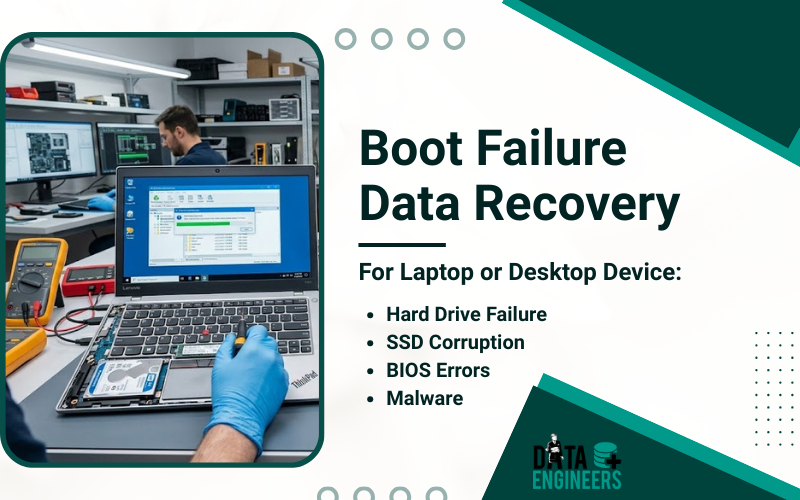
Boot Failure Data Recovery For Laptop or Desktop Device Hard Drive Failure SSD Corruption BIOS Errors Malware
  • 27 February, 2026
  • Data Engineers
  • 0 Comments
  • Blog

Boot Failure on Laptop or Desktop Device: How to Diagnose and Recover Your Data Safely

Boot failures on laptops or desktop computers can be a stressful experience. One moment your system is running fine and the next, it refuses to start, leaving you unable to access important files. Whether it’s caused by hard drive failure, SSD corruption, BIOS errors or malware, acting quickly is crucial to prevent permanent data loss.
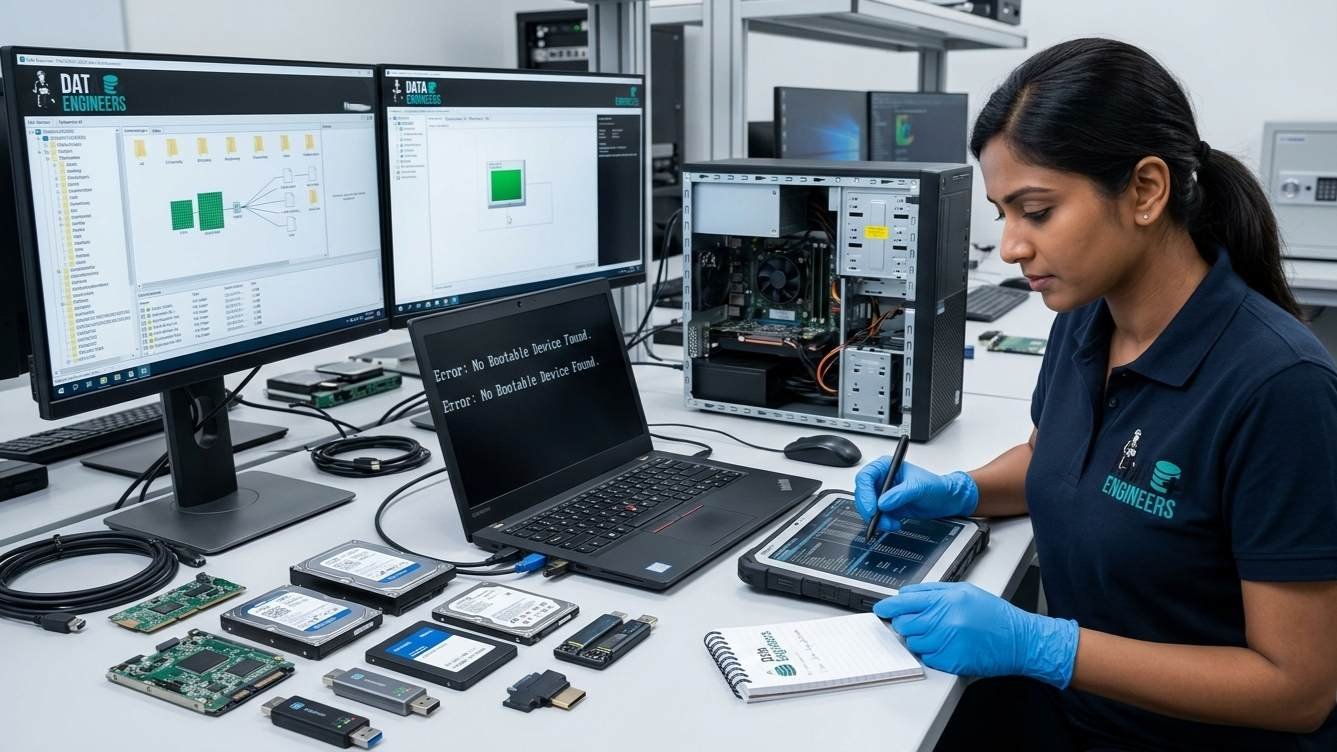
Table of Contents

Toggle
  • What is a Boot Failure?
  • Common Causes of Boot Failure
    • 1. Hard Drive or SSD Failure
    • 2. Operating System Corruption
    • 3. BIOS or Firmware Issues
    • 4. Loose or Damaged Internal Connections
    • 5. Power Supply or Motherboard Failures
  • Step-by-Step Diagnosis of Boot Failure
    • Step 1: Power Cycle the Device
    • Step 2: Check BIOS/UEFI Settings
    • Step 3: Run Built-in Diagnostics
    • Step 4: Test Hardware Connections
  • Professional Data Recovery Solutions
    • Contact Data Engineers:
  • Preventive Measures to Avoid Future Boot Failures
  • Conclusion
    • Worldwide Leader in Data Recovery
    • Professional Expertise with Long Term Experience
  • DATA ENGINEERS

data recovery boot failure laptop desktop hdd ssd servers external drives bios errors malware professional recovery services india www.dataengineers.in

At Data Engineers, we specialize in professional data recovery services for all devices, including HDDs, SSDs, laptops, desktops, servers and external drives. Even when your device seems dead or physically damaged, we ensure secure, fast and reliable recovery.

What is a Boot Failure?

A boot failure occurs when a laptop or desktop fails to load the operating system. Common symptoms include:

  • Black screen or error messages like “No Bootable Device Found”
  • System freezing during startup
  • Repeated automatic restarts
  • BIOS unable to detect the hard drive or SSD

Boot failures are often signs of underlying hardware or software problems and ignoring them can result in permanent data loss.

Common Causes of Boot Failure
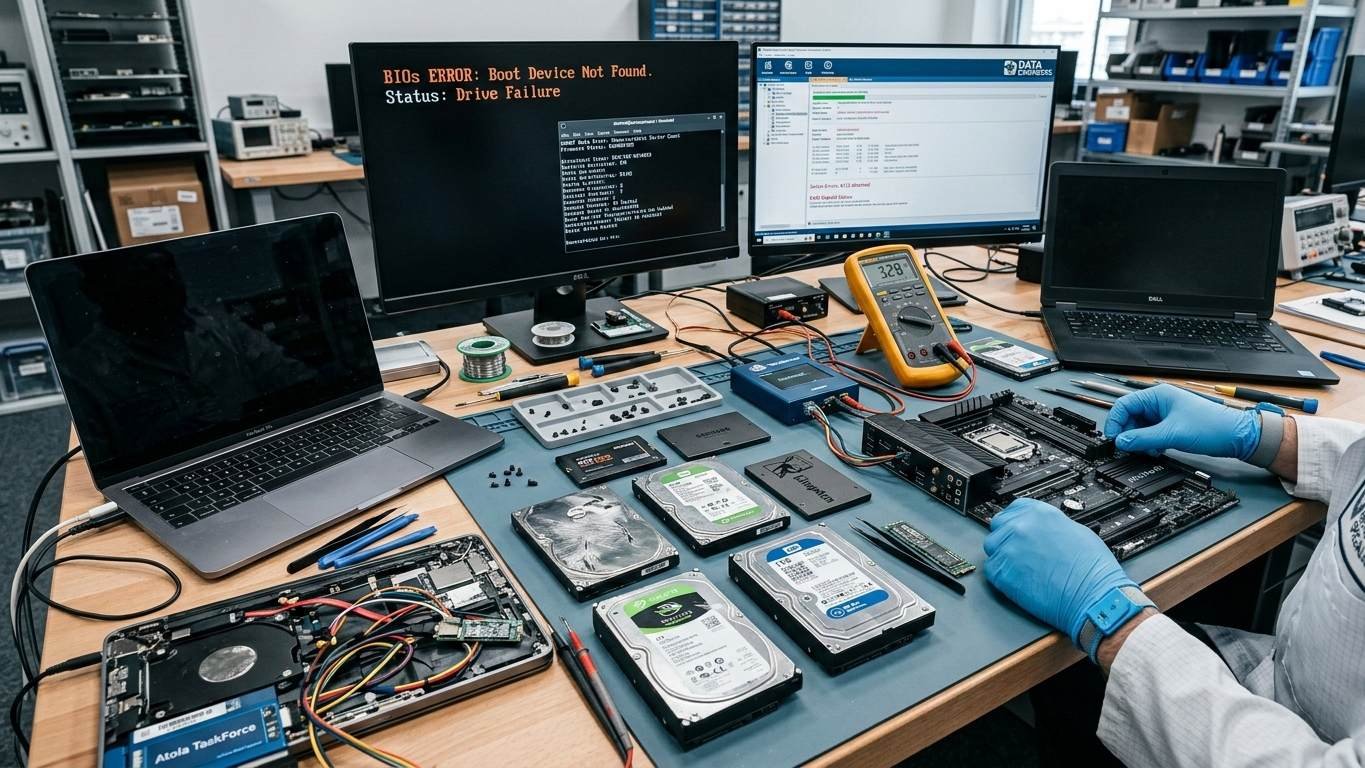
boot failure causes hard drive ssd os corruption bios firmware loose cables power supply motherboard data recovery laptop desktop servers professional services india www.dataengineers.in

1. Hard Drive or SSD Failure

Physical damage or logical corruption can prevent your device from booting. Common causes include:

  • Wear and tear
  • Bad sectors or firmware corruption
  • Accidental drops or physical damage

2. Operating System Corruption

Malware attacks, incomplete updates or file system corruption can make the OS unbootable.

3. BIOS or Firmware Issues

Incorrect BIOS settings, outdated firmware or disabled boot devices can block startup.

4. Loose or Damaged Internal Connections

Internal cables connecting the storage device may become loose or damaged.

5. Power Supply or Motherboard Failures

Issues with the power supply, motherboard or RAM can also prevent a system from booting.

View Our Services:
Hard Drive Data recovery
SSD Data Recovery

Step-by-Step Diagnosis of Boot Failure
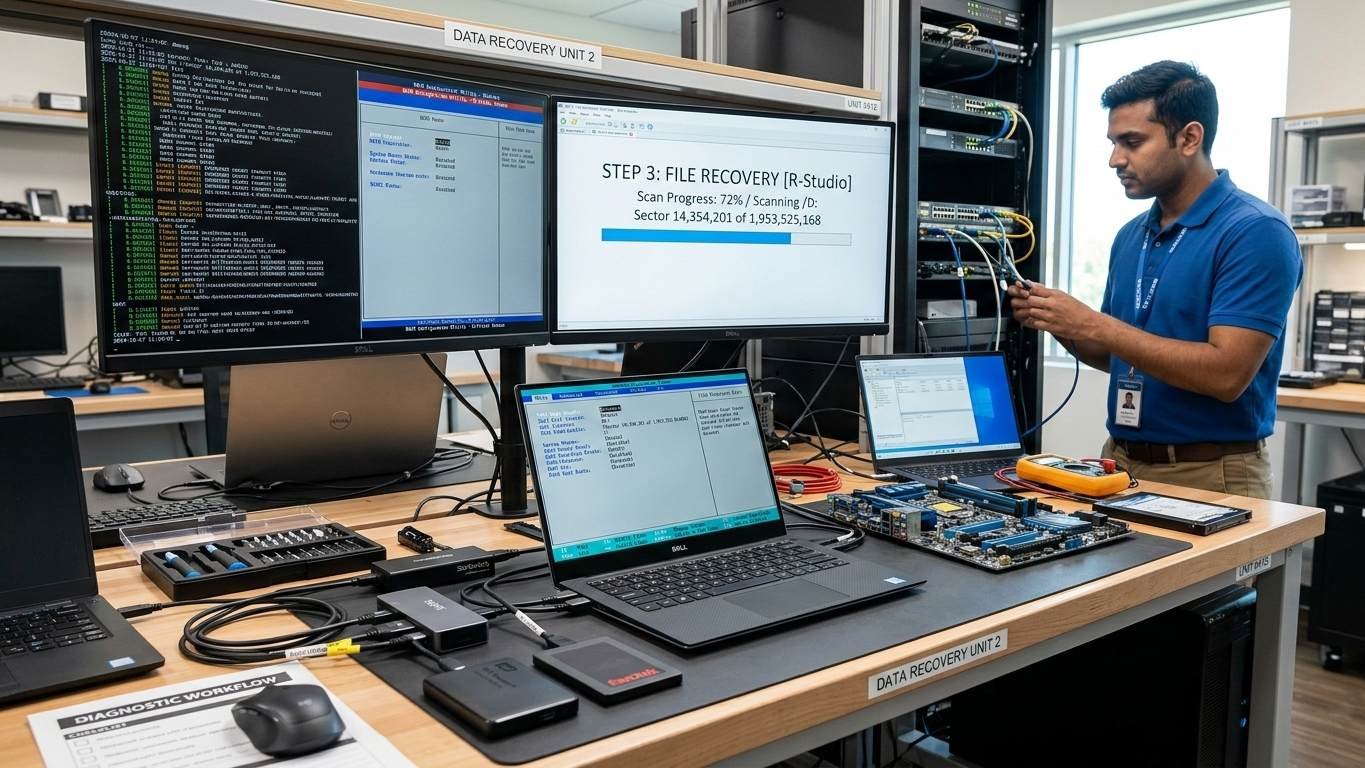
boot failure diagnosis step by step laptop desktop hdd ssd bios ueufi hardware connections drive errors professional data recovery india www.dataengineers.in

Step 1: Power Cycle the Device

  • Completely shut down the laptop or desktop
  • Remove battery (if applicable) and unplug the power source
  • Hold the power button for 20 seconds
  • Reconnect and restart

Step 2: Check BIOS/UEFI Settings

  • Enter BIOS (usually F2 or Del during startup)
  • Confirm the HDD or SSD is detected
  • Set the correct boot order prioritizing the OS drive

Step 3: Run Built-in Diagnostics

  • Use built-in diagnostics tools (e.g., Dell Support Assist, Lenovo diagnostics)
  • Check for drive errors, including short DST or long DST failures

Step 4: Test Hardware Connections

  • Ensure internal cables and drives are properly connected
  • If damaged or not detected, avoid DIY repairs—consult professionals

Professional Data Recovery Solutions
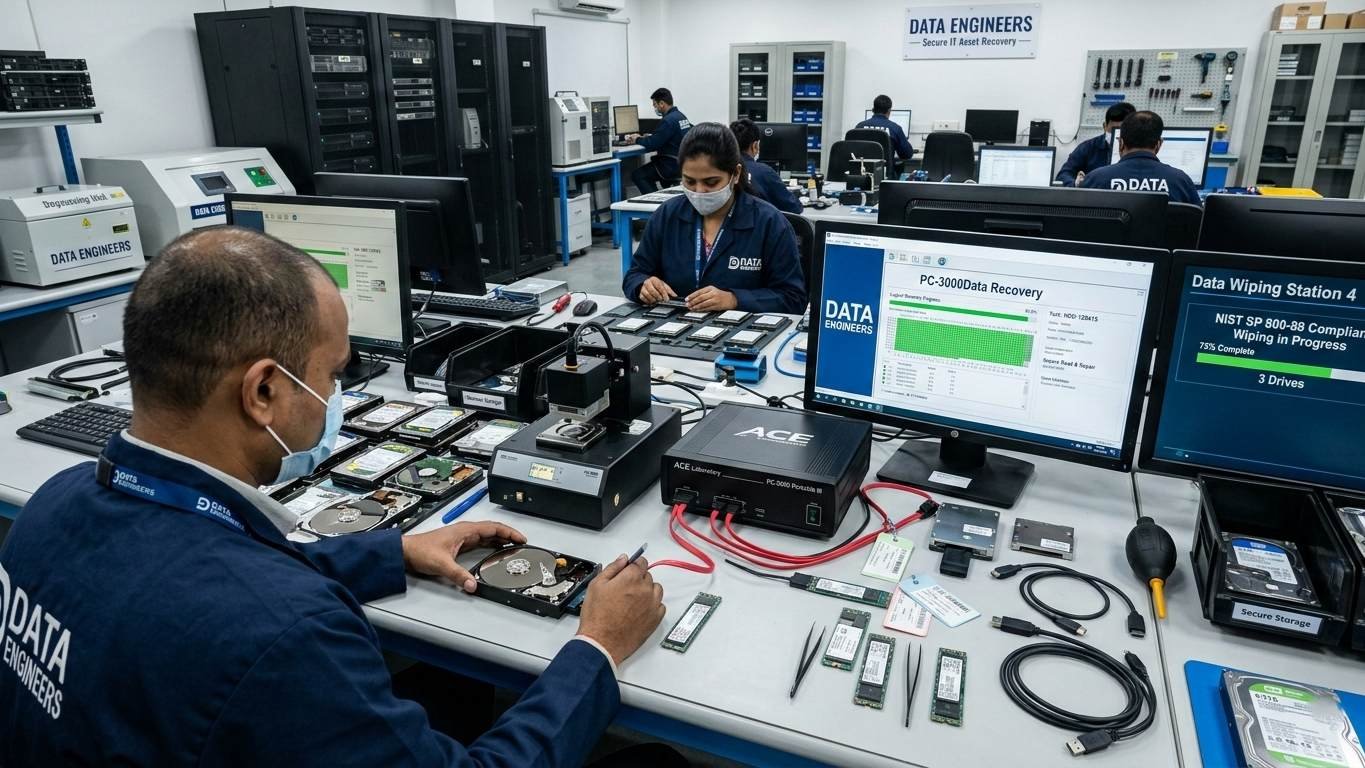
professional data recovery logical physical ssd nvme m2 sata hdd servers laptops external drives secure confidential emergency services india www.dataengineers.in

If diagnosis shows drive failure or severe corruption, professional intervention is necessary. Data Engineers provides:

  • Logical Recovery: Recovers files from OS or partition corruption
  • Physical Recovery: Handles damaged HDDs, SSDs and external drives
  • SSD Recovery: Firmware-level and chip-level recovery for NVMe, M.2, SATA SSDs
  • Server and Laptop Recovery: Supports all device types and sizes

Why choose Data Engineers:

  • Secure, confidential and professional recovery
  • High success rates even for physically damaged drives
  • Fast, reliable and emergency-ready services

Contact Data Engineers:

Call Now: +91-981-856-7981
Email: support@dataengineers.in
Website: www.dataengineers.in

Preventive Measures to Avoid Future Boot Failures
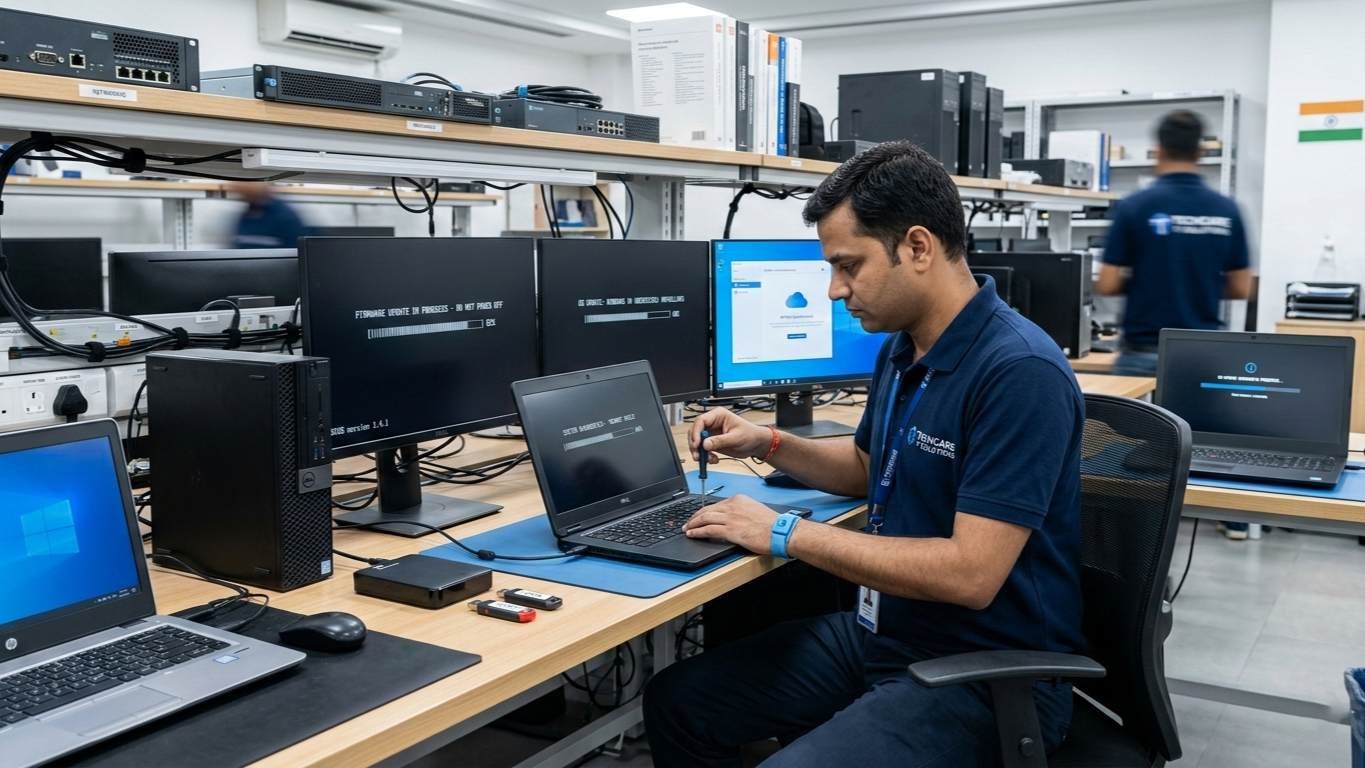
preventive measures boot failure laptop desktop hdd ssd servers regular backups diagnostics bios os updates device handling data recovery india www.dataengineers.in

  1. Regular Backups – Store critical files on cloud or external drives
  2. Run Diagnostics Frequently – Detect early hardware or firmware issues
  3. Keep BIOS and OS Updated – Avoid conflicts causing boot failure
  4. Handle Devices Carefully – Avoid drops, shocks and water damage

Conclusion

Boot failures on laptops or desktops are serious but manageable. Quick diagnosis and professional recovery are crucial to prevent permanent data loss. Data Engineers provides:

  • Reliable recovery from all device types
  • Logical and physical recovery expertise
  • Secure, confidential handling of your data

Don’t risk losing critical files—trust Data Engineers for professional, secure and fast data recovery.

worldwide leader data engineers

Worldwide Leader in Data Recovery
Professional Expertise with Long Term Experience

Professional Expertise with Long Term Experience

Data Recovery Professionals

DATA ENGINEERS

704, 7th Floor, Meghdoot Building-94, Nehru Place, New Delhi, India
011-26426316 | +91-9910132719 | +91-9818567981
support@dataengineers.in
Call us for a free advice.

Specialists at retrieving data from all types of hard drive and phone storage media, today Data Engineers has grown into the India’s largest and most technically capable data recovery company.

Get Free Quote
Tags:
Boot Failure Data RecoveryData Recovery SolutionsDesktop Data RecoveryEmergency Data RecoveryLaptop Data RecoverySecure Data RecoverySSD Data Recovery
Prev PostHow to Recover Password-Protected Application Files in 2026: WinRAR, WinZIP and Protected EXE Files (Complete Safe Guide)
Next PostDell Support Assist No Bootable Device Found: Complete Data Recovery Guide

Leave a Comment Cancel Comment

Your email address will not be published. Required fields are marked *

Recent Posts

  • MacBook Pro Screen Is Black But It’s On: Causes and Data Recovery Options
  • Data Recovery Kahan Karwaye? Delhi, Nehru Place & India Mein Right Recovery Center Kaise Choose Karein
  • Laptop Not Turning On? Don’t Panic! Causes, Fixes & Data Recovery Explained
  • Hard Drive Short DST Check Failed: Causes, Fixes & Hard Drive Recovery Guide
  • How to Retrieve Deleted Text Messages on Android & iPhone (2026 Complete Guide)

Recent Comments

No comments to show.

Popular Posts

macbook-pro-screen-black-but-on-causes-data-recovery-options-black-screen-display-failure-backlight-logic-board-data-recovery-macbook-pro-www.dataengineers.in
20 August, 2026 / Blog
MacBook Pro Screen Is Black But It’s On: Causes and Data Recover
data-recovery-kahan-karwaye-delhi-nehru-place-india-right-recovery-center-hard-drive-ssd-recovery-data-recovery-monitoring-dataengineers-data-recovery-center-www.dataengineers.in
10 August, 2026 / Blog
Data Recovery Kahan Karwaye? Delhi, Nehru Place & India Mein Right
Laptop Not Turning On Don’t Panic! Causes, Fixes & Data Recovery Explained www.dataengineers.in
27 July, 2026 / Blog
Laptop Not Turning On? Don’t Panic! Causes, Fixes & Data Rec

Tags

account password recovery Data Recovery Data Recovery Cost Data Recovery Near ME data recovery services Data recovery software Data Recovery Solutions Data Recovery Tips dBase File Recovery Deleted File Recovery Deleted Files Recovery Digital Forensics donor matching guide Drone Forensics EFS encrypted file recovery Emergency Data Recovery External Hard Drive Recovery File Maker Pro FileMaker Pro Recovery hard disk data recovery Hard Disk Recovery Hard Drive Data Recovery hard drive data recovery tips Hard Drive Failure Hard Drive Not Detected Hard Drive Recovery Hard Drive Recovery Near Me Hard Drive Repair HDD data recovery HDD Recovery iPhone Passcode Bypass Laptop Data Recovery Linux password recovery memory card data recovery Mobile Forensics Password Unlock phone data recovery Recover Deleted Data SATA To USB Adapter secure password recovery Server Data Recovery SSD data recovery SSD Not Detected system password recovery •

Categories

  • Blog

With Data Engineers, you can be assured of a seamless experience for data recovery services that are quick, easy and confidential with top-quality results.

    Our Services

    • Hard Disk Data Recovery
    • Mobile & Tablet Data Recovery
    • SSD Data Recovery
    • Pen Drive & Memory Card Data Recovery
    • CCTV Footage Data Recovery
    • NAS / SAN Data Recovery
    • Server Data Recovery

    Forensics Services

    • Damage Drone Forensics
    • Damaged RAID Forensics
    • Smartphone Forensics
    • Deepfake Forensics Investigation
    • CCTV Forensics Data Recovery
    • Malware Forensics Investigation
    • Cryptocurrency Forensics Investigation

    Useful Links

    • Home
    • Services
    • Training
    • FAQ
    • About Us
    • Contact Us
    • Privacy Policy
    • Terms & Conditions

    Locations: Mumbai | Delhi | Bengaluru | Chennai | Kolkata | Hyderabad | Pune | Ahmedabad | Surat | Jaipur | Lucknow | Kanpur | Nagpur | Indore | Thane | Coimbatore | Visakhapatnam | Bhopal | Patna | Vadodara | Ludhiana | Agra | Nashik | Madurai | Chandigarh |

    support@dataengineers.in Drop Us a Line
    +91-981-856-7981 Call Us Now
    704, Meghdoot Building-94, Nehru Place, New Delhi, India Get Direction
    Copyright 2026 Data Engineers, All rights reserved.
    Manage Consent
    To provide the best experiences, we use technologies like cookies to store and/or access device information. Consenting to these technologies will allow us to process data such as browsing behavior or unique IDs on this site. Not consenting or withdrawing consent, may adversely affect certain features and functions.
    Functional Always active
    The technical storage or access is strictly necessary for the legitimate purpose of enabling the use of a specific service explicitly requested by the subscriber or user, or for the sole purpose of carrying out the transmission of a communication over an electronic communications network.
    Preferences
    The technical storage or access is necessary for the legitimate purpose of storing preferences that are not requested by the subscriber or user.
    Statistics
    The technical storage or access that is used exclusively for statistical purposes. The technical storage or access that is used exclusively for anonymous statistical purposes. Without a subpoena, voluntary compliance on the part of your Internet Service Provider, or additional records from a third party, information stored or retrieved for this purpose alone cannot usually be used to identify you.
    Marketing
    The technical storage or access is required to create user profiles to send advertising, or to track the user on a website or across several websites for similar marketing purposes.
    • Manage options
    • Manage services
    • Manage {vendor_count} vendors
    • Read more about these purposes
    View preferences
    • {title}
    • {title}
    • {title}