
RAID Array Failed? Here is What NOT to Do – and What Actually Works
A RAID failure can bring your entire business to a standstill. Whether it’s a server crash, NAS issue or multiple disk failure, the biggest mistake people make is trying random fixes that permanently destroy recoverable data.
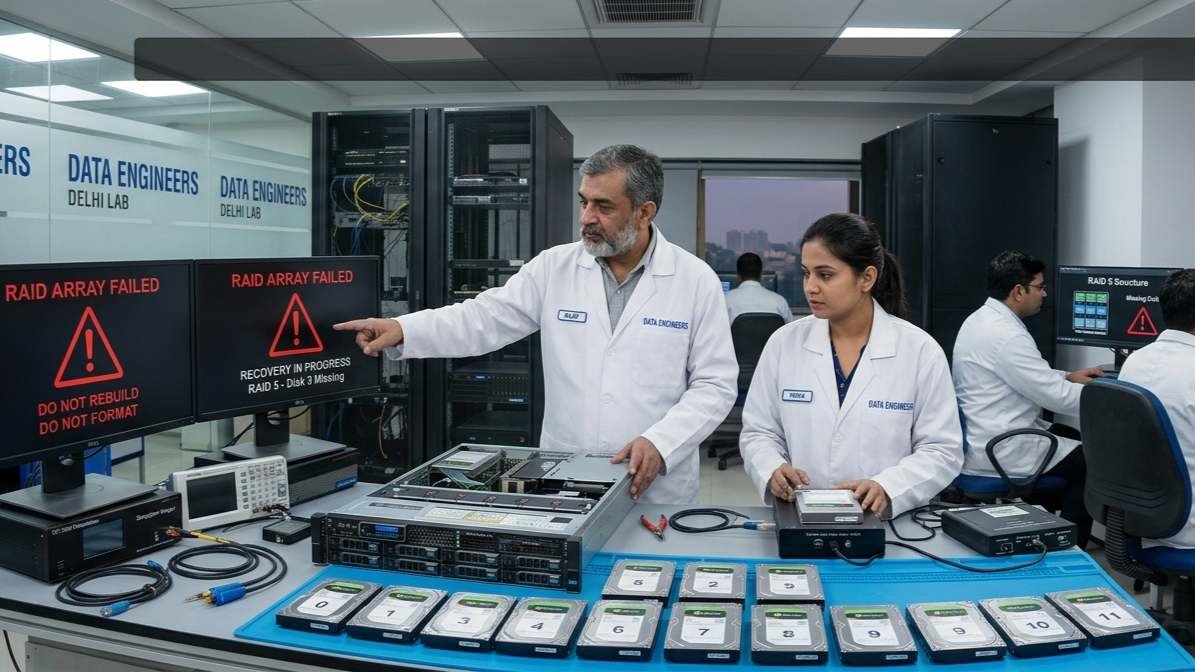
If your RAID array has failed, pause right here. This guide will walk you through what NOT to do, what actually works and how RAID data recovery is handled professionally in India.
First Things First: What Is a RAID Failure?
RAID (Redundant Array of Independent Disks) is designed for performance and redundancy—but it’s not foolproof.
Common RAID setups:
- RAID 0 (Striping – no redundancy)
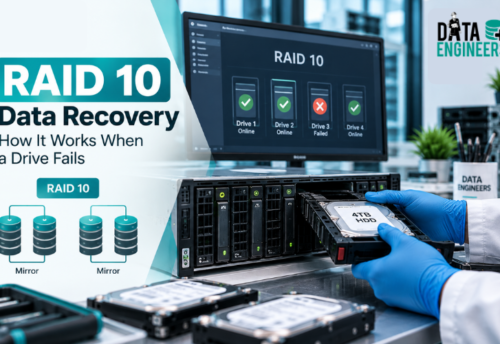
- RAID 1 (Mirroring)
- RAID 5 (Parity-based recovery)
- RAID 6 (Dual parity protection)
Even with redundancy, failures happen due to hardware, software or human error.
Common Causes of RAID Array Failure
- Multiple disk failures
- RAID controller malfunction
- Power surge or improper shutdown
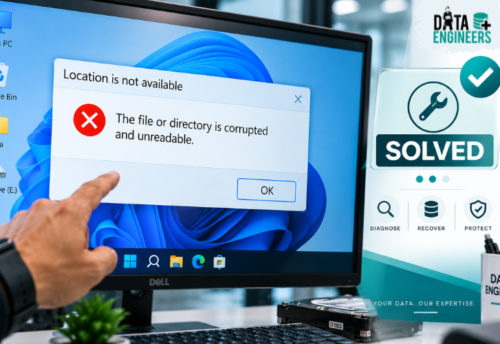
- File system corruption
- Accidental RAID rebuild or reconfiguration
What NOT to Do After RAID Failure
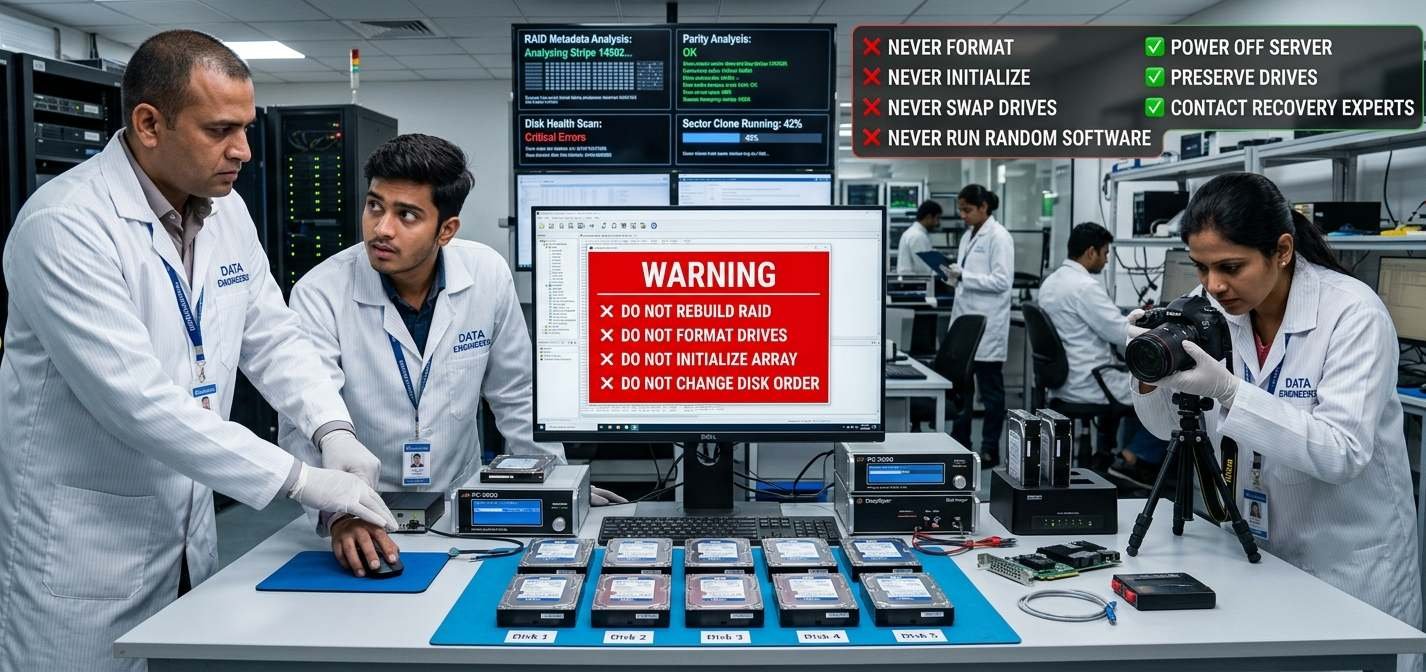
1. Don’t Rebuild RAID Immediately
This is the most dangerous mistake.
Rebuilding a RAID array without proper diagnosis can:
- Overwrite parity data
- Destroy original configuration
- Make recovery nearly impossible
2. Don’t Initialize or Format Drives
System prompts like:
“Disk needs to be formatted”
Never click YES.
This erases metadata required for recovery.
3. Don’t Swap Disk Order Randomly
RAID depends on exact disk sequence.
Even one wrong move can:
- Corrupt data structure
- Break recovery chain
4. Avoid Local Repair Experiments
Trying random software or unverified technicians often:
- Writes new data on disks
- Reduces recovery success rate
RAID 0, 1, 5, 6 – Failure & Recovery Differences
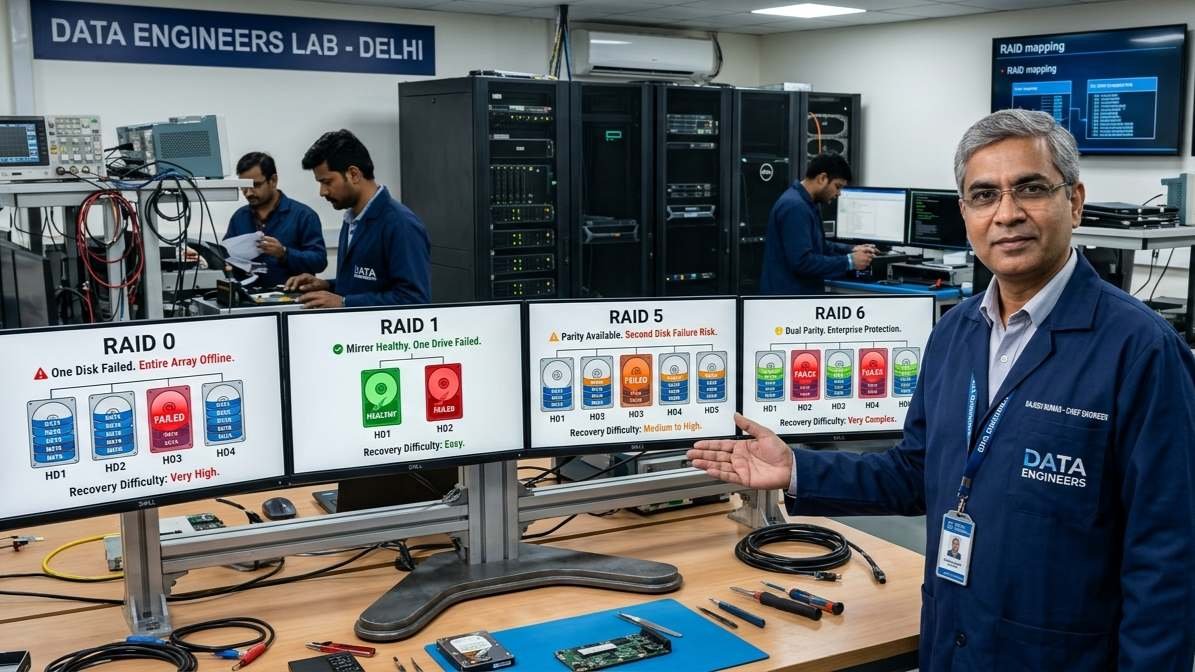
RAID 0 (High Risk)
- No redundancy
- Even one disk failure = total data loss
- Recovery possible only via advanced reconstruction
RAID 1 (Mirror)
- Data duplicated
- Recovery easier if one disk is intact
RAID 5 (Most Common in India)
- Can survive one disk failure
- Second failure before rebuild = critical situation
RAID 6 (Enterprise Level)
- Can handle two disk failures
- Complex recovery process
Why DIY RAID Rebuild Can Destroy Data
When you rebuild RAID incorrectly:
- Parity gets recalculated wrongly
- Original data blocks overwritten
- Logical structure permanently altered
In simple terms:
You convert recoverable data into unrecoverable data.
What Actually Works: Safe RAID Data Recovery Process
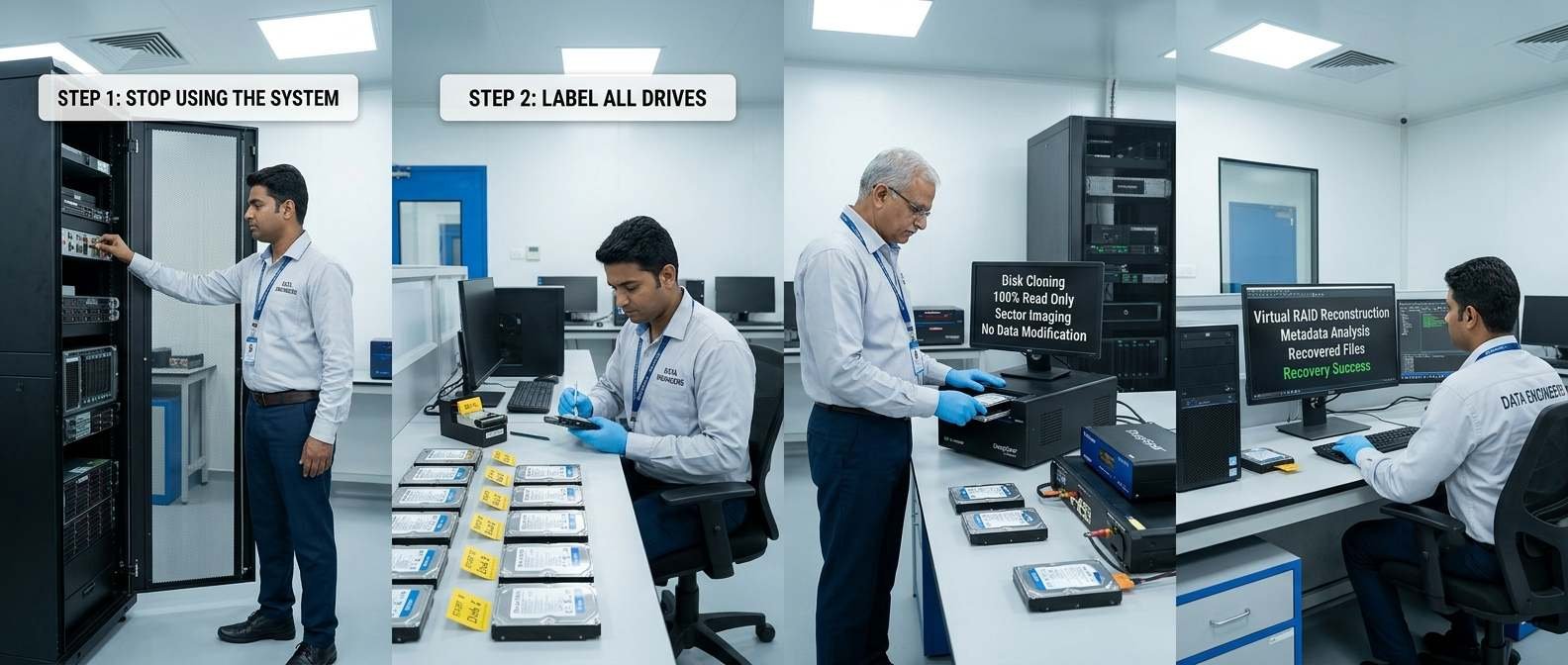
Step 1: Stop Using the System Immediately
- Power off the server/NAS
- Do not attempt rebuild
Step 2: Label All Drives
- Mark disk order (very important)
- Note RAID type and system details
Step 3: Consult Professional RAID Recovery Lab
Experts follow a structured process:
1. Disk Health Analysis
- Identify failed drives
- Clone disks sector-by-sector
2. RAID Configuration Reconstruction
- Rebuild RAID virtually
- No risk to original data
3. Data Extraction
- Recover files safely
- Verify integrity
RAID Failure Recovery for NAS Systems
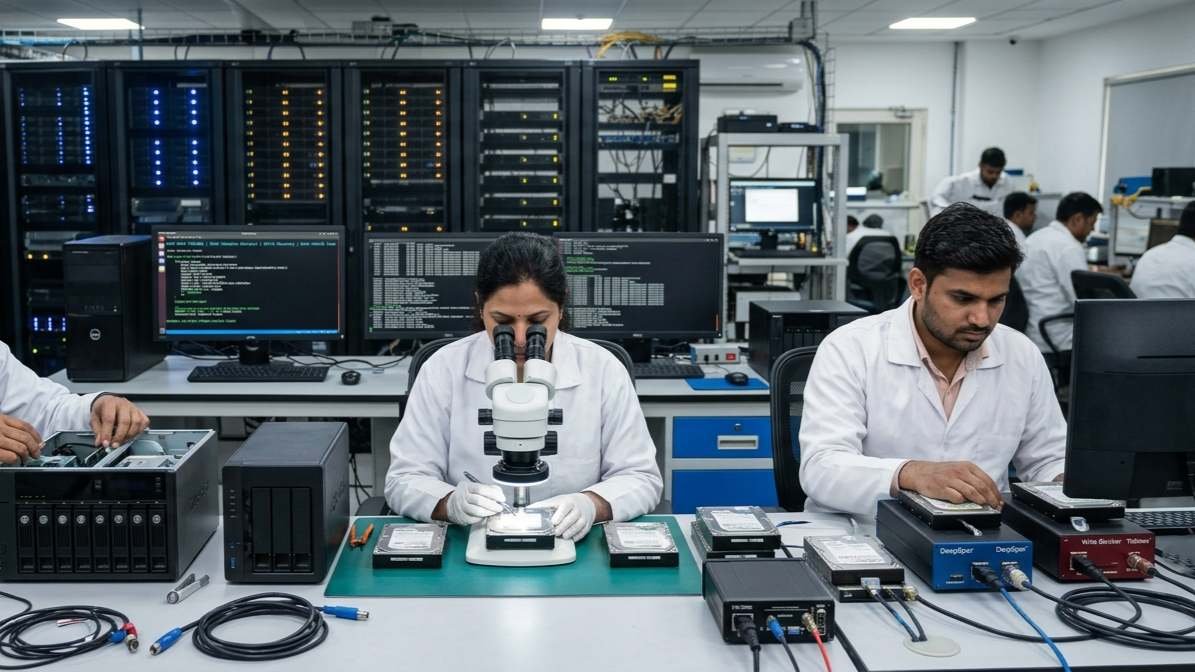
NAS devices (Synology, QNAP, WD) are widely used in India.
Common NAS issues:
- RAID crash
- Firmware corruption
- Multiple disk failure
Recovery requires:
- Linux-based RAID expertise
- File system understanding (EXT4, Btrfs)
What Information You Should Prepare Before Calling Experts
To speed up recovery:
- RAID level (0, 1, 5, 6)
- Number of disks
- Disk capacity
- Error messages (if any)
- Sequence of failure (what happened first)
RAID Data Recovery Cost & Time in India
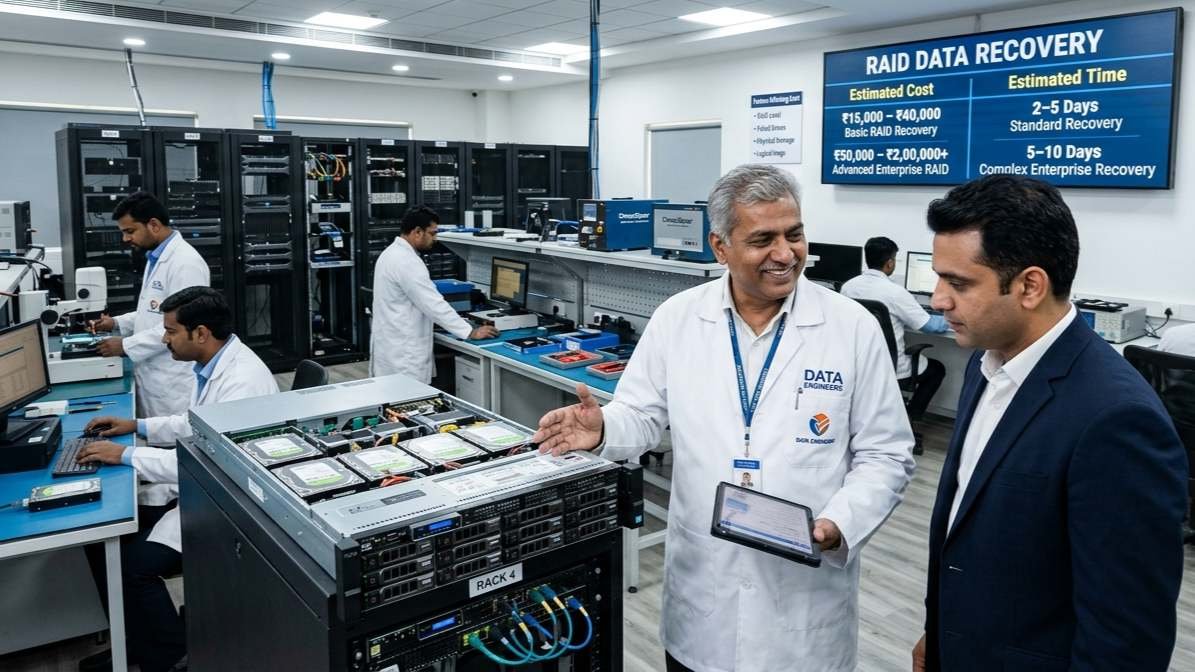
Cost Depends On:
- RAID type
- Number of failed disks
- Physical vs logical damage
Estimated Range:
- Basic RAID recovery: ₹15,000 – ₹40,000
- Advanced multi-disk recovery: ₹50,000 – ₹2,00,000+
Time Required:
- Standard: 2–5 days
- Complex enterprise cases: 5–10 days
When to Call for Emergency RAID Recovery
You should act immediately if:
- RAID 5/6 lost multiple disks
- Server not detecting array
- NAS inaccessible
- Business-critical data involved
Trusted RAID Data Recovery in India
For RAID failure recovery, NAS data recovery and enterprise-level cases, expert handling is critical.
DATA ENGINEERS
704, Meghdoot Building-94
Nehru Place, New Delhi
📞 +91-991-013-2719
📞 +91-981-856-7981
📧 support@dataengineers.in
🌐 www.dataengineers.in
Why Choose DATA ENGINEERS?
- Advanced RAID recovery infrastructure
- Experience with enterprise NAS & servers
- Safe, non-destructive recovery methods
- High success rate across RAID levels
Pro Tips to Prevent RAID Data Loss
- Always maintain external backups
- Use UPS for power stability
- Monitor disk health regularly
- Replace failing drives immediately
Final Thoughts
RAID is not a backup—it’s just redundancy. When it fails, the difference between successful recovery and permanent loss depends on your first action.
Avoid panic decisions, don’t rebuild blindly and trust professionals who understand RAID architecture deeply.
If your business data is at risk, immediate expert intervention is the smartest move.
Leave a Comment