• +91-981-856-7981
  • support@dataengineers.in
  • Mon – Sat: 11:00am – 7:00pm
Data Engineers Data Engineers
Call Us
  • Home
  • Services
    • Hard Disk Data Recovery
    • Mobile & Tablet Data Recovery
    • SSD Data Recovery
    • Pen Drive & Memory Card Data Recovery
    • CCTV Footage Data Recovery
    • NAS / SAN Data Recovery
    • Corrupted Files Data Recovery
    • Ransomware Virus Data recovery
    • Server Data Recovery
  • Forensics
    • Drone Forensics
    • RAID Forensics
    • Smartphone Forensics
    • Cryptocurrency Forensics
    • Malware Forensics
    • CCTV Video Footage Forensics
    • Deepfake Forensics
  • Training
  • About Us
  • Blog
  • Contact Us
How to Unlock Android Phone Without Losing Data
  • 25 December, 2025
  • Data Engineers
  • 0 Comments
  • Blog

How to Unlock an Android Phone Without Losing Data (Pattern, PIN or Password Recovery Guide)

Android smartphones play a big role in daily life. From storing personal photos and videos to keeping important contacts, messages, documents and work files, everything stays inside one device. When an Android phone gets locked because of a forgotten pattern, PIN or password, the biggest fear for most users is losing data.
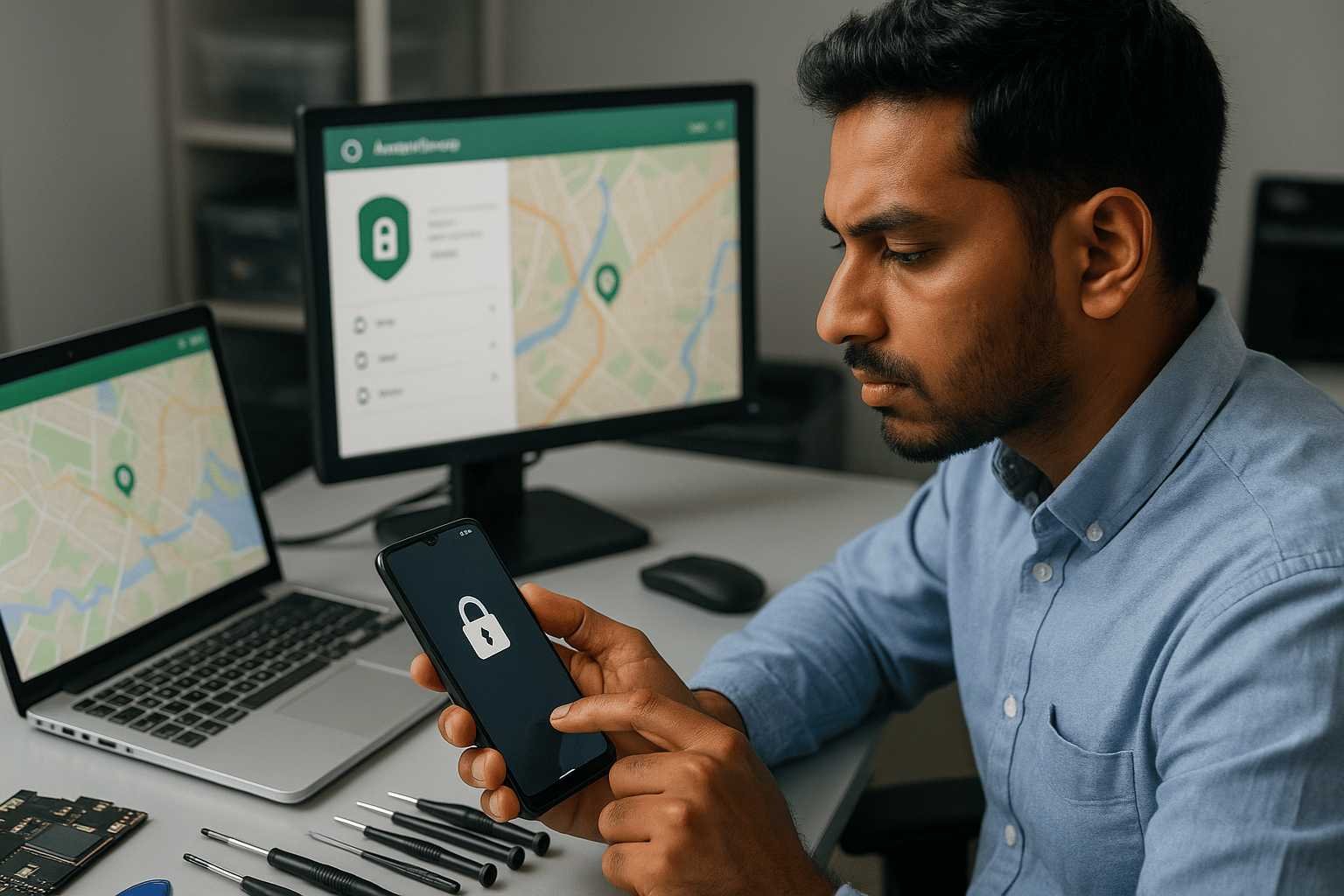
Table of Contents

Toggle
  • Is It Really Possible to Unlock an Android Phone Without Data Loss?
    • Important Factors That Matter
  • Best Methods to Unlock Android Phone Without Factory Reset
    • 1. Unlock Android Phone Using Google Find My Device (Works on Most Android Brands)
      • Supported Brands
      • Steps to Recover Access
    • 2. Samsung Find My Mobile (Samsung Phones Only)
      • Supported Samsung Models
      • Why Samsung Users Prefer This Method
    • 3. Backup PIN or Account Recovery Option (Mostly Older Android Versions)
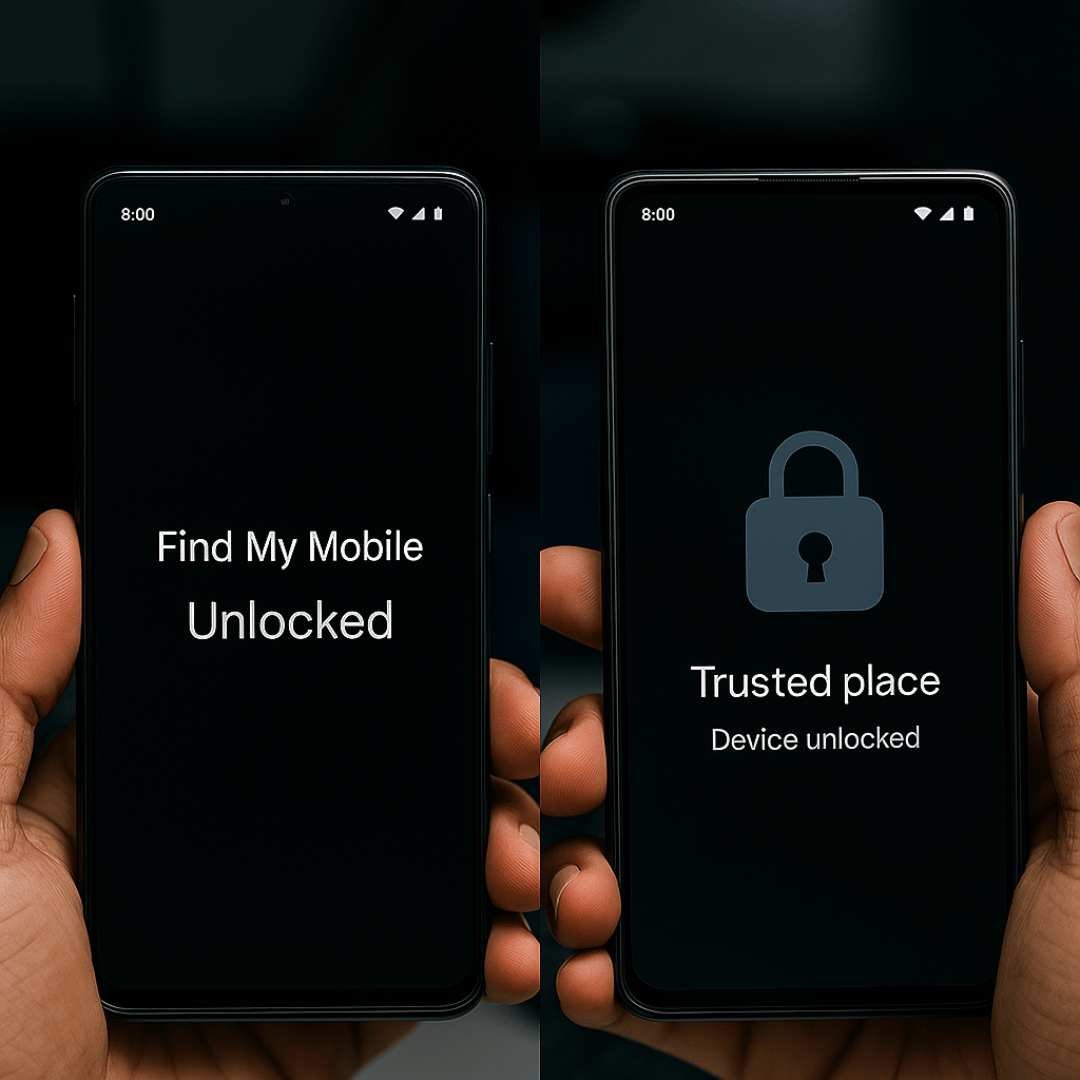
    • 4. Smart Lock Feature (Trusted Unlock Method)
      • Smart Lock Works When:
    • 5. Android Screen Unlock Software (Selective Devices)
      • Usually Supports:
      • Important Things to Know
  • What If None of the Unlock Methods Work?
    • Before Doing a Factory Reset
  • How to Avoid Android Lock Problems in the Future
    • 1. Enable Smart Unlock Options
    • 2. Keep Cloud Backup Turned On
    • 3. Use a Password Manager
  • Need Professional Help to Unlock Your Android Phone?
    • Contact Data Engineers
  • Final Thoughts
  • Frequently Asked Questions
    • Can I unlock my Android phone without losing any data?
    • What if my Android phone has a broken screen and I can't enter the PIN?
    • How long does professional Android unlocking take?
    • Is it legal to unlock my own Android phone in India?
    • Which Android brands does Data Engineers support for unlocking?
    • Worldwide Leader in Data Recovery
    • Professional Expertise with Long Term Experience
  • DATA ENGINEERS

how to bypass android lock screen in 2025 smart unlock tools adb device manager cloud recovery firmware safe unlock www.dataengneers.in

Many people think a factory reset is the only solution. That is not always true. In many situations, it is possible to unlock an Android phone without deleting data by using built-in recovery options, cloud-based tools or verified account access.

This guide explains safe and practical ways to unlock the Android lock screen without a reset, along with brand-specific guidance so users can better understand what works for their device.

Is It Really Possible to Unlock an Android Phone Without Data Loss?

Yes, it is possible in many cases. The success depends on the phone’s settings, brand and Android version.

Important Factors That Matter

  • Android phone brand and model number
  • Android version and latest security update
  • Active internet connection (Wi-Fi or mobile data)
  • Google account or Samsung account linked to the phone
  • Features like Smart Lock, remote device control or account recovery

If one or more of these were enabled earlier android screen lock recovery becomes much easier and safer.

Best Methods to Unlock Android Phone Without Factory Reset
unlock android phone without data loss remote unlock smart lock pattern bypass recovery tools cleanroom unlock lab www.dataengneers.in

1. Unlock Android Phone Using Google Find My Device (Works on Most Android Brands)

Google Find My Device is an official service provided by Google. It helps locate, lock or secure a lost Android phone and can also be used when you forgot your Android password, PIN or pattern.

Supported Brands

  • Samsung (Galaxy series)
  • Xiaomi / Redmi / POCO
  • Vivo
  • Oppo
  • Realme
  • OnePlus
  • Motorola
  • Nokia
  • Google Pixel

Steps to Recover Access

  • Open Google Find My Device on another phone or computer
  • Sign in using the same Google account linked to the locked phone
  • Select your Android device from the list
  • Choose the option to secure or lock the device
  • Create a new temporary screen lock
  • Enter the new lock on your phone to unlock it

This is one of the most reliable ways to unlock an Android phone without losing data, especially for users who remember their Google account details.

2. Samsung Find My Mobile (Samsung Phones Only)

Samsung devices offer an extra layer of recovery through Find My Mobile, which allows remote unlocking without deleting data.
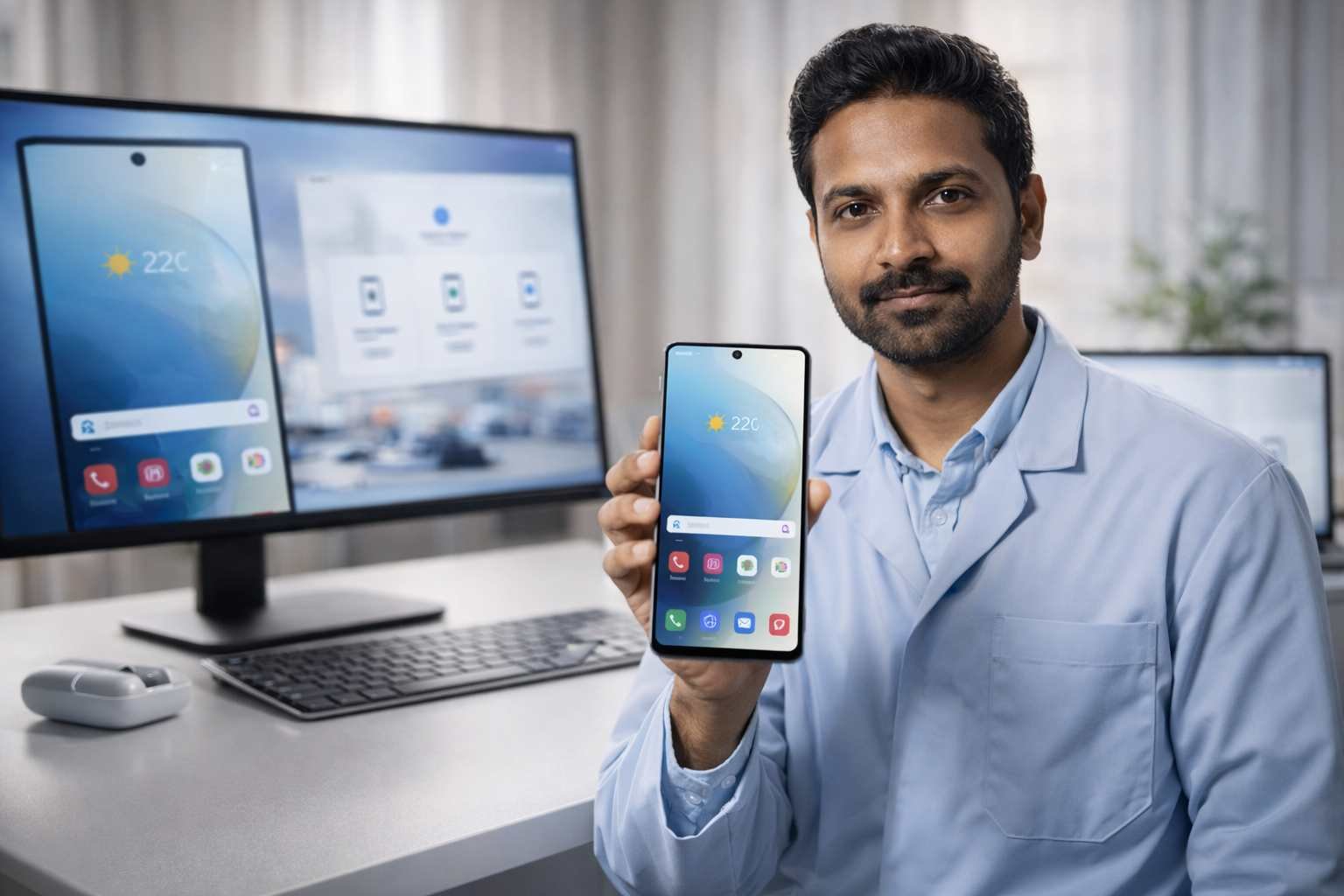
android samsung galaxy phone locked forgot pin pattern find my mobile unlock without data loss secure recovery india www.dataengineers.in

Supported Samsung Models

  • Galaxy S series
  • Galaxy Note series
  • Galaxy A series
  • Galaxy M and F series
  • Galaxy Z Fold and Flip

Why Samsung Users Prefer This Method

  • No factory reset needed
  • Works even if pattern or PIN is completely forgotten
  • Uses official Samsung account verification
  • Keeps apps, photos, videos and documents safe

The phone must be logged into a Samsung account and connected to the internet.

3. Backup PIN or Account Recovery Option (Mostly Older Android Versions)

Some Android devices show a recovery option after multiple wrong unlock attempts. You may see options like “Forgot Pattern” or “Sign in using Google account.”

2025 unlock android phone without losing files pattern password pin bypass safe data access tools and methods www.dataengneers.in

Common on:

  • Older Samsung phones
  • Older Motorola and LG devices
  • Early Xiaomi and Oppo models

If a backup PIN or linked account was set earlier, you can unlock the phone without data loss.

4. Smart Lock Feature (Trusted Unlock Method)

Smart Lock is an Android security feature that automatically unlocks the phone in trusted conditions.

Smart Lock Works When:

  • You are at a saved location like home or office
  • The phone is connected to a trusted Bluetooth device (car, smartwatch, earbuds)
  • The phone is being carried (on-body detection)

If Smart Lock was enabled earlier, simply go to the trusted situation and the phone may unlock without entering the screen lock.

5. Android Screen Unlock Software (Selective Devices)

Professional Android screen unlock tools can remove screen locks such as pattern, PIN or password on certain models.
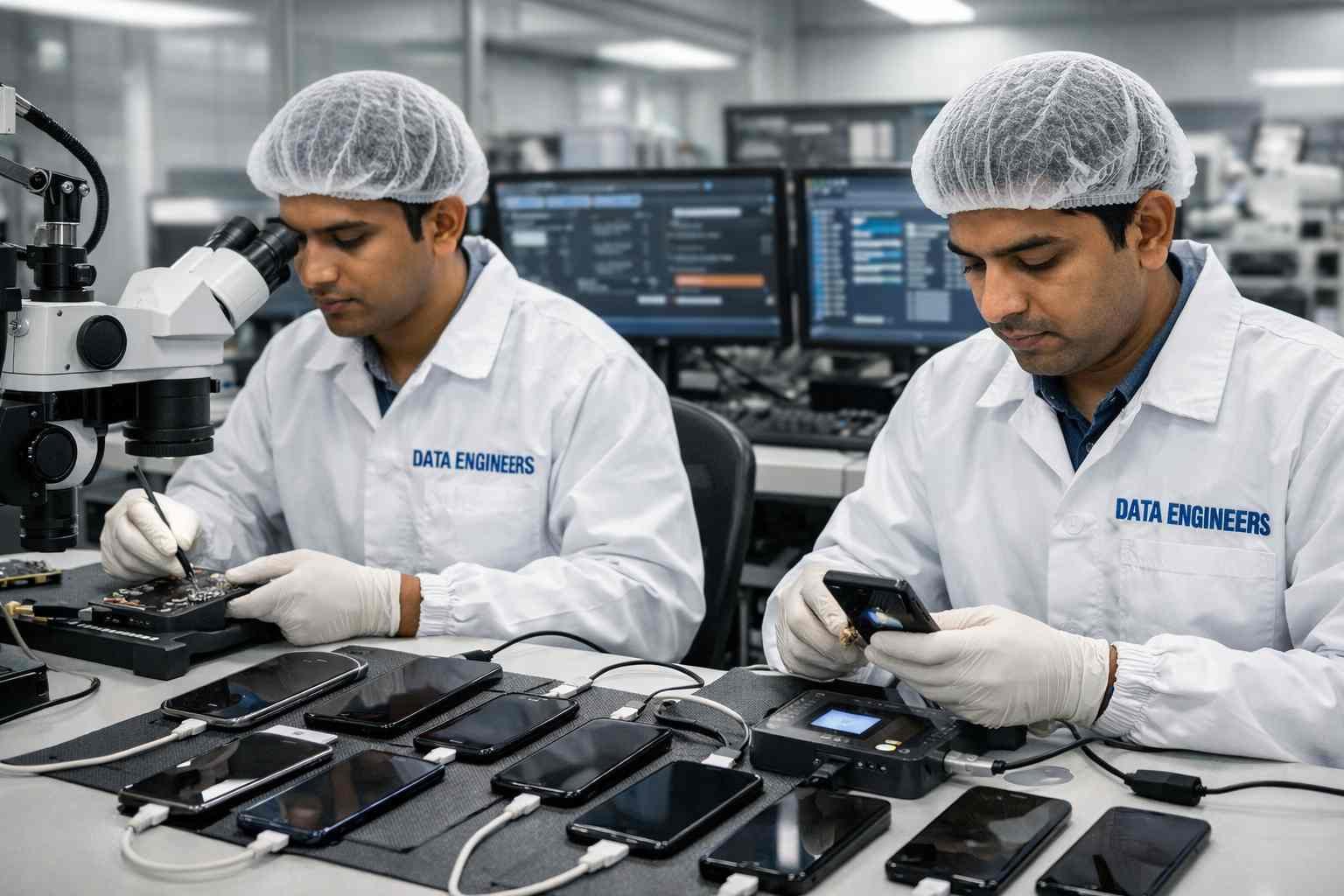
android screen unlock software samsung xiaomi oppo vivo realme forensic data recovery cleanroom lab secure access www.dataengineers.in

Usually Supports:

  • Samsung (selected models)
  • Xiaomi / Redmi
  • Oppo
  • Vivo
  • Realme

Important Things to Know

  • Data safety depends on phone model and Android version
  • Some devices allow unlock without deleting files
  • Always use trusted and verified software only

This option is recommended only when official recovery methods are not available.

What If None of the Unlock Methods Work?

If Google account recovery, Samsung unlock and Smart Lock fail, a factory reset may become the last option. A reset deletes local data but does not always remove cloud backups.

Before Doing a Factory Reset

  • Check if photos, contacts and messages are backed up
  • Confirm Google Drive or cloud sync status
  • Avoid repeated reset attempts that may trigger security protection

Regular backups reduce the risk of permanent data loss.

How to Avoid Android Lock Problems in the Future
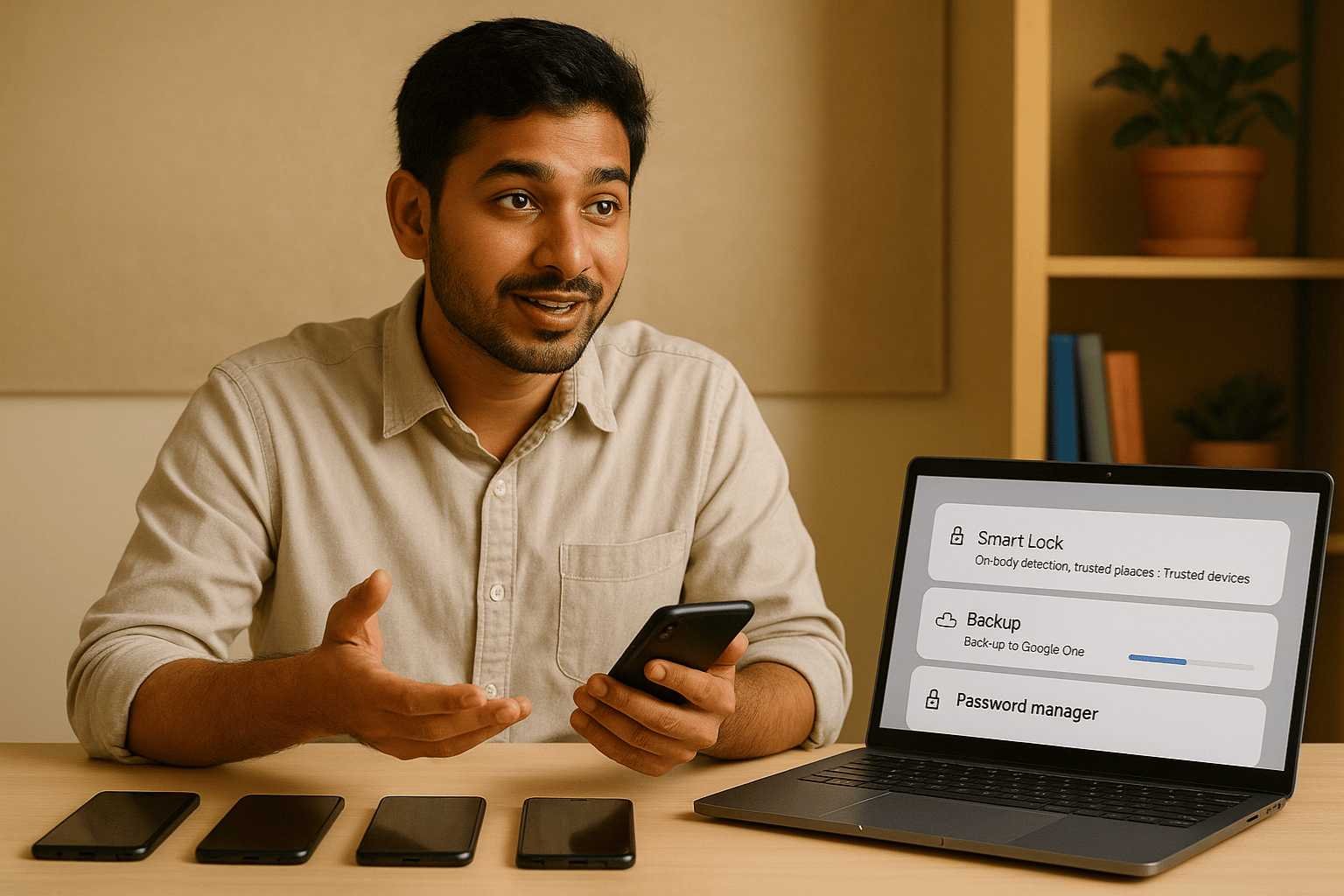
secure android unlock with smart tools no reset needed unlocker software firmware safe recovery cleanroom solution www.dataengneers.in

1. Enable Smart Unlock Options

Trusted locations and devices help prevent lockouts.

2. Keep Cloud Backup Turned On

Automatic backup protects important data even after reset.

3. Use a Password Manager

Safely stores PINs and passwords and reduces forgetfulness.

Need Professional Help to Unlock Your Android Phone?

If the standard recovery methods do not work or your device has important data, you may need expert assistance. Data Engineers provide professional mobile data recovery and Android unlock solutions using safe and verified processes.

Their team handles complex cases where phones are locked due to forgotten passwords, system errors or security issues, while focusing on data safety and device integrity.

When professional help becomes necessary: If your Android device has a damaged touchscreen, is bootloop-locked, or uses a third-party OEM lock you cannot bypass through standard methods, software-level unlocking will not work. Data Engineers’ certified technicians use hardware-level extraction methods — including JTAG, ISP pinout, and eMMC chip-off techniques — to access your data without triggering a factory reset. With a 98% success rate across Samsung, OnePlus, Realme, Vivo, and Oppo devices, we offer free diagnosis before any recovery begins.

Contact Data Engineers

📞 Call: +91-9818567981
📧 Email: support@dataengineers.in
🌐 Website: www.dataengineers.in

If you are unsure about the next step or want expert guidance, reaching out to a trusted recovery specialist can save time and prevent data loss.

Final Thoughts

Forgetting an Android screen lock can be stressful, but it does not always mean losing everything. With official recovery tools, linked accounts and smart security features, many users can unlock a locked Android phone without deleting data.

The best approach is to stay calm, follow verified recovery steps and avoid unsafe shortcuts. Keeping backups and account settings enabled today can save time and effort later.

Frequently Asked Questions

Can an Android phone be unlocked without losing data?
Yes, if remote unlock, Smart Lock or account recovery features are active.

Does a factory reset delete all data?
It removes local data, but cloud backups usually remain safe.

Is a Google account required to unlock Android?
In most cases, yes. It helps verify ownership.

Do Android unlock tools always keep data safe?
Not always. It depends on the device model and Android version.

Can I unlock my Android phone without losing any data?

Yes — in many cases. Methods such as using your Google account, Samsung Find My Mobile, ADB debugging (if enabled), or professional forensic extraction can unlock your phone without a factory reset. The success of each method depends on your Android version, OEM, and whether USB debugging was enabled before the lock.

What if my Android phone has a broken screen and I can't enter the PIN?

If your screen is broken or unresponsive, standard software methods won’t work. Data Engineers uses hardware-level extraction techniques like JTAG and chip-off to access data directly from the storage chip — bypassing the lock screen entirely without formatting the device.

How long does professional Android unlocking take?

Most Android unlock and data extraction jobs are completed within 24–72 hours depending on the device model and encryption level. Data Engineers offers free diagnosis so you’ll know the timeline before committing.

Is it legal to unlock my own Android phone in India?

Yes — unlocking your own device is legal in India. Data Engineers only provides unlocking services to verified device owners and requires proof of ownership before beginning any recovery process.

Which Android brands does Data Engineers support for unlocking?

Data Engineers supports all major Android brands including Samsung, OnePlus, Realme, Vivo, Oppo, Xiaomi (Redmi/POCO), Motorola, and Google Pixel across all Android versions from 6.0 to 15.

worldwide leader data engineers

Worldwide Leader in Data Recovery
Professional Expertise with Long Term Experience

Professional Expertise with Long Term Experience

Data Recovery Professionals

DATA ENGINEERS

704, 7th Floor, Meghdoot Building-94, Nehru Place, New Delhi, India
011-26426316 | +91-9910132719 | +91-9818567981
support@dataengineers.in
Call us for a free advice.

Specialists at retrieving data from all types of hard drive and phone storage media, today Data Engineers has grown into the India’s largest and most technically capable data recovery company.

Get Free Quote
Tags:
Android Unlock ToolBypass Lock ScreenForgot Android PasswordUnlock Android 2025Unlock Samsung Phone
Prev PostExcel Document Recovery: How to Recover Your Excel Worksheet Data
Next PostHow to Recover Forgotten Office Passwords (Word, Excel, PowerPoint)

Leave a Comment Cancel Comment

Your email address will not be published. Required fields are marked *

Recent Posts

  • Laptop Not Turning On? Don’t Panic! Causes, Fixes & Data Recovery Explained
  • Hard Drive Short DST Check Failed: Causes, Fixes & Hard Drive Recovery Guide
  • How to Retrieve Deleted Text Messages on Android & iPhone (2026 Complete Guide)
  • No Boot Device Found Error: Causes, Fixes & Data Recovery Solutions
  • Types of Hard Disks Explained: HDD, SSD & Storage Failure Guide

Recent Comments

No comments to show.

Popular Posts

common-mistakes-causing-permanent-data-loss-black-screen-laptop-windows-reinstall-formatting-ssd-hard-drive-failure-recovery-tips-www.dataenigneers.in
27 July, 2026 / Blog
Laptop Not Turning On? Don’t Panic! Causes, Fixes & Data Rec
Hard Drive Short DST Check Failed Causes, Fixes & Hard Drive Recovery Guide www.dataengineers.in
27 July, 2026 / Blog
Hard Drive Short DST Check Failed: Causes, Fixes & Hard Drive Reco
How to Retrieve Deleted Text Messages on Android & iPhone www.dataengineers.in
27 July, 2026 / Blog
How to Retrieve Deleted Text Messages on Android & iPhone (2026 Co

Tags

app data recovery CCTV video recovery Data Recovery Data Recovery Near ME data recovery services Data recovery software Data Recovery Solutions Data Recovery Tips Deleted File Recovery Deleted Files Recovery Digital Forensics donor matching guide Drone Forensics Drone video recovery DSLR video recovery Emergency Data Recovery enterprise password recovery External Hard Drive Recovery Flickering video recovery Hard Disk Recovery hard disk recovery training Hard Drive Data Recovery hard drive data recovery tips Hard Drive Failure Hard Drive Not Detected Hard Drive Recovery Hard Drive Recovery Near Me Hard Drive Repair HDD data recovery HDD Recovery iOS profile recovery iPhone Passcode Bypass Laptop Data Recovery memory card data recovery Mobile Forensics Password Unlock phone data recovery Recover Deleted Data SATA To USB Adapter secure password recovery smartphone data recovery SSD data recovery SSD Not Detected system password recovery •

Categories

  • Blog

With Data Engineers, you can be assured of a seamless experience for data recovery services that are quick, easy and confidential with top-quality results.

    Our Services

    • Hard Disk Data Recovery
    • Mobile & Tablet Data Recovery
    • SSD Data Recovery
    • Pen Drive & Memory Card Data Recovery
    • CCTV Footage Data Recovery
    • NAS / SAN Data Recovery
    • Server Data Recovery

    Forensics Services

    • Damage Drone Forensics
    • Damaged RAID Forensics
    • Smartphone Forensics
    • Deepfake Forensics Investigation
    • CCTV Forensics Data Recovery
    • Malware Forensics Investigation
    • Cryptocurrency Forensics Investigation

    Useful Links

    • Home
    • Services
    • Training
    • FAQ
    • About Us
    • Contact Us
    • Privacy Policy
    • Terms & Conditions

    Locations: Mumbai | Delhi | Bengaluru | Chennai | Kolkata | Hyderabad | Pune | Ahmedabad | Surat | Jaipur | Lucknow | Kanpur | Nagpur | Indore | Thane | Coimbatore | Visakhapatnam | Bhopal | Patna | Vadodara | Ludhiana | Agra | Nashik | Madurai | Chandigarh |

    support@dataengineers.in Drop Us a Line
    +91-981-856-7981 Call Us Now
    704, Meghdoot Building-94, Nehru Place, New Delhi, India Get Direction
    Copyright 2026 Data Engineers, All rights reserved.
    Manage Consent
    To provide the best experiences, we use technologies like cookies to store and/or access device information. Consenting to these technologies will allow us to process data such as browsing behavior or unique IDs on this site. Not consenting or withdrawing consent, may adversely affect certain features and functions.
    Functional Always active
    The technical storage or access is strictly necessary for the legitimate purpose of enabling the use of a specific service explicitly requested by the subscriber or user, or for the sole purpose of carrying out the transmission of a communication over an electronic communications network.
    Preferences
    The technical storage or access is necessary for the legitimate purpose of storing preferences that are not requested by the subscriber or user.
    Statistics
    The technical storage or access that is used exclusively for statistical purposes. The technical storage or access that is used exclusively for anonymous statistical purposes. Without a subpoena, voluntary compliance on the part of your Internet Service Provider, or additional records from a third party, information stored or retrieved for this purpose alone cannot usually be used to identify you.
    Marketing
    The technical storage or access is required to create user profiles to send advertising, or to track the user on a website or across several websites for similar marketing purposes.
    • Manage options
    • Manage services
    • Manage {vendor_count} vendors
    • Read more about these purposes
    View preferences
    • {title}
    • {title}
    • {title}