
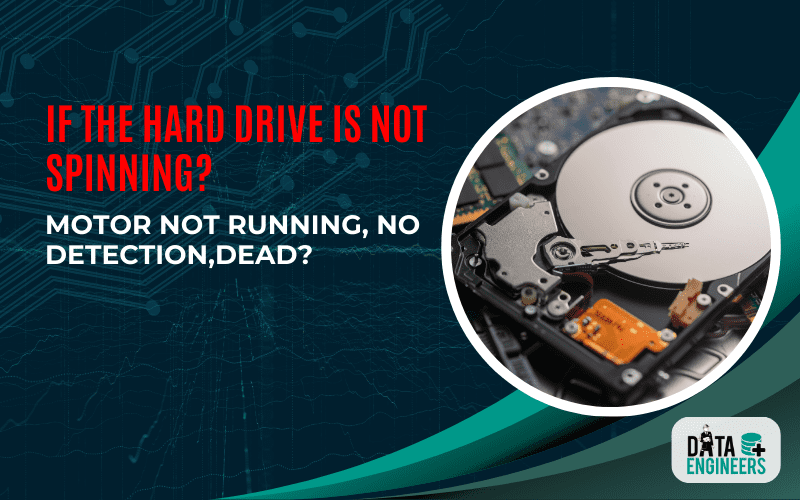
Hard Drive Not Spinning? Causes, Fixes & Data Recovery | Data Engineers
When a hard drive suddenly stops spinning and isn’t detected by your computer, panic usually follows. Whether it contains precious family photos, business documents, or a lifetime of digital memories, a non-responsive hard drive can feel catastrophic. But don’t give up just yet—there are a few possible causes, and some might be fixable.
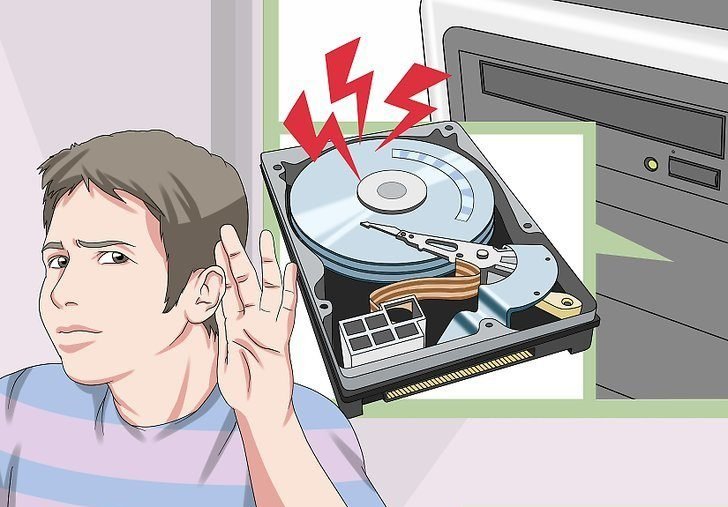
🚨 Symptoms: What’s Going On?
A non-spinning, undetectable hard drive generally means one of two broad issues:
- Power failure or PCB (Printed Circuit Board) failure
- Mechanical failure inside the drive
Let’s explore each of these and figure out the best way to analyze them.
⚡ Step 1: Power Supply & Connection Check
Before jumping to conclusions, make sure the simple stuff is covered:
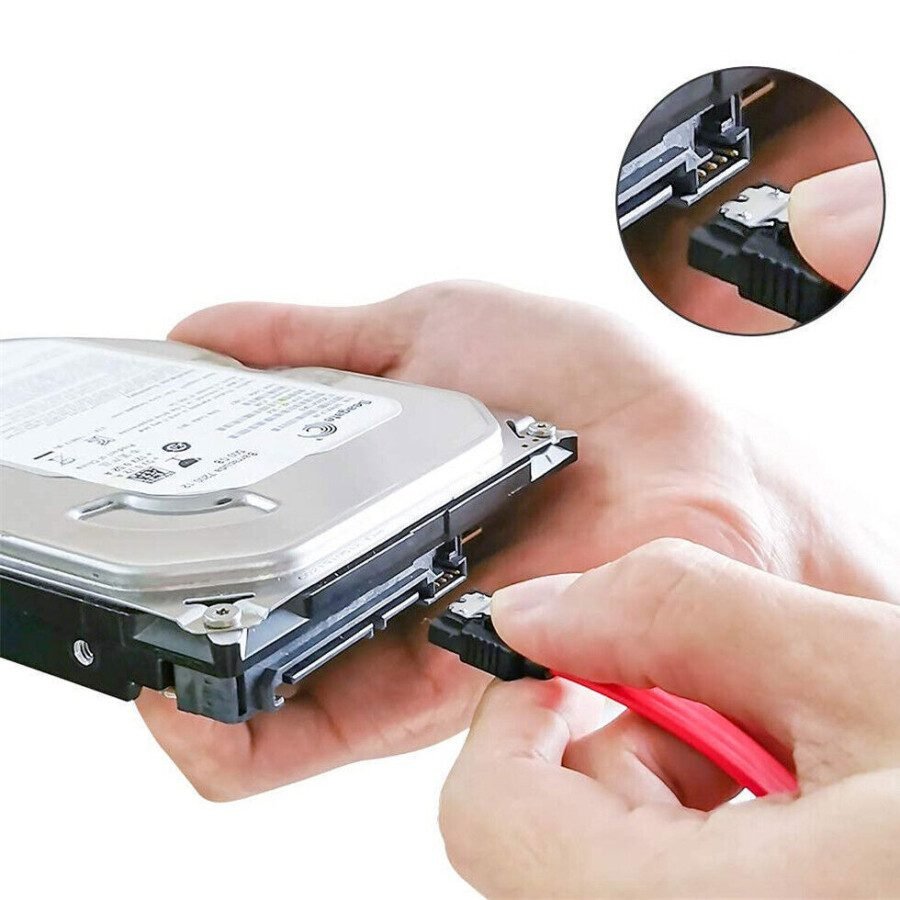
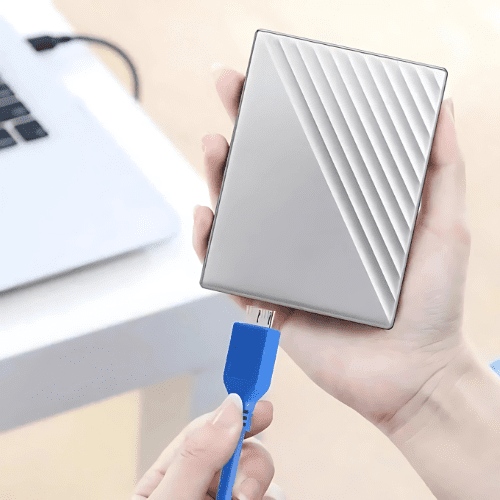
- ✅ Is it plugged in properly? Check the power cable and data cable (the one that connects to your computer).
- 🔌 Try a different cable or USB port. Sometimes the problem is just a bad connection.
- 💻 Try another computer. This can help rule out whether the issue is with the drive or your PC.
If you’ve done all that and still get nothing—no noise, no light, no detection—then we move to the next step.
🔬 Step 2: PCB (Printed Circuit Board) Inspection
The PCB is the logic board on the underside of your hard drive. It manages power, data transfer, and communication with your system. Here’s how to analyze it:
Signs of PCB Failure:
- No spinning or sound from the drive at all
- Burn marks or a smell of burning plastic
- Clicking or beeping (rare in PCB-only failure, but can be present)
What to Do:
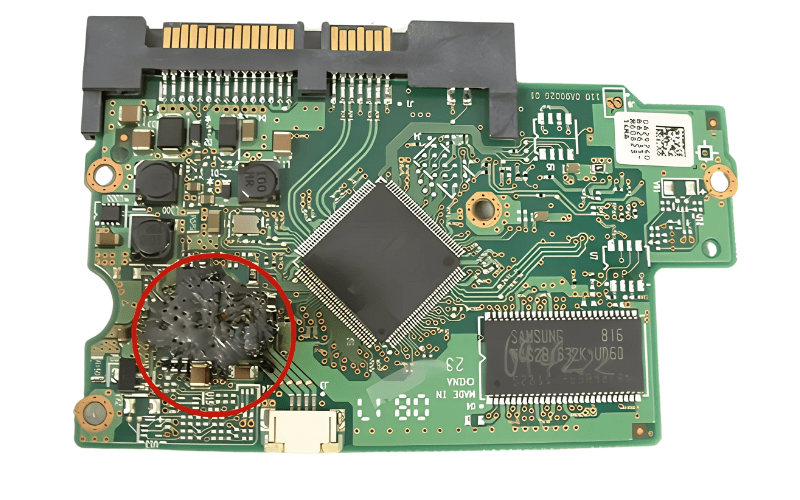
- Visual inspection under light to spot any damaged components or signs of heat.
- Multimeter check to test power continuity and look for dead fuses or shorted TVS diodes (common protection components).
🛠 If you identify a blown TVS diode, you may be able to remove it to get the drive working temporarily, but this should only be done by professionals.
⚙️ Step 3: Internal Drive Mechanics
If the PCB appears fine and there’s still no activity, the problem might be inside the drive:
- Seized spindle motor: The platters aren’t spinning due to a stuck or failed motor.
- Stiction (Head stuck on platter): The read/write heads are physically stuck to the platters.
- Contamination or physical crash: Internal damage due to shock, age, or wear.
⚠️ Important: Do not open a hard drive outside of a clean room environment. Exposure to dust or particles can permanently destroy the data.
Motor vs Heads — Know the Difference
The critical difference between a stuck motor and seized heads — and why it matters: When a hard drive doesn’t spin, two distinct mechanical failures are possible. A stuck spindle motor means the motor itself has failed — the platter literally cannot rotate due to bearing failure or motor coil burnout. Seized read/write heads means the heads have physically landed on the platter surface and are preventing rotation due to stiction (the heads ‘stuck’ to the platter). Both require clean room intervention, but the repair approach is different. Attempting to restart a seized-head drive repeatedly risks scoring the platters and causing irreversible data loss.
🧪 Advanced Data Recovery Tactics (For Professionals)
If your data is mission-critical, here’s what a professional lab might do:
- Swap the PCB: Matching an identical donor board (same model, firmware, and microcode).
- Platter swap or head stack replacement: Requires advanced clean-room equipment and experience.
- Firmware repair: Specialized tools can access and repair corrupt firmware modules on the drive.
❗ What Not to Do
- ❌ Don’t open the hard drive yourself. The inside of a hard drive needs to be completely clean—opening it outside of a special lab can ruin it permanently.
- ❌ Don’t try to force anything. If it’s not working, forcing cables or shaking the drive won’t help and might make things worse.
💡 Final Thoughts: Should You DIY or Call a Pro?
If the data isn’t important or is backed up, you can experiment with the drive (with caution). But if it contains sensitive or irreplaceable information, your best move is to contact a certified data recovery lab.
Remember:
- Every second you power on a failing drive increases the risk of permanent damage.
- The more you experiment, the harder (and more expensive) recovery becomes.
📦 Takeaway:
A non-spinning, undetected hard drive is likely suffering from either a power/PCB issue or internal mechanical failure. Careful inspection and analysis can point you in the right direction—but data recovery is a delicate task that often requires professional tools and environments.
Please Note: If Replacing cables & using USB Casing does not help in this case and still you can’t hear the drive spinning sound, that means your Hard Drive is Totally Dead, If Data is important & your Hard Drive is under Warranty, Visit a Data Recovery Service Providers only, so that after recovering data you can replace the drive from the service center as well. Please don’t visit a local computer repair shop.

Worldwide Leader in Data Recovery

Leave a Comment