
Encrypted Drive Recovery: Unlocking Password-Locked & Encrypted Drives the Right Way
Encrypted drive recovery is something most people never plan for. It usually starts with a simple problem that quickly becomes serious: a drive asks for a password or recovery key that is no longer available.

The system still sees the drive, but the data is locked. Files will not open. The volume may show as inaccessible, unreadable or empty. For businesses, engineers and everyday users, this moment is stressful – especially when the data is important or irreplaceable.
Encryption is designed to protect data. It does that extremely well. But when access is lost, recovery must be handled carefully. There are no shortcuts and wrong steps can permanently lock the data.
What Encrypted Drive Recovery Actually Means
Encrypted drive recovery is the process of restoring access to data that is protected by full disk or volume encryption.
Encryption locks every part of the drive. Without the correct password, recovery key or valid encryption information, the data cannot be read. The files still exist, but they are scrambled and unreadable.
This applies to:
- Encrypted hard drive recovery
- Encrypted SSD recovery
- Password locked external drive recovery
- Encrypted USB and portable drive recovery
- Encrypted volume recovery after system failure
Normal file recovery does not work on encrypted drives. The encryption layer must be handled first.
Why Encrypted and Password-Locked Drives Become Inaccessible

Most encrypted drives become inaccessible due to common real-world situations, not advanced attacks.
The most frequent causes include:
- Forgotten drive password or passphrase
- Lost recovery key
- Operating system reinstall or reset
- Hardware changes or motherboard replacement
- Drive moved to a different computer
- Corrupted encryption information
- Power failure during updates or encryption
- Storage damage, bad sectors or SSD failure
When this happens, the encrypted volume can no longer unlock normally – even though the data is still there.
Common Encrypted Drive Recovery Scenarios

Encrypted Drive Recovery on Windows
Typical cases include:
- BitLocker encrypted drive recovery
- Password locked hard drive recovery
- Encrypted external drive recovery
- Laptop drive locked after update or system reset
If the recovery key is missing or the encryption data is damaged, access becomes very difficult without expert help.
Encrypted Drive Recovery on macOS
Common issues include:
- FileVault encrypted drive recovery
- APFS encrypted volume recovery
- Password locked Mac drive recovery
- Encrypted disk not mounting
macOS encryption is strict by design. Recovery depends on credentials and the condition of encryption metadata.
Encrypted Drive Recovery on Linux
Linux environments often involve:
- LUKS encrypted drive recovery
- LUKS2 encrypted volume recovery
- Linux password locked drive recovery
Linux encryption is extremely strong. Recovery requires deep understanding of encryption structures and storage behavior.
Enterprise & Third-Party Encryption Recovery
Many businesses rely on advanced encryption systems, including:
- VeraCrypt encrypted drive recovery
- Legacy encrypted containers
- Corporate full disk encryption environments
These cases often involve policy-based access, damaged encryption metadata or hardware-level failures. DIY recovery attempts usually fail and can make recovery impossible.
Why DIY Encrypted Drive Recovery Is Risky

When people lose access to an encrypted drive, the first instinct is often to try random fixes. This is where many recoveries fail.
DIY attempts often lead to:
- Permanent damage to encryption information
- Loss of remaining recovery options
- Overwritten metadata
- Complete and irreversible data loss
Encrypted drive recovery is not trial-and-error. Every action matters.
The Role of Professional Data Recovery & Data Engineers
When passwords are lost, recovery keys are missing or encryption data is damaged, professional data recovery is strongly recommended.
Experienced Data Engineers approach encrypted drive recovery differently. They focus on understanding how the encryption was applied, how the storage behaves and how to preserve data integrity.
Professional encrypted drive recovery typically involves:
- Careful analysis of encryption structures
- Non-destructive handling of encrypted volumes
- Repairing damaged encryption metadata where possible
- Working safely with failing HDDs and SSDs
- Maintaining strict confidentiality and data security
- Following forensic-grade recovery practices
This level of work requires deep technical knowledge, experience and precision. It is especially important for business data, legal matters and critical systems.
Password-Locked Drive Recovery: What to Expect

Password-locked drive recovery is one of the most common encrypted recovery cases.
Typical examples include:
- Forgot hard drive password
- Password protected external drive
- Locked SSD after system reinstall
- Encrypted laptop drive after hardware change
There is no universal password bypass for encrypted drives. Recovery success depends on:
- Encryption type
- Condition of encryption data
- Health of the storage device
- How early professional help is involved
How Long Encrypted Drive Recovery Takes
Recovery time varies based on complexity:
- Simple cases may take hours
- Damaged encryption data may take days
- Physically failing drives may require extended work
Rushing the process increases the risk of permanent data loss.
How to Reduce the Risk of Encrypted Drive Lockouts
The best encrypted drive recovery is prevention.
Best practices include:
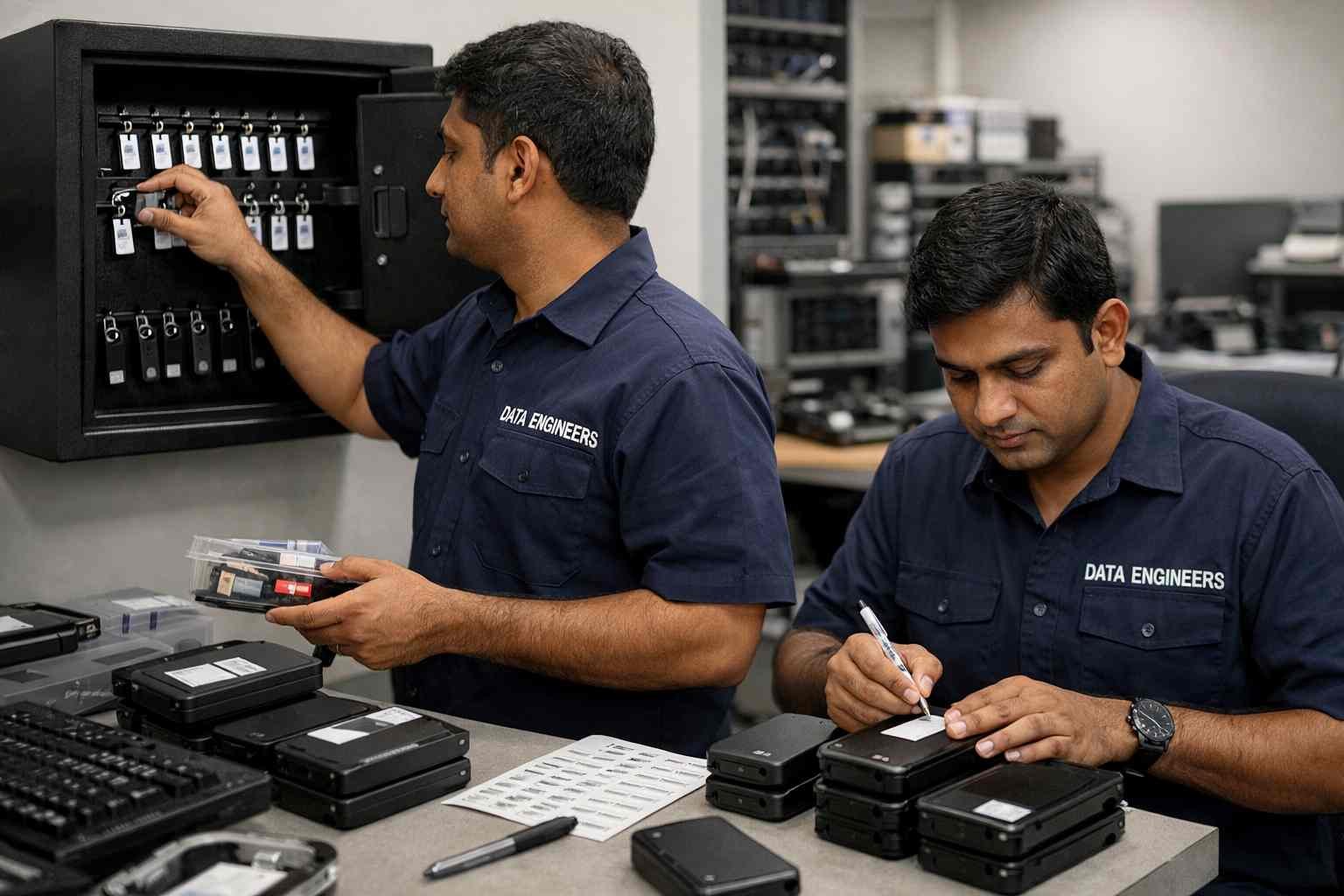
- Storing recovery keys securely in multiple locations
- Keeping clear records of passwords
- Verifying recovery information after setup
- Avoiding interruptions during updates or encryption
- Regularly backing up important data
These steps greatly reduce the chances of needing recovery.
Final Thoughts: Trust Experience, Not Guesswork
Encryption is essential. It protects sensitive data from theft and unauthorized access. But when something goes wrong, encrypted drives offer no forgiveness for mistakes.
DIY recovery only works when the correct credentials still exist. Guesswork and random attempts often cause permanent damage.
For password-locked or inaccessible encrypted drives, professional data recovery performed by skilled Data Engineers is the safest and most reliable path forward.
Key takeaway
Protect your recovery information. Handle encrypted data carefully.
When access is lost, rely on experienced Data Engineers and professional encrypted drive recovery – not risky shortcuts.

Worldwide Leader in Data Recovery

Leave a Comment