
BitLocker Drive Recovery: Unlock BitLocker Drive Without Password or Recovery Key (Complete Expert Guide)
Microsoft BitLocker is one of the strongest encryption systems used to protect data on hard drives, SSDs and external storage devices. However, if you lose the password, forget the recovery key or the drive becomes corrupted, accessing your data becomes extremely difficult.
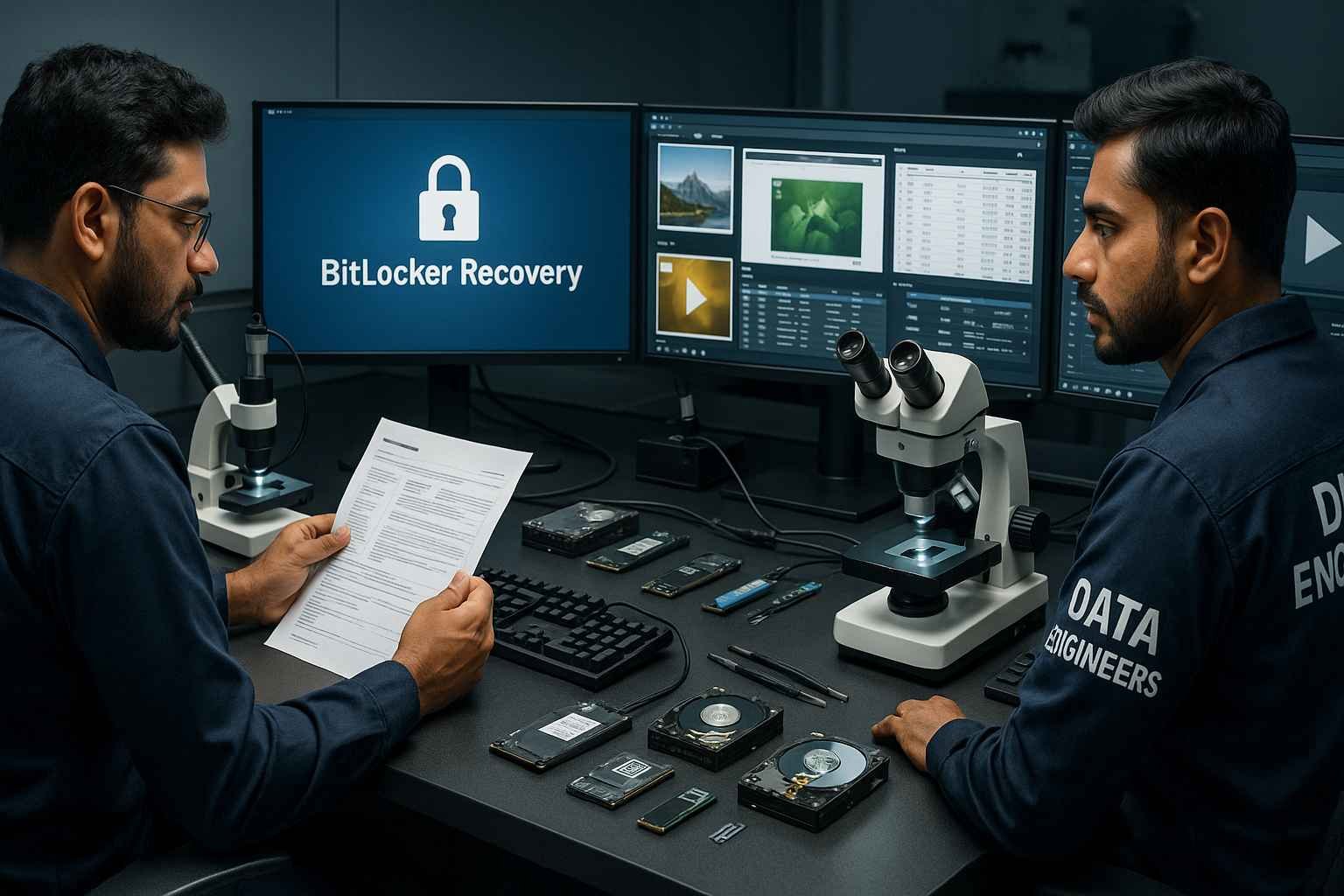
At Data Engineers – India’s leading data recovery service provider in New Delhi, we specialize in BitLocker data recovery and BitLocker file recovery from locked, corrupted, inaccessible and damaged drives.
This guide explains what you can do, what NOT to do and how professionals can help you unlock BitLocker drive without recovery key and password safely.
Important Warning Before Attempting BitLocker Recovery
BitLocker uses military grade encryption. If handled incorrectly, your data may become permanently unrecoverable.
🚫 Never Format a BitLocker Drive
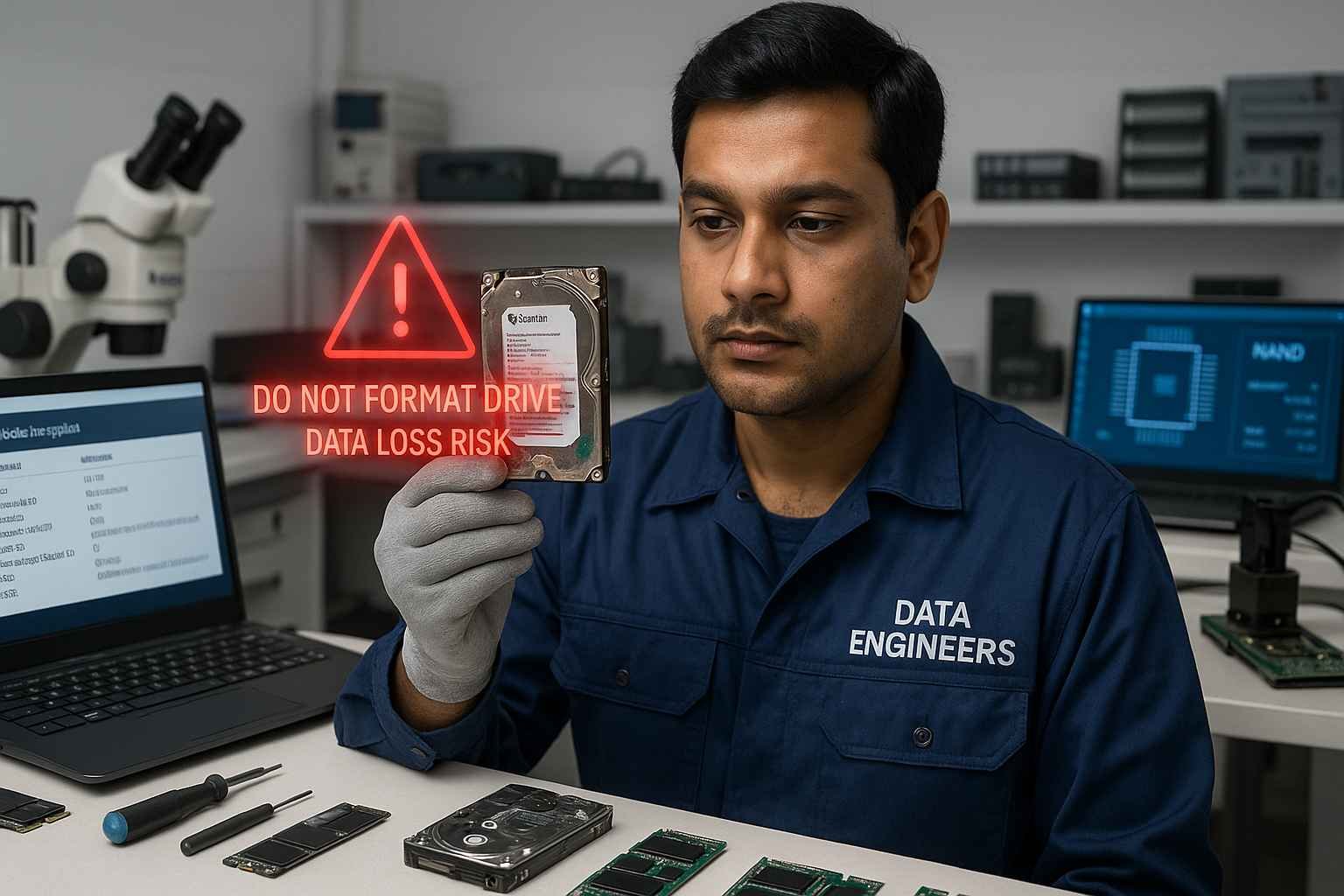
Formatting destroys encryption sectors and makes file recovery extremely difficult.
🚫 Do Not Run CHKDSK
Many users run chkdsk to fix the drive—this corrupts BitLocker metadata permanently.
🚫 Never Try Random Unlock Tools
Most BitLocker unlocker tools online are fake and can:
⚠️ Corrupt the encryption header
⚠️ Damage sectors
⚠️ Make decryption impossible
What to do immediately if you lose your BitLocker recovery key: Time is critical with BitLocker-encrypted drives. First, do NOT attempt to format or re-encrypt the drive — this permanently destroys recovery chances. Second, check your Microsoft account at account.microsoft.com/devices/recoverykey; Windows automatically backs up BitLocker keys for Microsoft account-linked devices. Third, check Active Directory if this is a corporate device — IT admins often have escrowed copies. If none of these work, Data Engineers’ forensic specialists can attempt a hardware-level extraction under specific conditions.
🛠️ Physical Drive Damage Requires Professional Help
If your drive is:
❌ Not detected
❌ Making clicking sounds
❌ Showing read errors
❌ Physically damaged
Only chip level data extraction can recover BitLocker protected data.
Why You Can’t Normally Unlock BitLocker Without Password or Key

BitLocker encryption uses:
🔐 256 bit AES encryption
🔐 TPM (Trusted Platform Module)
🔐 Metadata encryption + key protectors
Without:
✅ Password
✅ Recovery key (48 digit)
✅ TPM unlock
✅ Saved key file (.BEK)
Windows cannot decrypt the drive.
However — data may still be recoverable IF the BitLocker metadata and sectors are intact.
This is where Data Engineers comes in.
How Data Engineers Recover BitLocker Protected Data
Even if you lost the password and recovery key, we can often recover your data — depending on damage condition.

BitLocker Metadata Repair & Reconstruction
If metadata is partially damaged, we rebuild:
🧩 Encryption headers
🧩 Protector keys
🧩 BitLocker sectors
This allows the drive to decrypt again.
Chip Level NAND Extraction (For SSD/HDD Failure)
If the drive is not readable:
🔌 We remove the memory chip
🔌 Extract raw encrypted sectors
🔌 Reconstruct the BitLocker container
Perfect for:
💥Dead SSD
💥Crashed HDD
💥Water damaged drives
💥Burned boards
Advanced Forensic Decryption

Our lab uses advanced forensic tools to:
- Access BitLocker volumes
- Rebuild corrupted FVE metadata
- Extract recoverable files
Recover Files from BitLocker Encrypted Drives
Even if the drive won’t unlock, we can recover:
📄 Documents
📊 Excel sheets
🖼️ Images
🗄️ Databases
📁 Office files
🎥 Videos
📌 Project files
🏢 Corporate data
This is true even when Windows says:
❌ “The BitLocker recovery key is incorrect”
❌ “BitLocker drive is corrupted”
❌ “Cannot unlock BitLocker encrypted drive”
Common BitLocker Problems We Recover From

Data Engineers recovers BitLocker data from:
- Lost BitLocker password
- Lost recovery key
- No Microsoft account
- No USB key file
- Damaged TPM
- Deleted recovery key
- Damaged or Corrupted BitLocker drive
- Formatted BitLocker drive
- SSD or HDD not detected
- Windows boot failure
- Blue screen or crash
Whatever the situation — we can help.
Can You Unlock BitLocker Without Password or Recovery Key?
Short answer: No.
BitLocker cannot be unlocked by Windows without at least one valid key.
BUT… your data may still be recoverable.
While unlocking is impossible without the key, file recovery IS possible through professional techniques — if the sectors are intact.
This is where BitLocker file recovery becomes essential.
DIY BitLocker Recovery Options (Safe Methods Only)

If you haven’t tried these yet, do this
Check your Microsoft Account (Windows 10/11)
https://account.microsoft.com/devices/recoverykey
(You may find your 48 digit recovery key here)
Check USB or External Drive
Some users saved the recovery key as:
📄 .TXT file
📁 .BEK key file
Check Azure AD / Office 365 (Corporate Devices)
Your IT admin may have the key.
If none of the above works → STOP.
Further DIY attempts can destroy the drive’s encryption.
Why Choose Data Engineers for BitLocker Data Recovery?

- Highest BitLocker recovery success rate in India
- Chip level recovery lab in New Delhi
- Support for SSD, HDD, NVMe, USB & external drives
- 100% privacy with NDA
- Free evaluation
- No recovery → No charge
We regularly recover data for:
- Corporates
- CAs & accounting firms
- Legal agencies
- IT companies
- Government departments
- Individuals
Final Thoughts
Losing access to a BitLocker protected drive can be terrifying, but recovery is possible if handled correctly. Avoid random tools, formatting or CHKDSK — and always seek expert help to protect your encrypted data.
For safe and professional BitLocker data recovery, contact
📞 Data Engineers – New Delhi, India
Experts in BitLocker file recovery and unlocking inaccessible drives.
✅ FAQ Section
1. Can I unlock a BitLocker drive without password or recovery key?
No. Windows cannot unlock BitLocker without at least one key. But professional labs can recover files from the encrypted drive.
2. Can Data Engineers recover files from a BitLocker‑encrypted drive?
Yes. We specialize in BitLocker file recovery and can restore data even if the password and key are lost.
3. What if my BitLocker drive is corrupted?
We can rebuild damaged BitLocker metadata, fix headers and extract recoverable data.
4. Can you recover BitLocker data from a dead SSD or HDD?
Yes. We perform chip‑level NAND extraction and advanced forensic recovery.
5. Will free BitLocker unlock tools work?
No. Most are fake and can permanently corrupt your encrypted drive.
6. How long does BitLocker recovery take?
Typically 2–5 days depending on drive condition and damage level.

Worldwide Leader in Data Recovery

Leave a Comment