
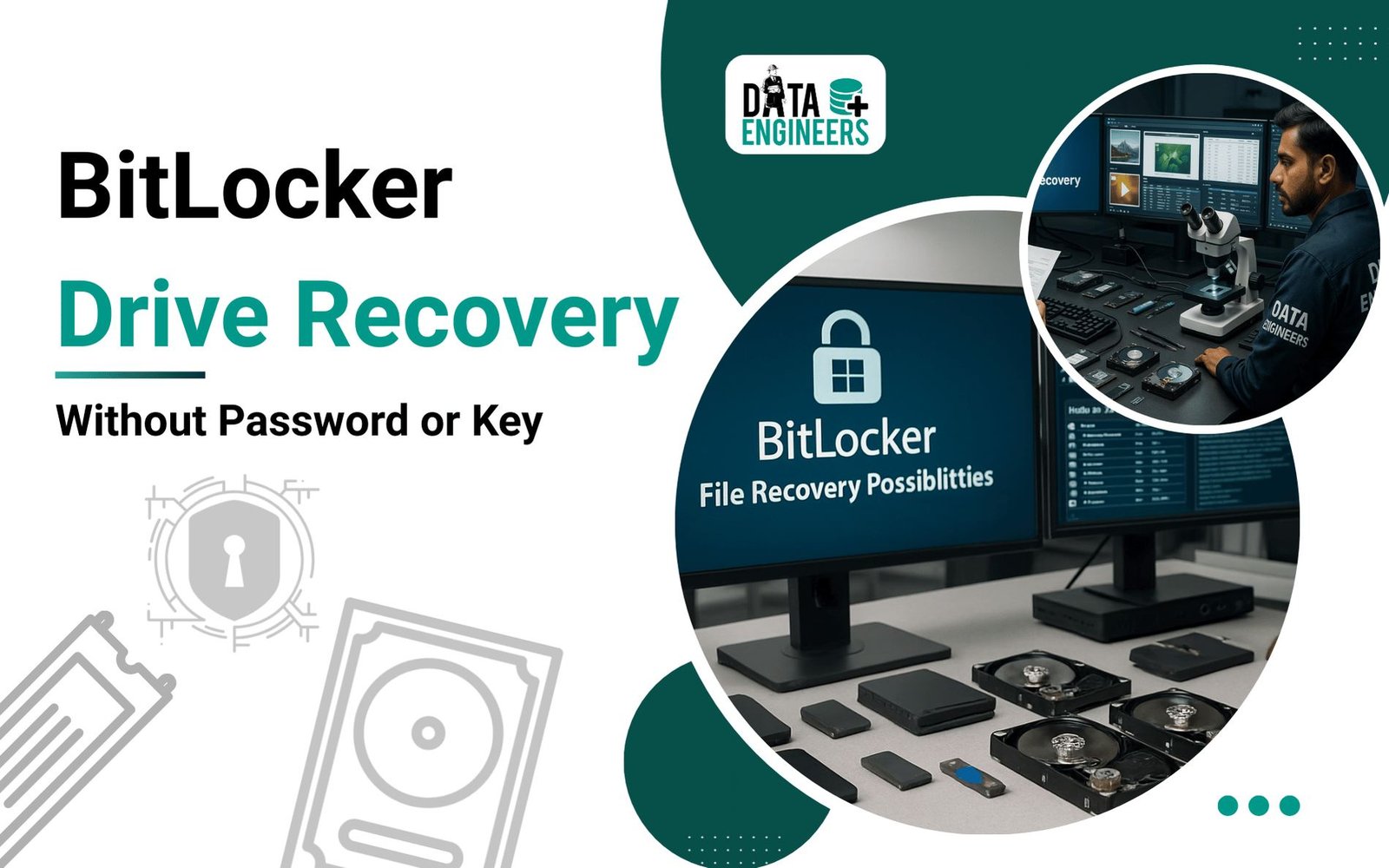
BitLocker Data Recovery: Recover Files from a BitLocker Encrypted Drive (Complete 2026 Guide)
Lost access to your BitLocker-encrypted drive? Whether you’ve forgotten the password, misplaced the recovery key, or your SSD or hard drive has become inaccessible, the situation can feel overwhelming—especially if the drive contains critical business documents, financial records, legal files, or irreplaceable personal data.
The good news is that data recovery may still be possible, depending on the condition of the drive and the integrity of the encrypted data.

At Data Engineers, we specialize in BitLocker data recovery from encrypted internal hard drives, SSDs, NVMe drives, external hard disks, USB drives, and other storage devices. Our engineers recover data from physically damaged, logically corrupted, formatted, and inaccessible BitLocker volumes using advanced laboratory-level recovery techniques.
This comprehensive guide explains how BitLocker works, why encrypted drives become inaccessible, what you should never do, and when professional BitLocker file recovery offers the best chance of retrieving your data.
What Is BitLocker?
BitLocker is Microsoft’s full-disk encryption technology designed to protect sensitive information from unauthorized access. Instead of encrypting individual files, BitLocker encrypts the entire storage volume, ensuring that data remains protected even if the drive is removed from the computer.
BitLocker is widely used by:
- Businesses and enterprises
- Government organizations
- Educational institutions
- IT professionals
- Home users protecting confidential data
Once encryption is enabled, Windows requires authentication before allowing access to the drive.
Authentication may occur through:
- BitLocker password
- 48-digit recovery key
- TPM (Trusted Platform Module)
- Startup PIN
- USB startup key
Without valid authentication, the contents of the drive remain encrypted and unreadable.
Can BitLocker Data Be Recovered?

Yes—but recovery depends on the specific cause of data loss.
Many people assume that losing the BitLocker password automatically means the data is gone forever. In reality, professional recovery may still be possible in many scenarios, particularly when the encrypted data itself remains intact.
Successful recovery depends on factors such as:
- Health of the storage device
- Integrity of BitLocker metadata
- Extent of logical corruption
- Presence of hardware damage
- Availability of authentication information
- Whether the drive has been overwritten or formatted
Every BitLocker case requires detailed evaluation before determining the best recovery approach.
Understanding BitLocker Encryption and Recovery Limitations
BitLocker is designed to prevent unauthorized access, which means there is no legitimate method to simply bypass encryption and unlock a protected drive without proper authentication.
A BitLocker encrypted drive cannot normally be opened without one of the following:
- BitLocker password
- 48-digit recovery key
- TPM-based authentication
- Backup recovery information
- Valid encryption credentials
This security design is exactly what makes BitLocker effective.
However, data recovery is different from bypassing encryption. Professional recovery focuses on recovering accessible encrypted data, repairing damaged structures, extracting readable sectors, and restoring files when possible.
Common BitLocker Data Loss Situations We Handle

BitLocker drives can become inaccessible due to many different reasons. Some of the most common cases include:
Lost BitLocker Password or Recovery Key
Users frequently lose access after:
- Forgetting the BitLocker password
- Changing computers
- Reinstalling Windows
- Losing recovery key backups
- Removing old accounts
- Replacing system hardware
If the recovery key is unavailable, the drive requires expert assessment to determine whether recovery options exist.
BitLocker Drive Not Unlocking
Common error messages include:
- “BitLocker recovery key is incorrect”
- “The drive cannot be unlocked”
- “BitLocker encryption failed”
- “Access denied to encrypted drive”
- “The parameter is incorrect”
- “The drive needs to be formatted”
These problems may occur because of:
- Corrupted BitLocker metadata
- File system damage
- Storage device failure
- Interrupted encryption or decryption
- Windows system corruption
Corrupted BitLocker Encrypted Drive Recovery

A BitLocker drive may appear as:
- RAW partition
- Unknown file system
- Unallocated space
- Empty volume
- Inaccessible drive
Corruption can happen because of:
- Sudden power failure
- Unsafe removal
- Operating system crash
- Failed updates
- Malware infection
- Hardware instability
Professional recovery focuses on protecting the encrypted structure while attempting to restore access to the stored information.
Dead SSD or Hard Drive with BitLocker Encryption
Physical failures are among the most complex BitLocker recovery situations.
Examples include:
- SSD not detected
- HDD clicking noises
- Firmware failure
- Controller damage
- PCB failure
- Water damage
- Electrical damage
- Bad sectors
When a drive has hardware problems, normal access methods may fail because the system cannot properly read the encrypted sectors.
Specialized hardware recovery procedures may be required to extract data safely from damaged storage media.
BitLocker Recovery Process at Data Engineers
Every encrypted drive recovery case follows a controlled process to protect data integrity.

1. Device Evaluation and Diagnosis
The first step is understanding the condition of the encrypted device.
Our engineers analyze:
- Drive health
- Detection status
- Encryption structure
- Physical condition
- Logical errors
- Recovery possibilities
A detailed assessment helps determine whether the issue is software-related or hardware-related.
2. Secure BitLocker Structure Analysis
BitLocker volumes contain important encryption information required for accessing stored data.
During recovery, specialists examine:
- Encryption metadata
- Volume information
- Drive sectors
- File system structure
- Partition information
If these structures remain usable, recovery chances improve significantly.
3. Advanced Data Extraction for Damaged Drives
When a drive has physical damage, the priority is creating a safe working copy before attempting recovery.
This may involve:
- Controlled sector-level extraction
- Bad sector management
- Hardware-level diagnostics
- Memory extraction techniques for severely damaged storage devices
The objective is to minimize stress on the original drive and protect remaining readable information.
4. File Verification and Secure Delivery
Before completing recovery, recovered data is verified for:
- File accessibility
- Folder structure
- Document integrity
- Media quality
Recovered files are delivered through secure storage methods based on customer requirements.
What Data Can Be Recovered from BitLocker Drives?
Depending on drive condition, recovery may include:

Business Data
- Accounting files
- Databases
- Project documents
- Company records
- Engineering files
- Client information
Personal Data
- Photos
- Videos
- Documents
- Personal archives
- Emails
- Important files
Professional Files
- CAD projects
- Software development files
- Research data
- Office documents
- Multimedia projects
BitLocker Recovery from Different Storage Devices
Our BitLocker recovery services support various storage media including:
Internal Hard Drives
Recovery from:
- Desktop HDDs
- Laptop hard drives
- Workstation drives
SSD and NVMe Drives
Including:
- Failed SSDs
- Corrupted NVMe storage
- Non-booting systems
External Drives
Including:
- USB hard drives
- Portable SSDs
- External encrypted storage
Enterprise Storage
Including:
- Business computers
- Corporate encrypted drives
- Critical workplace data
Important: What NOT To Do When BitLocker Drive Is Locked

Incorrect attempts can reduce recovery possibilities.
Do Not Format the Drive
Formatting may overwrite important information required for recovery.
Avoid Running CHKDSK
Repair commands can modify damaged file structures and make recovery more difficult.
Do Not Install Random Recovery Applications
Unverified applications may:
- Modify drive structures
- Write new data
- Damage existing information
Do Not Continue Encryption or Decryption Attempts
If the process failed midway, continuing may increase the risk of additional damage.
Safe Steps Before Professional Recovery
If your BitLocker drive is inaccessible:
- Stop using the drive immediately.
- Disconnect the device safely.
- Do not initialize or format it.
- Keep any available recovery keys or passwords.
- Contact a professional recovery specialist for evaluation.
The earlier the recovery process begins, the better the chances of preserving important data.
How to Find Your BitLocker Recovery Key Before Data Recovery
Before approaching a professional recovery service, it is always recommended to check whether your BitLocker recovery key is available.
A BitLocker recovery key is a unique 48-digit numerical password created when BitLocker encryption is activated. This key can unlock the encrypted drive when Windows cannot automatically authenticate it.
You may find your recovery key in the following locations:
Microsoft Account Recovery Key Backup

If BitLocker was enabled using a personal Microsoft account, the recovery key may have been automatically saved online.
Check:
- Microsoft account devices
- Saved recovery key records
- Previous account backups
Make sure you sign in using the same Microsoft account that was used when BitLocker was activated.
Work or Organization Account
For company-managed computers, BitLocker recovery keys are often stored by the organization’s IT department.
The recovery key may exist through:
- Company device management systems
- Organization security records
- IT administrator backups
If the device belongs to a business, contact your IT administrator before attempting recovery.
USB Backup Storage
Some users save BitLocker recovery information on external media.
Check:
- USB flash drives
- External backup devices
- Saved text documents
- Printed recovery records
Printed Recovery Documents
During BitLocker setup, users may choose to print the recovery key.
Search physical records related to:
- Computer setup documents
- Device purchase information
- IT configuration records
Can You Unlock BitLocker Without Password or Recovery Key?
This is one of the most common questions.
The answer depends on what you mean by “unlock.”
Normal Unlocking
Windows cannot decrypt a BitLocker drive without valid authentication information.
There is no genuine method to simply bypass BitLocker encryption.
This protection exists because BitLocker is specifically designed to prevent unauthorized access.
Professional Data Recovery
Professional recovery is different from unlocking.
Experts analyze whether the encrypted data can still be accessed based on:
- Drive condition
- Encryption metadata
- Storage integrity
- Available recovery information
If the drive structure is damaged or inaccessible, specialists may attempt data extraction using advanced recovery procedures.
Professional BitLocker Recovery vs DIY Attempts

Many users search online for quick solutions when their BitLocker drive becomes inaccessible. Unfortunately, incorrect methods can permanently reduce recovery possibilities.
Common Risky Attempts
Formatting the Encrypted Drive
Windows may display messages such as:
“Drive needs to be formatted before use.”
Selecting format can destroy important structures needed for recovery.
Running Disk Repair Commands
Built-in repair utilities may modify damaged file system information.
For encrypted drives, unnecessary modifications can make recovery more complicated.
Using Unknown Unlock Applications
Many online programs claim they can instantly unlock BitLocker drives.
Users should be cautious because:
- Encryption cannot be magically bypassed
- Some applications may damage drive contents
- Some may not perform genuine recovery
Why Choose Data Engineers for BitLocker Data Recovery?
Recovering encrypted data requires experience, specialized knowledge, and controlled handling procedures.
Data Engineers provides professional BitLocker recovery services for:
- Individuals
- Businesses
- Corporate organizations
- Legal professionals
- IT departments
Our recovery approach focuses on:
Experienced Recovery Engineers
Our specialists handle complex encryption-related cases involving:
- Failed drives
- Corrupted volumes
- Storage failures
- Inaccessible encrypted partitions
Advanced Recovery Laboratory
Complex BitLocker cases may require specialized equipment and controlled recovery environments.
We work with:
- HDD storage failures
- SSD failures
- NVMe devices
- External encrypted drives
Confidential Data Handling
Data privacy is a critical part of encrypted drive recovery.
Recovery procedures are performed with:
- Confidential handling
- Secure workflows
- Controlled access
- Customer privacy protection
Nationwide Support
Customers across India can submit storage devices for evaluation through secure pickup and delivery options.
BitLocker Data Recovery Success Factors
Every case is unique. Recovery possibility depends on:
Drive Condition
A healthy encrypted drive generally has better recovery possibilities than a physically damaged device.
Encryption Status
Fully encrypted, partially encrypted, or interrupted encryption situations require different approaches.
Previous Actions
Formatting, repeated repair attempts, or continued usage may affect recovery chances.
Type of Failure
Logical problems and hardware failures require different recovery methods.
Final Thoughts: Protect Your BitLocker Data Before It Is Too Late
BitLocker provides powerful protection for sensitive information, but losing access to an encrypted drive can become a serious problem.
Avoid experimenting with unknown solutions, formatting the drive, or performing unnecessary repairs. Every action performed on an encrypted storage device can affect future recovery possibilities.
If your BitLocker drive is locked, corrupted, damaged, or inaccessible, professional evaluation is the safest approach.
Data Engineers provides expert BitLocker data recovery services in India for encrypted HDDs, SSDs, NVMe drives, and external storage devices.
Get your encrypted drive evaluated by experienced recovery specialists and take the right steps to protect your valuable data.
Frequently Asked Questions About BitLocker Recovery

Worldwide Leader in Data Recovery



Leave a Comment