
NAS vs SAN Data Recovery: Complete Guide for Beginners, Individuals & Businesses (2026)
In 2026, data is the backbone of both personal and professional life. From home users storing family memories to enterprises running mission-critical applications, NAS and SAN storage systems are widely used to manage large volumes of data.
Whether you are:
- Backing up documents and photos on a NAS system such as Synology or QNAP or
- Running enterprise workloads on a SAN platform like Dell EMC or NetApp
data loss remains a serious risk.
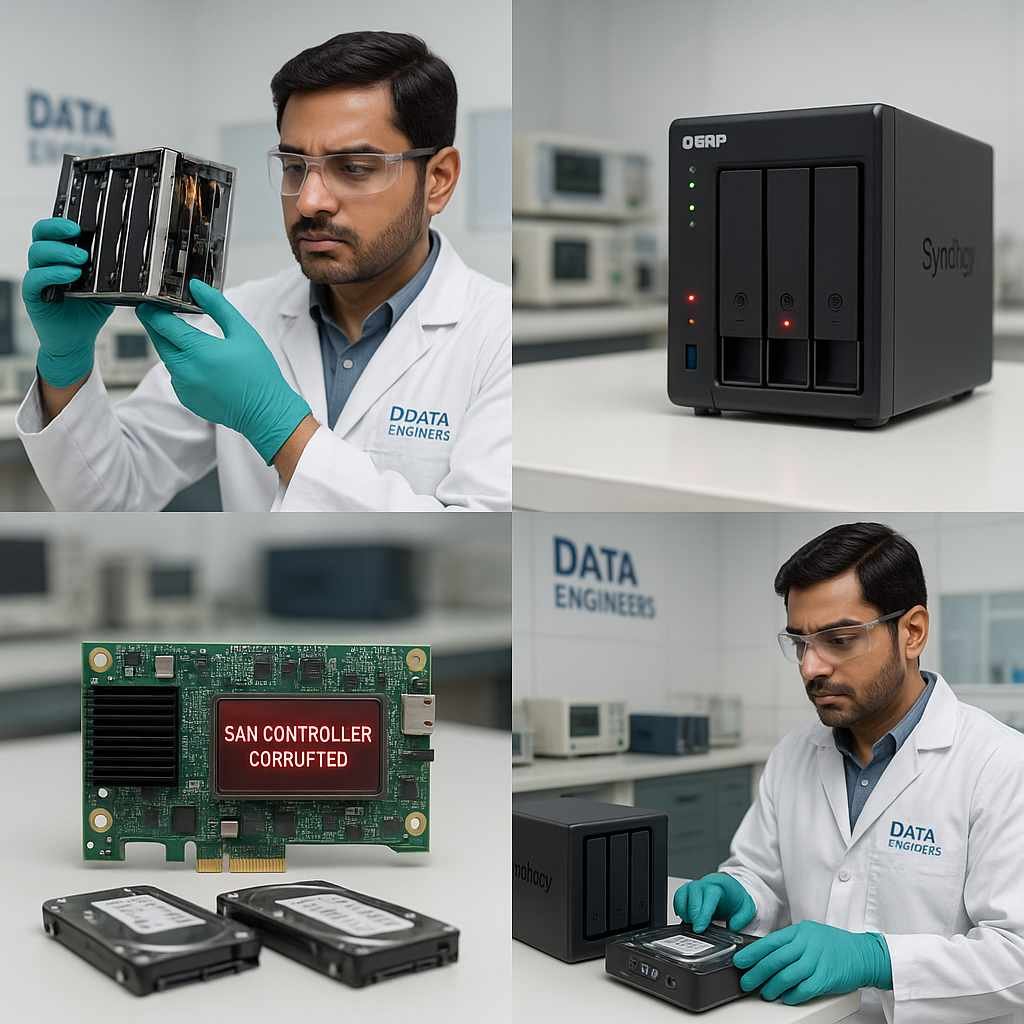
Even with RAID redundancy, snapshots and failover mechanisms, failures can still occur due to firmware corruption, disk failure, power issues, ransomware or human error.
This guide explains NAS vs SAN data recovery, when recovery is possible, what can be done safely and when professional recovery is required.
What Is NAS (Network Attached Storage)?
NAS is a network-connected storage system designed for individuals, small teams and growing businesses.
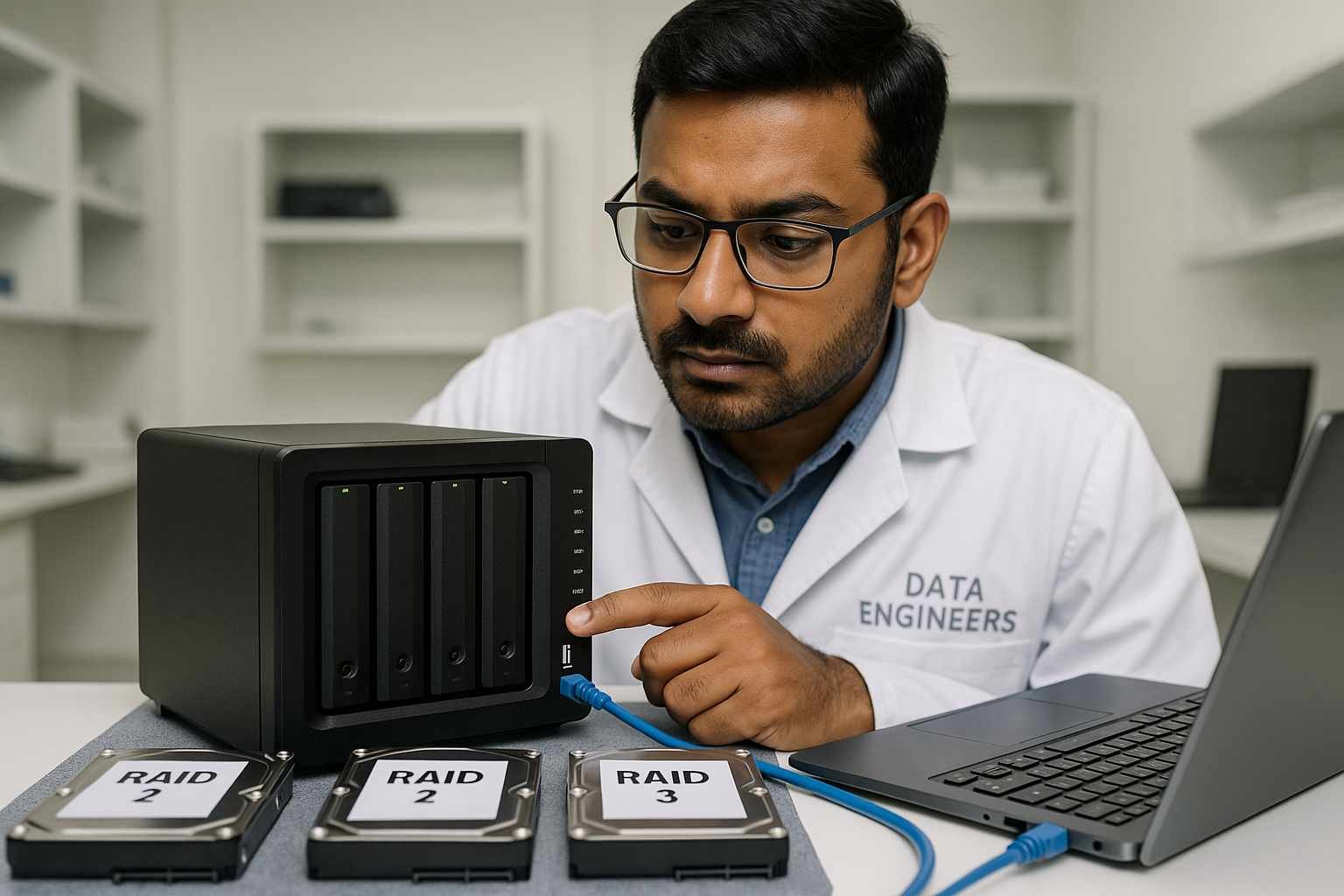
Common NAS Brands
- Synology
- QNAP
- WD My Cloud
- Asustor
Supported Protocols
- SMB (Windows)
- NFS (Linux)
- AFP (macOS)
Typical NAS Use Cases
- Personal backups and file storage
- Shared folders for small businesses
- Media servers and private cloud alternatives
Advantages of NAS
- Cost-effective and scalable
- Easy to configure and manage
- Network access without recurring cloud costs
NAS systems usually run RAID and Linux-based file systems such as EXT4, Btrfs or ZFS.
What Is SAN (Storage Area Network)?
A SAN is a high-performance enterprise storage network designed for environments that require fast, centralized and reliable data access.

Leading SAN Vendors
- Dell EMC
- NetApp
- IBM
- HP
- Hitachi
SAN Protocols
- Fibre Channel
- iSCSI
- FCoE
Typical SAN Use Cases
- Enterprise databases (Oracle, SAP, SQL)
- Virtualized platforms (VMware, Hyper-V)
- Private and hybrid cloud infrastructure
Advantages of SAN
- Block-level storage for maximum performance
- Highly scalable and redundant
- Essential for data centers and critical workloads
SAN systems are significantly more complex than NAS and require expert handling during recovery.
Why Data Loss Happens in NAS & SAN Systems (2026)
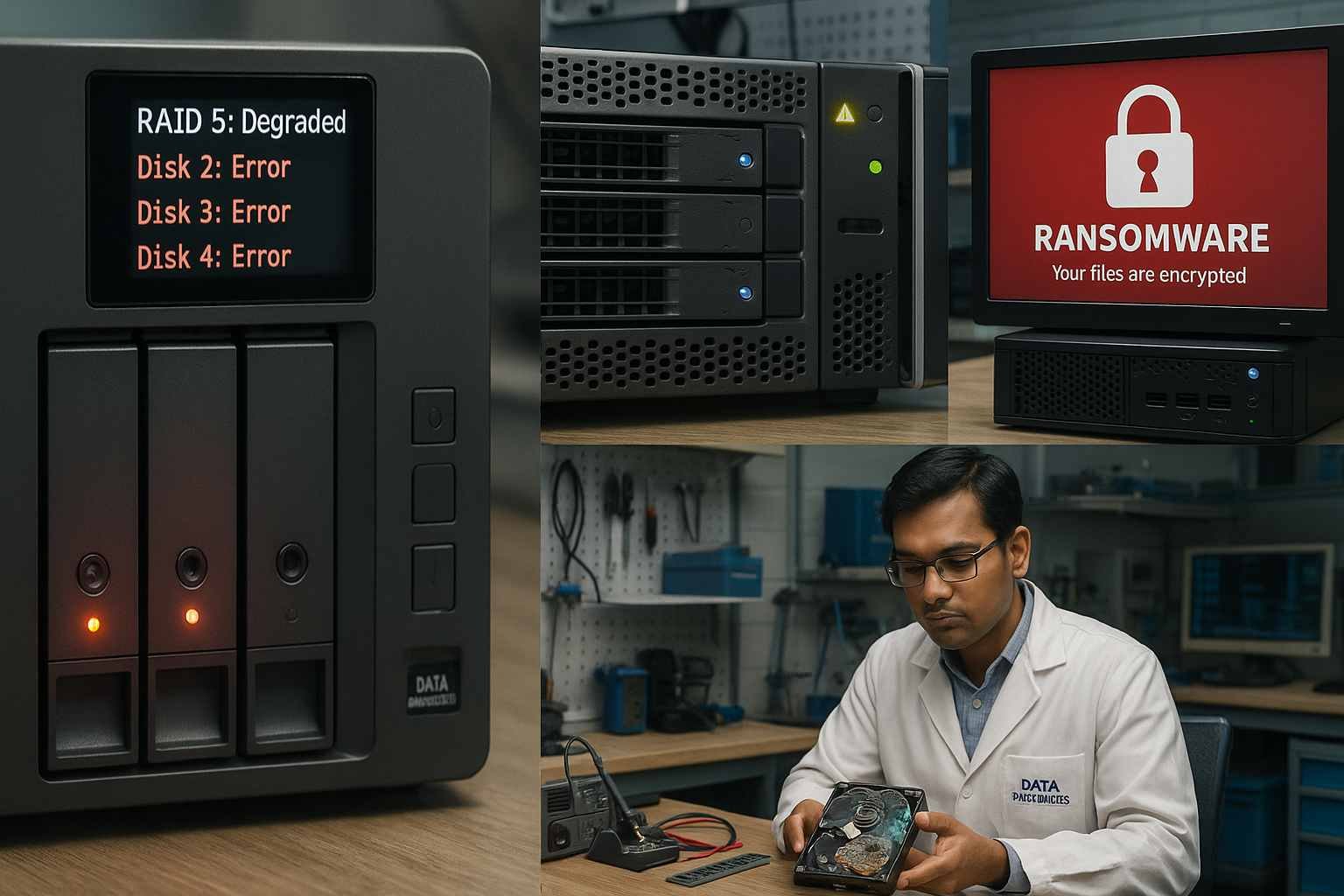
Common NAS Data Loss Causes
- Accidental deletion or formatting
- Corrupted volumes after firmware updates
- Single or multiple disk failures
- RAID degradation
- Ransomware encrypting shared folders
- Permission or network misconfiguration
Common SAN Data Loss Causes
- Multiple disk failure in RAID groups
- Storage controller or switch failure
- Corrupted LUNs (Logical Unit Numbers)
- Errors during virtualization or cloud migration
- Human error during expansion or reconfiguration
Understanding the cause is critical before attempting any recovery.
NAS Data Recovery: Step-by-Step (Individuals & SMBs)

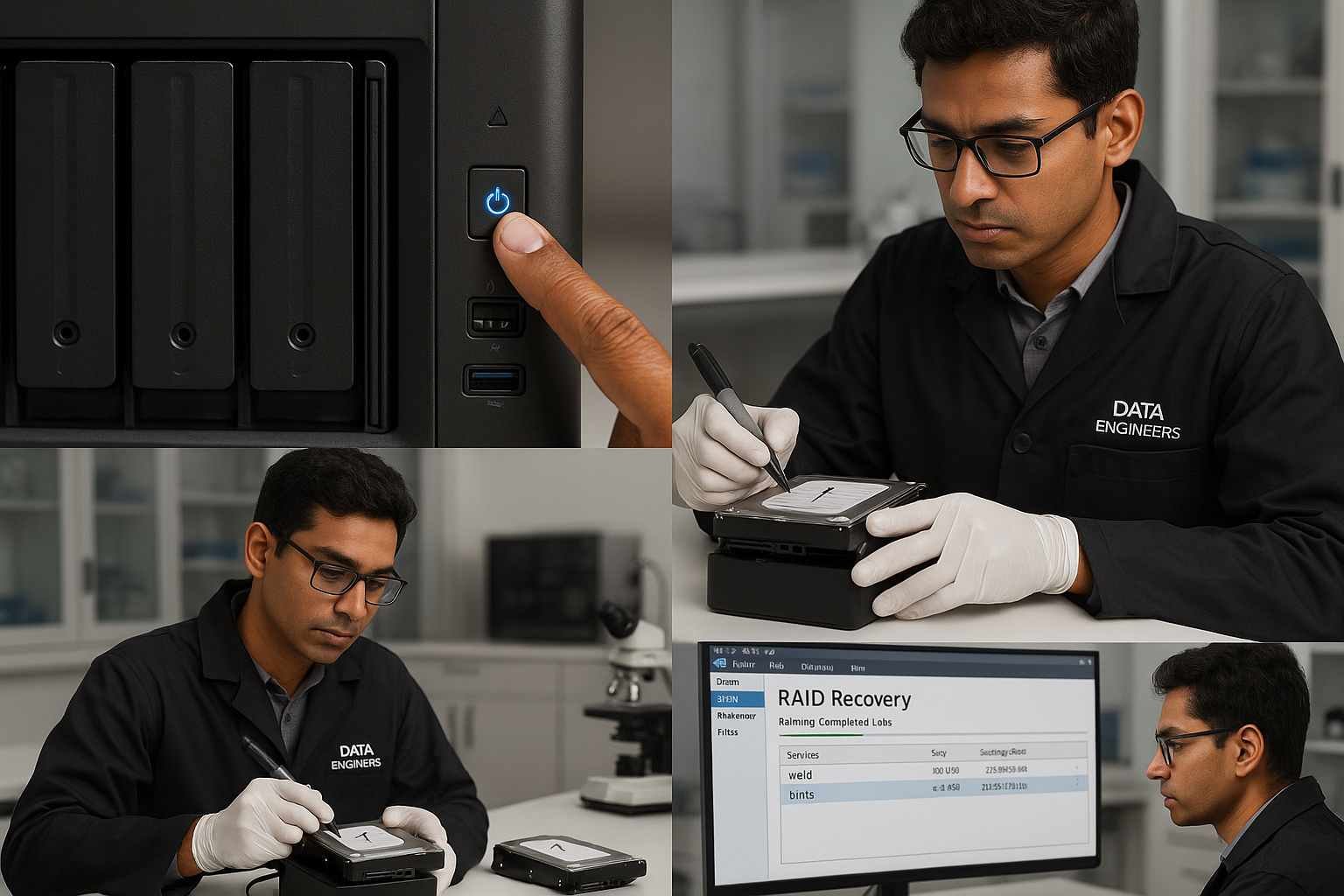
Step 1: Power Off Immediately
Stop all activity to prevent overwriting or RAID corruption.
Step 2: Document Disk Order
Label disks and note RAID level. If unsure, stop here.
Step 3: Check Backups and Snapshots
Many NAS devices include built-in recovery options:
- Synology: Hyper Backup, Snapshot Replication
- QNAP: Hybrid Backup Sync, QuDedup
Step 4: Clone Drives First
Create bit-by-bit images of all drives. Never work on originals.
Step 5: Recovery Attempt
DIY recovery is only safe if you fully understand RAID layout and file systems. Incorrect rebuilds can permanently destroy data.
If unsure, raid recovery services is the safest option.
SAN Data Recovery: Why DIY Is Not Recommended
SAN recovery involves complex architectures and vendor-specific configurations.
Common SAN Recovery Challenges
- Nested RAID levels (RAID 10, 50, 60)
- Controller-based virtual disk mapping
- Corrupted metadata on large LUNs
- Integration with VMware or Hyper-V
- Proprietary SAN file structures
Best Practices
- Stop using the SAN immediately
- Clone all drives in original order
- Document controller and RAID configuration
- Engage a professional SAN recovery team before rebuilding
DIY attempts on SAN systems often result in irreversible data loss.
When to Call a Professional Data Recovery Service
Situation | DIY Safe | Professional Required |
Deleted files on NAS | Yes | No |
NAS RAID degraded | Risky | Yes |
Firmware update corrupted NAS | No | Yes |
SAN controller failure | No | Yes |
Missing or corrupted LUN | No | Yes |
Business or regulated data | No | Yes |
Why You Should Not Experiment on NAS or SAN Systems

Resetting, reinitializing or rebuilding storage without expert knowledge can permanently destroy metadata and RAID structure.
Many data losses occur after users follow online tutorials meant for consumer devices, not enterprise storage.
If the data is important, do not experiment.
Professional NAS & SAN Data Recovery with Data Engineers
Data Engineers provides professional NAS and SAN recovery services across India, including:
- Home and SMB NAS systems (Synology, QNAP, Asustor)
- Enterprise SAN environments (Dell EMC, NetApp, HP, IBM)
- RAID failure, ransomware, corrupted volumes and LUN loss
📞 Phone Number:
📱 +91-9818567981
📧 Email:
📨 support@dataengineers.in
🌐 Website:
🔗 www.dataengineers.in
All recovery is performed using secure, lab-grade procedures with strict confidentiality.
Final Thoughts: NAS vs SAN Data Recovery in 2026

- NAS recovery may be possible in simple cases, but mistakes are costly
- SAN recovery should never be attempted without expert involvement
- Backups reduce risk, but recovery expertise is essential when failure occurs
If your data matters, the safest choice is professional recovery.

Worldwide Leader in Data Recovery

Leave a Comment