
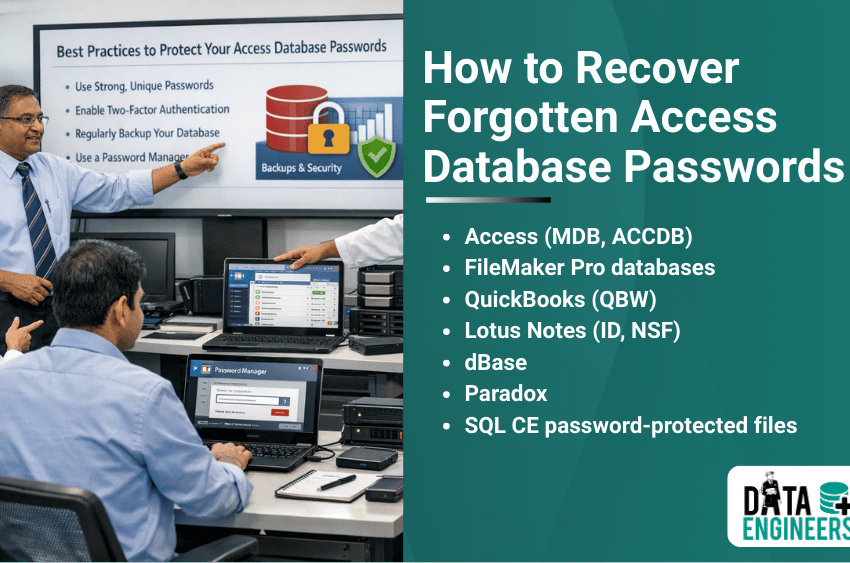
How to Recover Forgotten Access Database (MDB & ACCDB) Passwords
When you can no longer get access to a Microsoft Access database that’s important to your business due to corruption in the .mdb or.accdb file, it can be very stressful if everything comes crashing down. Access databases (.MDB and .ACCDB files) please be aware that the file is encrypted and access to it can be a challenge if you forget the password.

This guide will show you some DIY approach first and hereafter explain why a professional Data Engineer is your best choice, in particular when dealing with complex or strongly encrypted Access databases.
Why Access Databases Are Password-Protected
Microsoft Access allows you to protect important database content by password. Typical reasons include:
- Confidential business data stored in MDB or ACCDB files
- Financial records, reports and customer information
- Multi-user environments where database security is critical
Note: When free software or unreliable online service is chosen, you risk of getting corrupted database file. A professional recovery keeps your data safe and whole.
DIY Methods to Recover Access Database Passwords
Try some safe DIY techniques before consulting an expert. Caution:

1. Using Password Hints
- If you set a password hint when creating the database, check it carefully.
- Try variations of passwords you commonly use in your organization.
- Works best for short or moderately complex passwords.
2. Backup Database Recovery
- Check if you have an older backup version of the database.
- Older backups sometimes don’t have password protection or use simpler passwords.
- This method is safe and avoids risking data corruption.
3. Using Alternative Access Tools
- Open the database with Microsoft Access alternatives such as LibreOffice Base.
- Occasionally, older ACCDB/MDB files can be opened without strict password enforcement.
- This method works primarily for legacy databases or weak encryption.
Warning: DIY tricks are generally only worthwhile for simple or legacy passwords New ACCDB files with high encryption should be handled by professionals.
Professional Recovery with Data Engineers

For complex or encrypted Access databases, professional Data Engineers are the safest solution.
- Expertise Across All Versions: Skilled in both MDB and ACCDB formats
- High Recovery Success Rate: Can recover long-forgotten or highly secure passwords
- Data Integrity: Ensures the database remains fully intact during recovery
- Safe Handling: Confidential business or financial data is protected
- Fast and Reliable: Reduces downtime and restores access quickly
All of the planning that is done by Data Engineers ensures your sensitive database data is restored without corruption.
Advantages of Professional Services
- Recovery from strongly encrypted ACCDB/MDB files
- Support for multi-user or legacy Access databases
- Faster recovery for business-critical databases
- Expert handling of sensitive or confidential data
- Solutions for corrupted or damaged databases
Tips to Avoid Losing Access Database Passwords

- Use a secure password manager for all Access database credentials
- Maintain regular backups of all critical databases
- Use strong but memorable passwords
- Keep password hints updated and relevant
- Document multi-user database access for accountability
Conclusion
Recovering password-protected Access databases (.MDB and .ACCDB) and you just want to see the data (without tables, queries etc.) it’s not easy, especially when you encounter a modern encrypted file. Try safe DIY options such as password hints, backups and other ways to get in for easy situations.
For mission-critical, complex or forgotten in history databases professional Data Engineers offer the best chance for security, speed and reliability of recovery to ensure your database is safe and accessible.
FAQs
Q1: Can I recover Access passwords for free?
Simple passwords or older databases may be recovered with DIY methods, but modern ACCDB encryption requires professional Data Engineers.
Q2: How long does Access database password recovery take?
Depends on database size and password complexity. Professionals can reduce recovery time significantly.
Q3: Are professional recovery services safe?
Yes, Data Engineers follow strict protocols to ensure data security and database integrity.

Worldwide Leader in Data Recovery

Leave a Comment