
Step-by-Step Guide to Recover Password-Protected Email & Messaging Databases (PST, OST, DBX, EML, MSG, Thunderbird, The Bat!)
Losing access to your email databases can be stressful, especially if these particular databases are full of crucial business emails and some vital personal information backups. Formats like MS Outlook PST/OST, Outlook Express DBX, EML/MSG files and Thunderbird mail store, The Bat! are typically secured by a password to protect them from being accessed without authorization.

This guide covers DIY steps on how to use and why you need professional Data Engineers in more advanced recovery situations.
Why Email & Messaging Databases Are Password-Protected
All email databases are password protected to protect for potential critical data loss if there is unauthorized access. Common reasons include:
- Confidential business emails in PST or OST files
- Historical messages in DBX, EML or MSG files
- Email backups in Thunderbird Mailstore or The Bat!
- Protecting multi-account or multi-user setups
Note: Free tools don’t bother checking for files that have been corrupted by other free software, or can’t handle strong encryption. Professional Data Recovery ensures safety and soundness.
DIY Methods to Recover Email Passwords
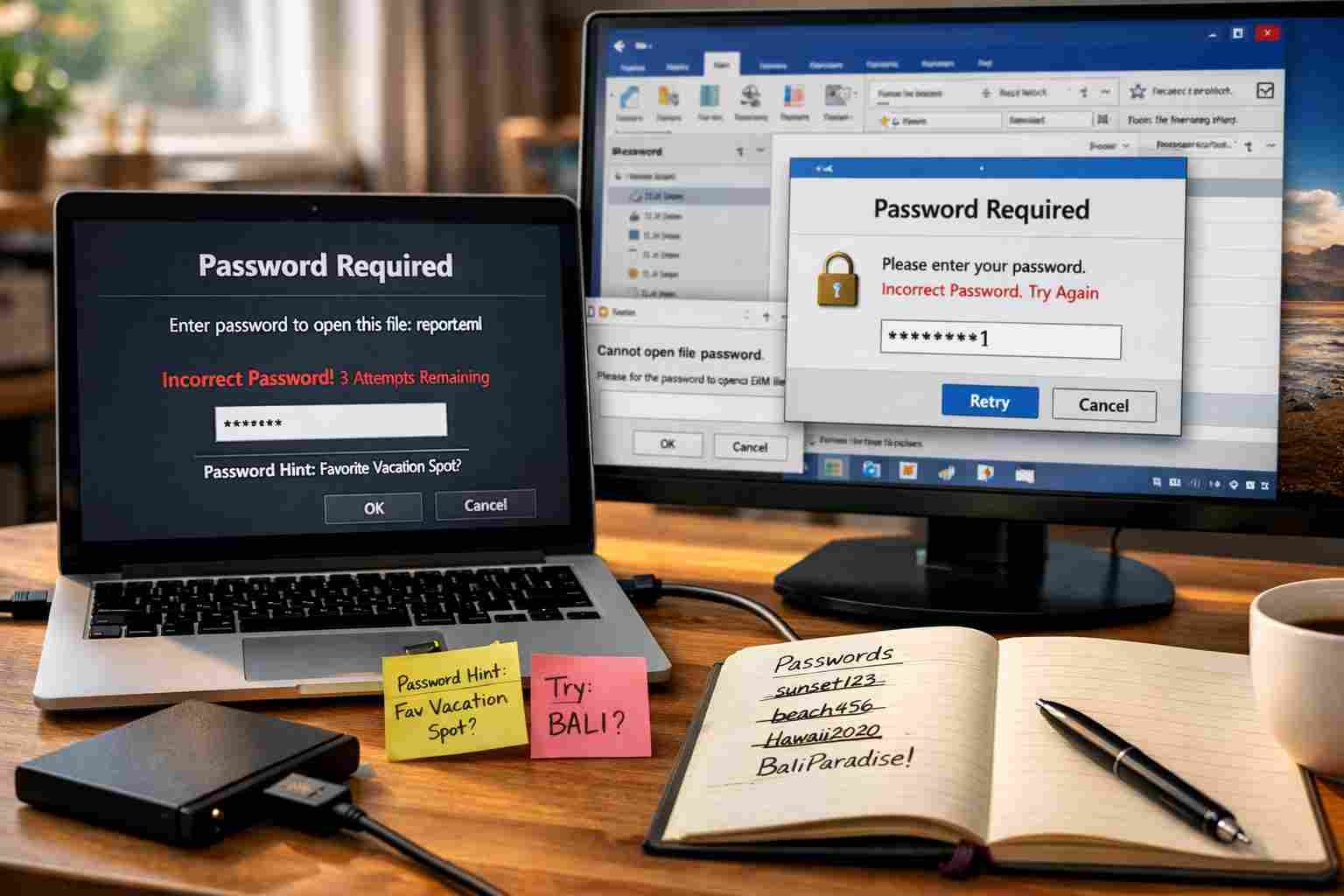
You can attempt to do it yourself if your email database password is weak and/or partially remembered.
Microsoft Outlook (PST & OST)
- Try Common or Previous Passwords
- Test variations of previous passwords or simple patterns.
- Works for short or weak passwords.
- Check Backups
- Older PST/OST backups may not be password-protected.
- Useful if you have automated backups.
Outlook Express (DBX)
- Password Guessing
- Test likely combinations or previous account passwords.
- Effective for simple DBX files.
- Restore from Backups
- Old DBX files may exist unprotected in system backups.
Other Email Formats (EML, MSG, Thunderbird, The Bat!)
- EML & MSG Files
- Try opening in alternate email clients to test access.
- Works for lightly encrypted files.
- Thunderbird Mailstore
- Backup older Mailstore files; sometimes older versions are unprotected.
- The Bat! Email Client
- Simple passwords can sometimes be recovered with hints or previously saved credentials.
Note: DIY methods are effective for simple passwords or older files. Complex encryption in modern PST/OST or multi-account setups requires professional recovery.
Why Choose Data Engineers for Email Database Recovery

For complex or encrypted email databases, professional Data Engineers are the safest and most reliable choice.
- Expertise Across All Formats: PST, OST, DBX, EML, MSG, Thunderbird Mailstore and The Bat!
- High Success Rate: Can recover complex, long-forgotten passwords or encrypted emails
- Secure & Confidential: Ensures privacy and integrity of sensitive emails
- Fast and Reliable: Reduces downtime for critical business or personal email data
- Safe Recovery from Corrupted or Damaged Files: Unlike free tools, experts handle complex cases securely
By choosing Data Engineers, you regain access to your locked email databases safely and efficiently.
Advantages of Professional Services
- Recovery from highly encrypted or corrupted databases
- Support for all email file formats, including legacy DBX or ARJ archives
- Faster recovery for urgent business-critical emails
- Secure handling of sensitive data
- Expert troubleshooting for multi-user or multi-account setups
Tips to Prevent Losing Email Passwords
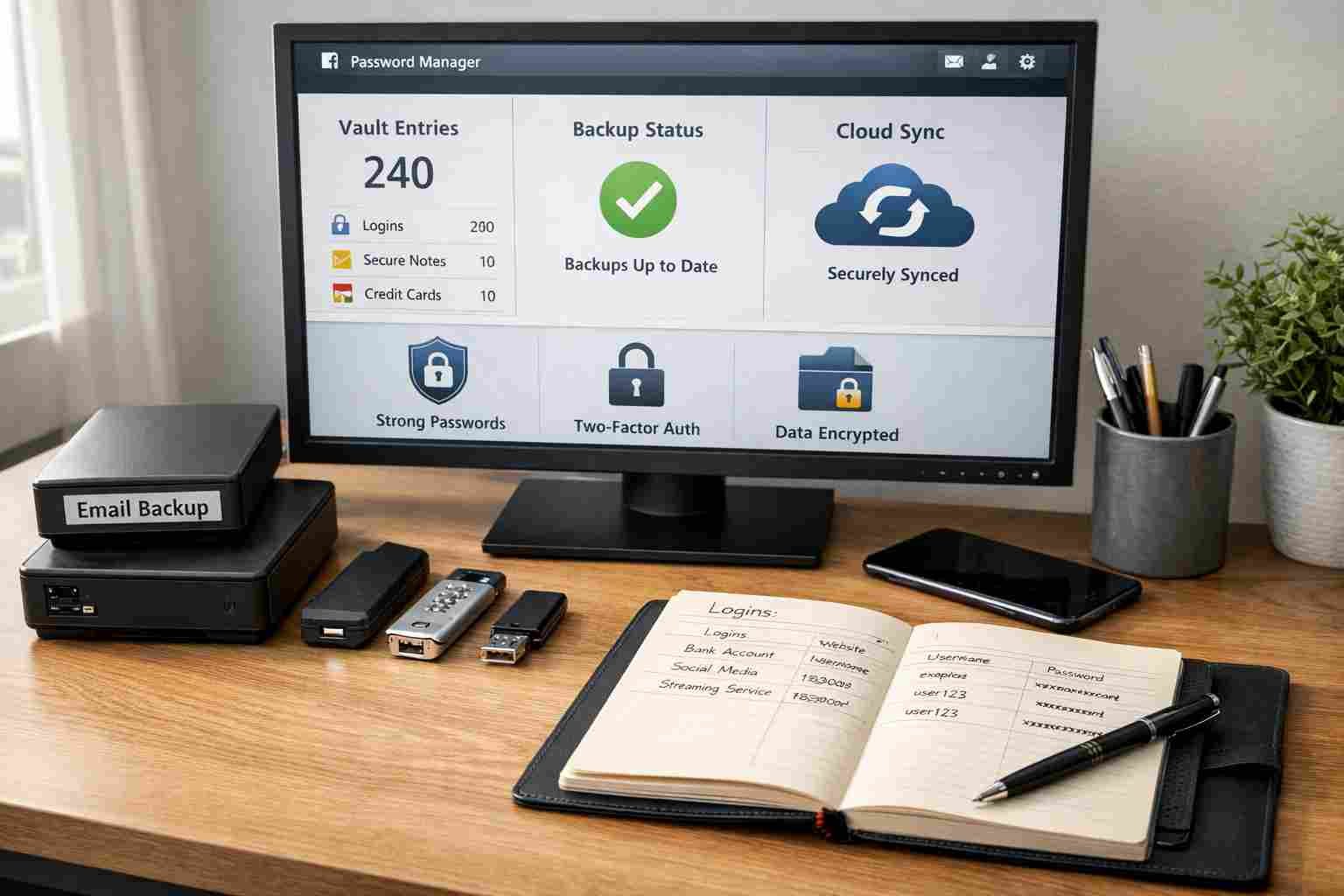
- Use a secure password manager for all email credentials
- Keep backup copies of all critical email databases
- Use strong but memorable passwords
- Label multi-account databases clearly for easy identification
Conclusion
Recovering password-protected email and messaging databases – including PST, OST, DBX, EML, MSG, Thunderbird Mailstore and The Bat!—can be challenging. Start with DIY methods for simple passwords or older files. For complex encryption or large-scale email databases, professional Data Engineers provide the safest, fastest and most reliable solution.
By choosing Data Engineers, you ensure your email databases are recovered securely, without risk of data loss, giving you full access to your critical emails efficiently and professionally.
FAQs
Q1: Can I recover Outlook PST or OST password for free?
Simple passwords may be recovered with DIY methods, but complex encryption requires professional Data Engineers.
Q2: How long does Thunderbird mailstore password recovery take?
Depends on database size and password complexity. Professionals reduce recovery time significantly.
Q3: Are professional email database recovery services safe?
Yes, experienced Data Engineers follow strict protocols to ensure data privacy and integrity.

Worldwide Leader in Data Recovery

Leave a Comment