
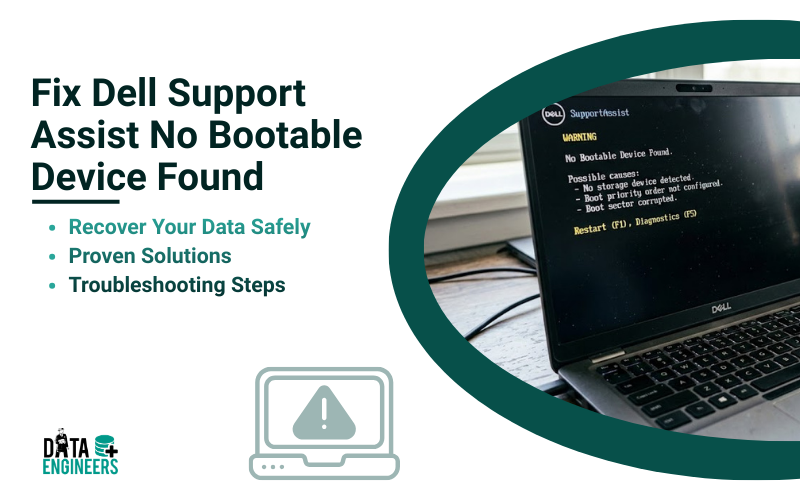
Dell Support Assist No Bootable Device Found: Complete Data Recovery Guide
Dell laptops are trusted worldwide for performance and reliability. However, even the best devices can face critical errors. One of the most alarming is the “Dell Support Assist No Bootable Device Found” message.
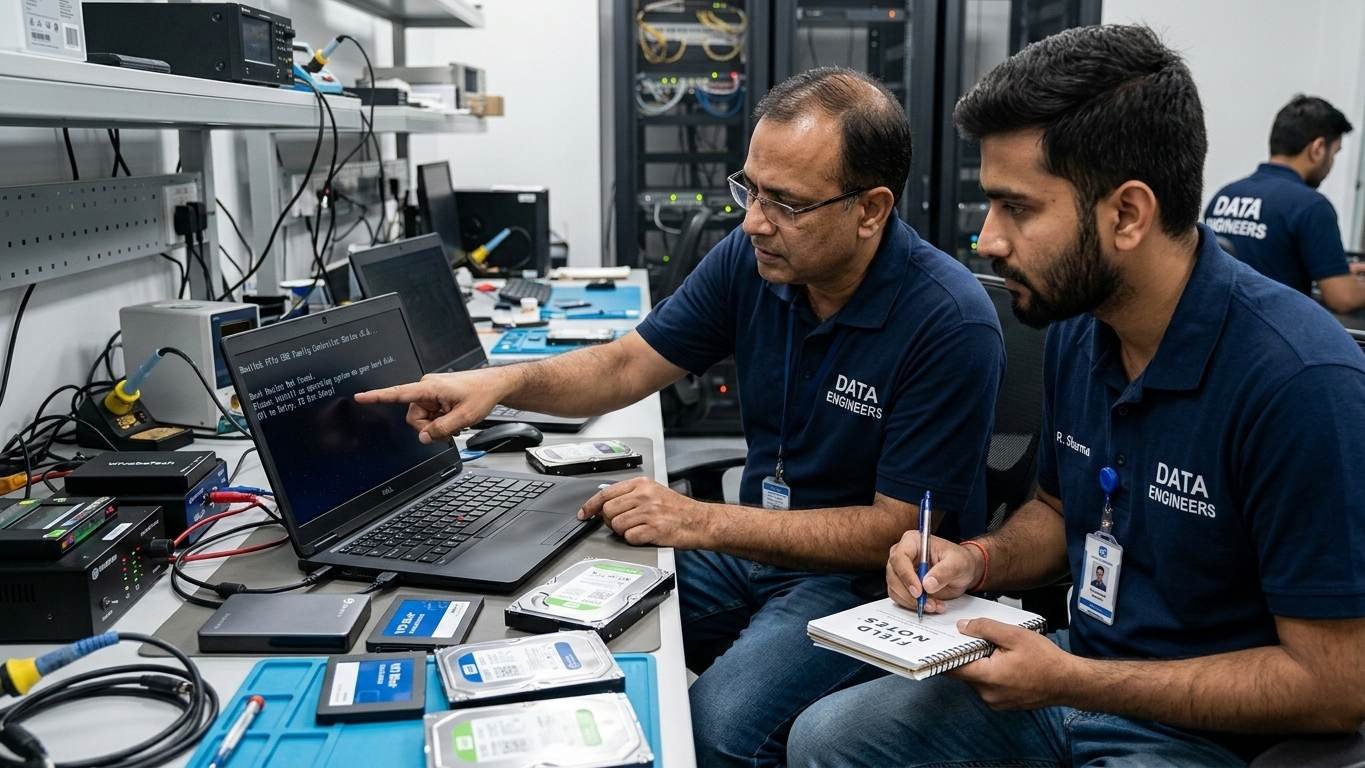
This error occurs when your laptop cannot detect a bootable operating system, leaving your files inaccessible. At Data Engineers, we specialize in recovering data from all types of devices, including HDDs, SSDs, laptops, desktops, and external drives, even when devices appear physically damaged.
What Does “Dell Support Assist No Bootable Device Found” Mean?
When this error appears, your BIOS fails to detect a bootable storage device. Common reasons include:
- Failed Hard Drive or SSD – Physical damage or logical corruption
- Corrupted Operating System – System files missing or damaged
- Incorrect BIOS Settings – Boot order issues or Secure Boot conflicts
- Loose or Damaged Connections – HDD/SSD not properly connected
- Partition Table or Firmware Corruption – Logical errors prevent boot detection
Common Causes of the Error
Understanding the root cause helps prevent future failures:
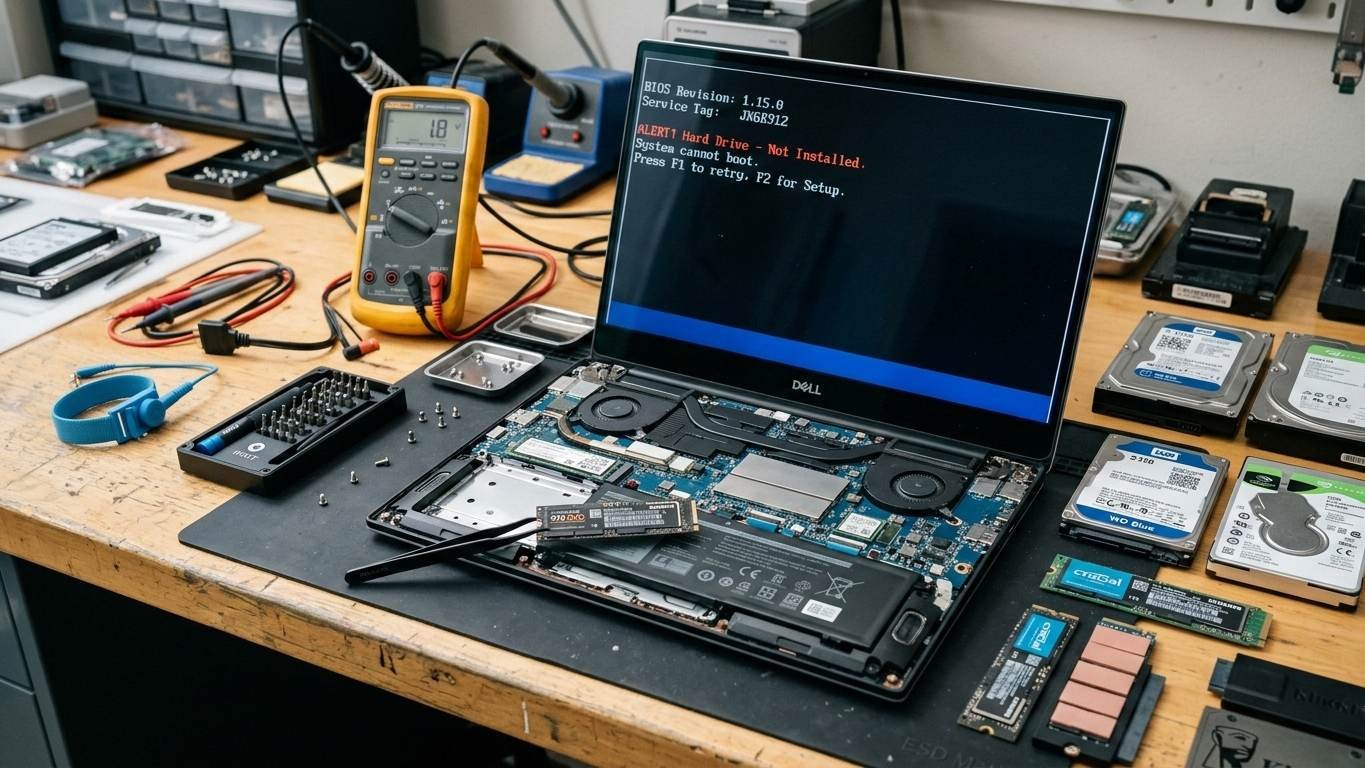
1. Hard Drive or SSD Failure
Physical damage, wear and tear, or manufacturing defects can cause devices to fail, triggering boot errors.
2. Operating System Corruption
Windows updates, malware, or sudden shutdowns can corrupt system files, making your OS unbootable.
3. BIOS Misconfiguration
Incorrect boot order, disabled boot devices, or outdated firmware can prevent detection of your OS drive.
4. Loose or Damaged Storage Connections
Internal HDD/SSD cables may disconnect during transport or repair attempts.
5. Logical Errors on the Drive
Corrupt partitions, bad sectors, or firmware issues can stop BIOS from recognizing the device.
Immediate Troubleshooting Steps
Follow these steps before attempting advanced recovery:
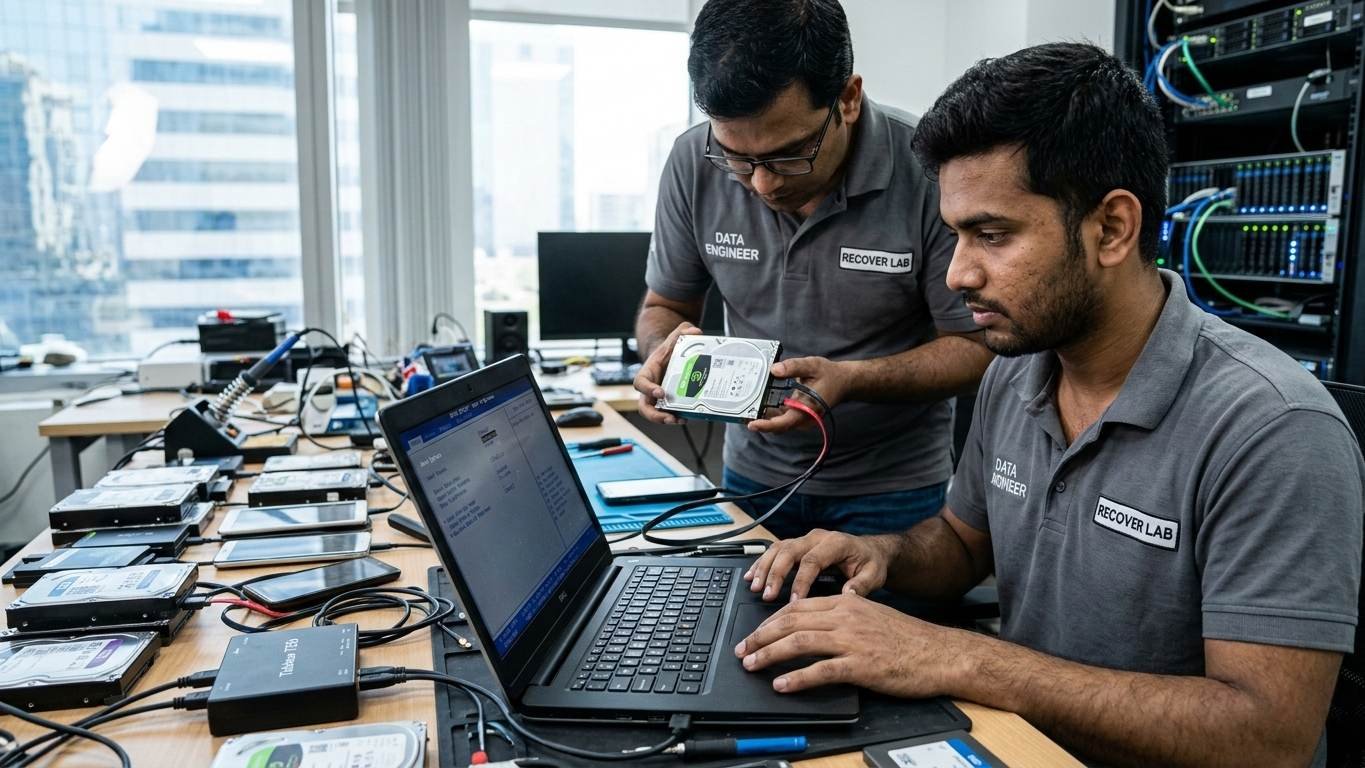
1. Power Cycle Your Dell Laptop
- Shut down completely
- Remove battery (if removable) and unplug charger
- Press and hold power button for 20 seconds
- Restart
2. Check BIOS Settings
- Press F2 during boot to enter BIOS
- Ensure your HDD/SSD is detected
- Set correct boot order prioritizing your OS drive
3. Run Dell Diagnostics
- Press F12 at startup for Support Assist pre-boot diagnostics
- Check for HDD/SSD errors, including short or long DST check failures
4. Reseat or Replace the Storage Device
- Open laptop carefully and check connections
- If the drive is physically damaged, do not attempt DIY recovery
When to Seek Professional Data Recovery

DIY fixes are risky. Physical failures or severe corruption require expert handling. Data Engineers provides:
- Recovery from all device types: HDDs, SSDs, laptops, desktops, and external drives
- Chip-level and firmware recovery for damaged drives
- Fast, reliable emergency recovery
- 100% secure, maintaining data integrity and confidentiality
Data Recovery Methods at Data Engineers
1. Logical Recovery
- Repairs corrupt OS or partitions without hardware intervention
- Extracts critical files safely
2. Physical Recovery
- For drives with hardware damage
- Includes head replacement, PCB repair, and chip-off recovery
3. SSD Recovery
- Advanced recovery for NVMe, M.2, and SATA SSDs
- Firmware-level extraction for inaccessible data
4. External Drive Recovery
- Cloning and recovery from dead or corrupted drives
- Preserves all files and metadata
Contact Data Engineers
📞 Call: +91-9818567981
📧 Email: support@dataengineers.in
🌐 Website: www.dataengineers.in
Preventive Measures
- Regular Backups – Use cloud or external storage
- Run Diagnostics Frequently – Detect early signs of drive failure
- Update BIOS and OS – Prevent conflicts causing boot errors
- Handle Devices Carefully – Avoid physical shocks and water damage
Conclusion
The “Dell Support Assist No Bootable Device Found” error is serious but manageable. Acting quickly ensures your HDD, SSD, or laptop data remains safe. Data Engineers offers:
- Fast, reliable recovery for all types of devices
- Expert handling of logical and physical drive failures
- Secure, confidential data recovery
Don’t risk permanent data loss—trust Data Engineers for professional Dell laptop data recovery.

Worldwide Leader in Data Recovery

Leave a Comment