
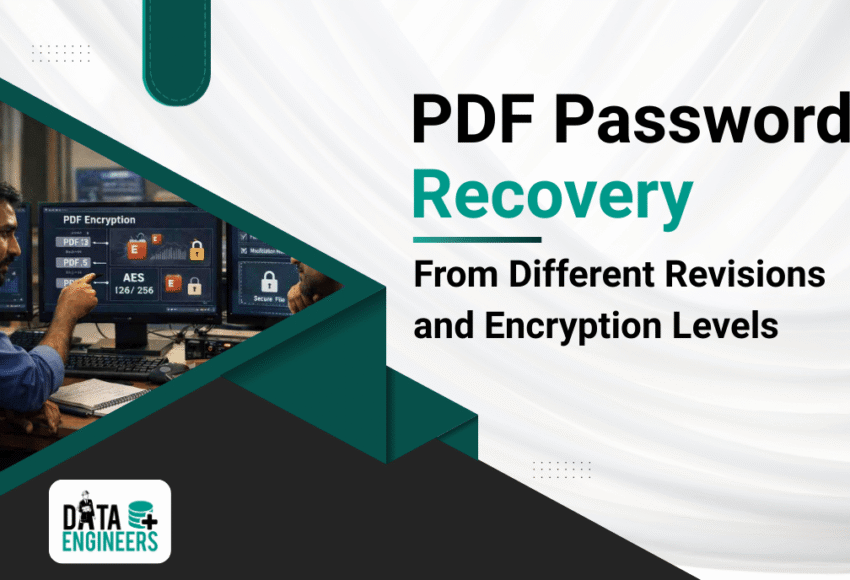
Recover PDF Passwords from Different Revisions and Encryption Levels
Forgetting or losing access to password-protected PDF files is a common problem for businesses and individuals alike. PDF files often contain sensitive documents, financial reports, contracts or personal information and losing access can disrupt your workflow.

Many users search for phrases like:
“recover PDF password”
“unlock encrypted PDF”
“PDF password recovery online”
This guide explains how to recover PDF passwords from different revisions and encryption levels and why professional Data Engineers are the safest choice for complex cases.
Why PDF Files Are Password-Protected
PDF files can be secured with passwords to protect against unauthorized access, copying or editing. Common reasons for password protection include:
- Confidential contracts or agreements
- Financial spreadsheets or reports
- Internal business documents
- Sensitive personal information
Forgetting passwords is common and users frequently search for solutions such as:
- recover PDF password online
- unlock encrypted PDF free
- PDF password recovery software
Important: Free online tools are often unreliable and may corrupt your file. Professional recovery ensures safety and integrity.
Understanding PDF Revisions and Encryption Levels

PDF files have evolved over time and different revisions and encryption methods can affect recovery:
- PDF 1.3 – 1.6 (Acrobat 4-7)
- Older encryption, typically 40-bit or 128-bit RC4
- Easier to recover with professional tools
- PDF 1.7 (Acrobat 8-9) and later
- Uses stronger encryption (128-bit or AES-256)
- More complex passwords require advanced recovery methods
- Encrypted PDF Variants
- User password: required to open the file
- Owner password: restricts printing, copying or editing
- Combined encryption may require expert handling
Understanding your PDF’s revision and encryption level helps determine the best recovery method.
DIY Methods to Recover PDF Passwords

If your PDF password is simple or partially remembered, you can try these safe DIY methods:
- Password Guessing
- Try common patterns, previous passwords or variations you usually use
- Works for simple or weak passwords
- Backup Copies
- Check for older or unprotected versions of the file
- Sometimes autosave or cloud backups may have the file unlocked
- Trusted Office Suites or PDF Readers
- Some tools like Adobe Acrobat (with proper access) may allow partial content recovery
Important: DIY methods are effective only for simple passwords or older PDF versions. Modern PDFs with strong encryption require professional recovery.
Why Professional Data Engineers Should Handle Complex PDF Recovery
For complex cases—strong passwords, AES encryption or newer PDF revisions—professional recovery is the safest and most effective solution.
Data Engineers provide:
- Expertise Across All PDF Versions and Encryption Levels
- High Success Rate in recovering passwords for complex files
- Secure & Confidential Recovery without risking data loss
- Support for All PDF Variants including encrypted user or owner passwords
- Fast and Reliable Service for critical business or personal documents
By trusting Data Engineers, you ensure your PDF files are recovered safely and efficiently, preserving data integrity and confidentiality.
Tips to Prevent Losing PDF Passwords

- Use a secure password manager to store PDF passwords
- Keep backup copies of all important PDF files
- Use unique passwords for each PDF file
- Add subtle password hints if supported by your PDF software
Conclusion
Recovering PDF passwords from different revisions and encryption levels is challenging, especially for modern files with strong AES encryption. While DIY methods may help with simple cases, professional Data Engineers provide the safest and most reliable solution.
By choosing Data Engineers, you ensure that your PDF files are unlocked securely, without risk of data loss, allowing you to regain access to your critical documents efficiently.
FAQs
Q1: Can I recover a PDF password for free?
Simple passwords may be recovered with DIY methods, but encrypted or complex PDF passwords require professional help.
Q2: How long does PDF password recovery take?
Depends on password complexity and file size. Professional services reduce recovery time significantly.
Q3: Are professional PDF recovery services safe?
Yes, expert engineers follow strict protocols to ensure data privacy and file integrity.

Worldwide Leader in Data Recovery

Leave a Comment