
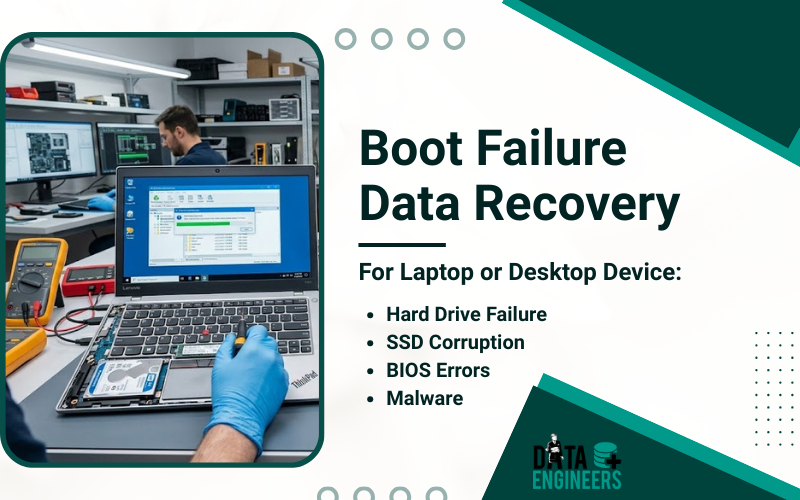
Boot Failure on Laptop or Desktop Device: How to Diagnose and Recover Your Data Safely
Boot failures on laptops or desktop computers can be a stressful experience. One moment your system is running fine and the next, it refuses to start, leaving you unable to access important files. Whether it’s caused by hard drive failure, SSD corruption, BIOS errors or malware, acting quickly is crucial to prevent permanent data loss.
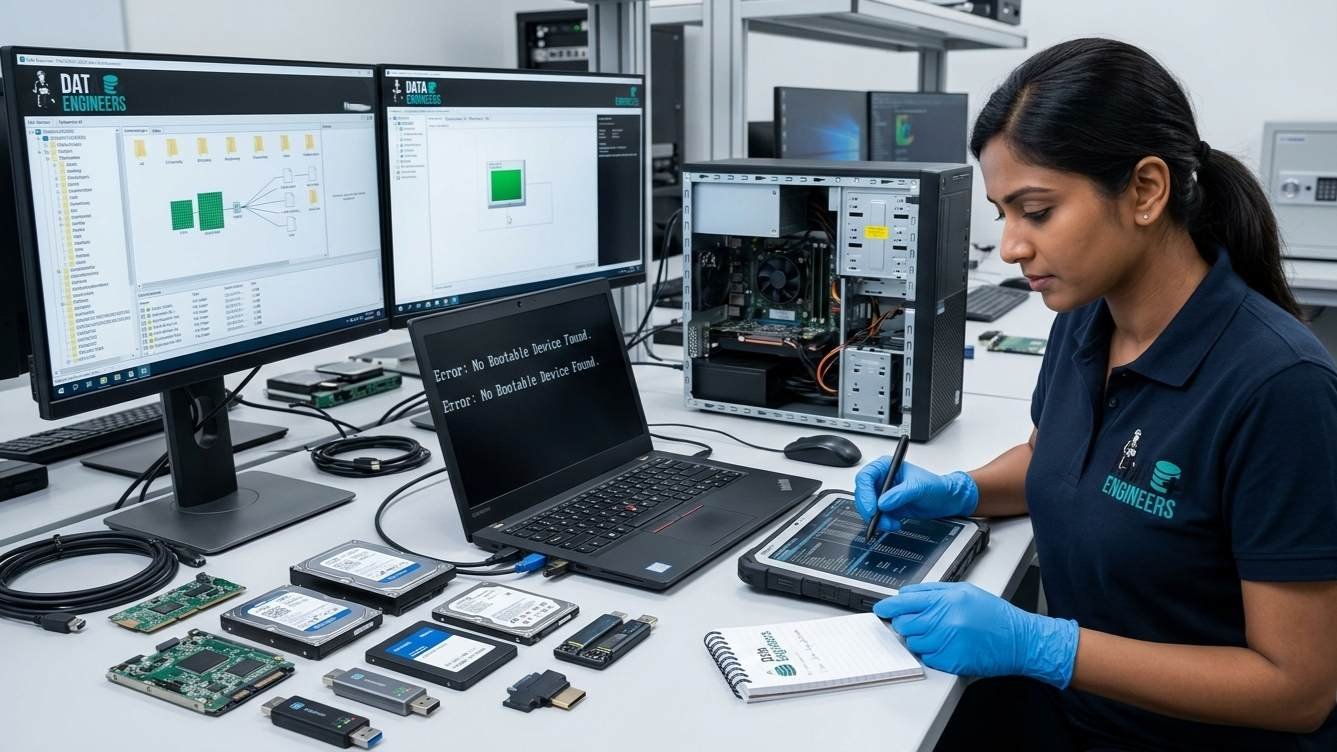
At Data Engineers, we specialize in professional data recovery services for all devices, including HDDs, SSDs, laptops, desktops, servers and external drives. Even when your device seems dead or physically damaged, we ensure secure, fast and reliable recovery.
What is a Boot Failure?
A boot failure occurs when a laptop or desktop fails to load the operating system. Common symptoms include:
- Black screen or error messages like “No Bootable Device Found”
- System freezing during startup
- Repeated automatic restarts
- BIOS unable to detect the hard drive or SSD
Boot failures are often signs of underlying hardware or software problems and ignoring them can result in permanent data loss.
Common Causes of Boot Failure
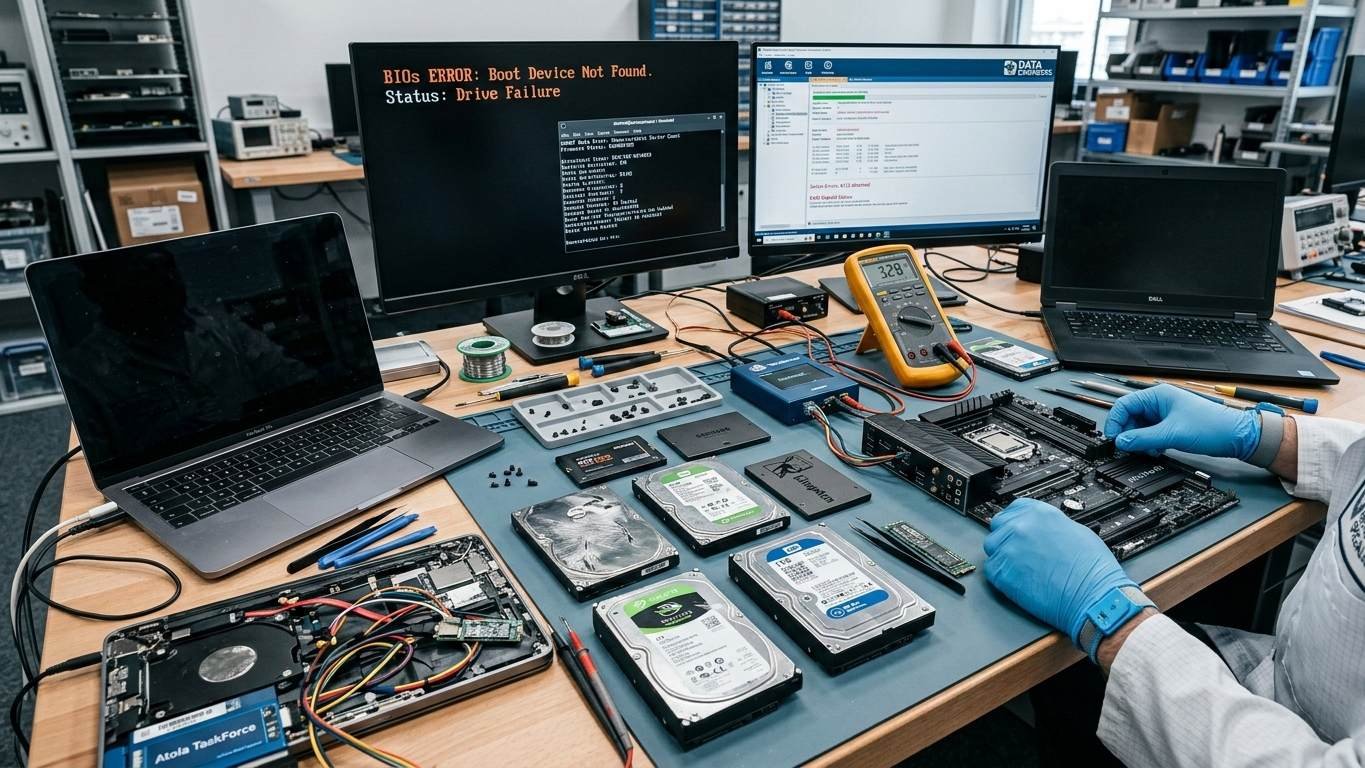
1. Hard Drive or SSD Failure
Physical damage or logical corruption can prevent your device from booting. Common causes include:
- Wear and tear
- Bad sectors or firmware corruption
- Accidental drops or physical damage
2. Operating System Corruption
Malware attacks, incomplete updates or file system corruption can make the OS unbootable.
3. BIOS or Firmware Issues
Incorrect BIOS settings, outdated firmware or disabled boot devices can block startup.
4. Loose or Damaged Internal Connections
Internal cables connecting the storage device may become loose or damaged.
5. Power Supply or Motherboard Failures
Issues with the power supply, motherboard or RAM can also prevent a system from booting.
View Our Services:
Hard Drive Data recovery
SSD Data Recovery
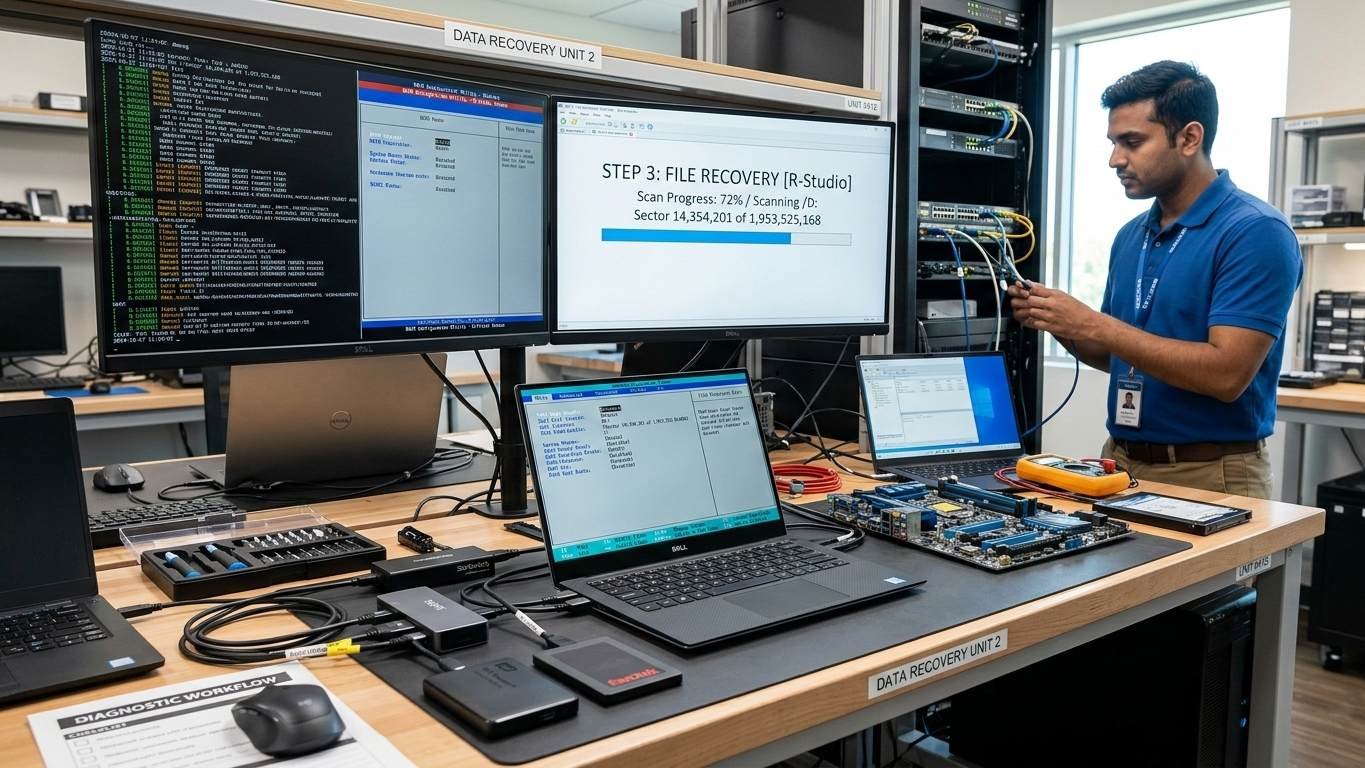
Step-by-Step Diagnosis of Boot Failure
Step 1: Power Cycle the Device
- Completely shut down the laptop or desktop
- Remove battery (if applicable) and unplug the power source
- Hold the power button for 20 seconds
- Reconnect and restart
Step 2: Check BIOS/UEFI Settings
- Enter BIOS (usually F2 or Del during startup)
- Confirm the HDD or SSD is detected
- Set the correct boot order prioritizing the OS drive
Step 3: Run Built-in Diagnostics
- Use built-in diagnostics tools (e.g., Dell Support Assist, Lenovo diagnostics)
- Check for drive errors, including short DST or long DST failures
Step 4: Test Hardware Connections
- Ensure internal cables and drives are properly connected
- If damaged or not detected, avoid DIY repairs—consult professionals
Professional Data Recovery Solutions
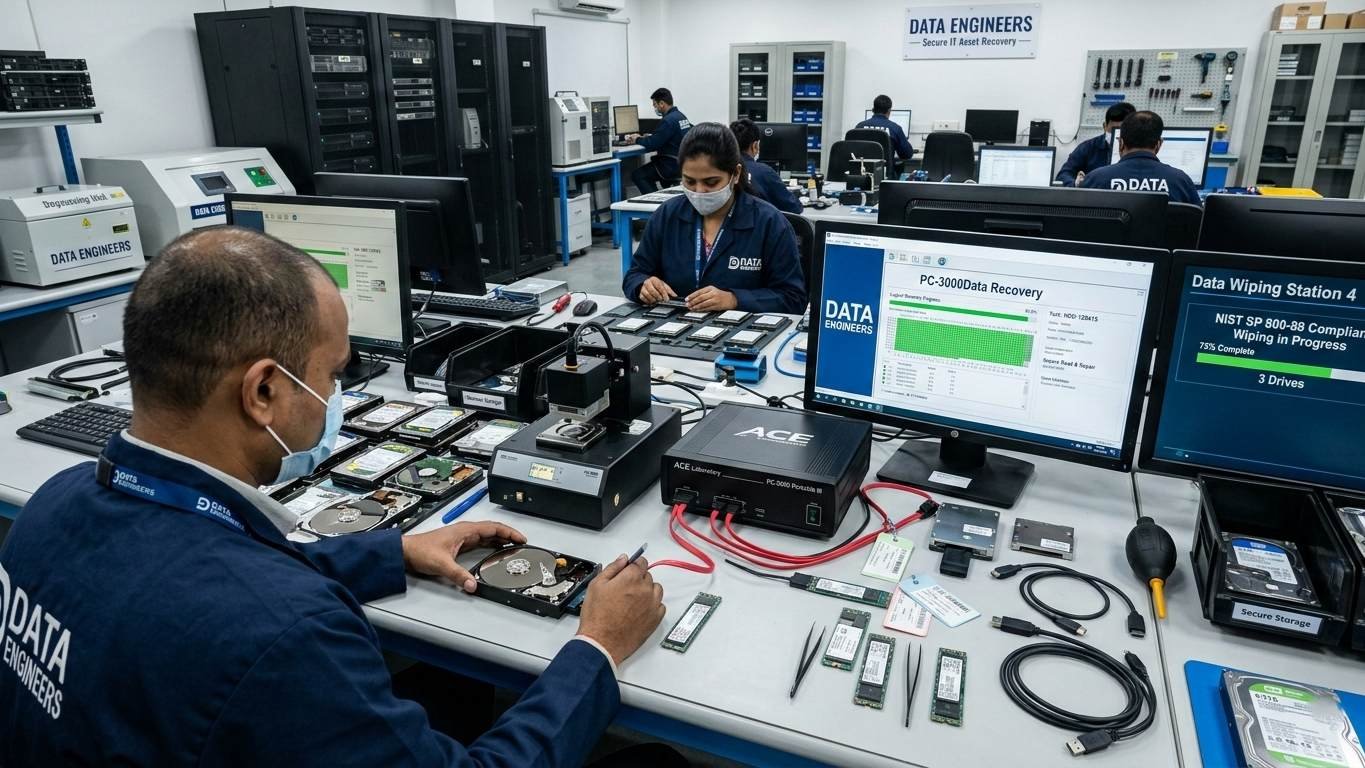
If diagnosis shows drive failure or severe corruption, professional intervention is necessary. Data Engineers provides:
- Logical Recovery: Recovers files from OS or partition corruption
- Physical Recovery: Handles damaged HDDs, SSDs and external drives
- SSD Recovery: Firmware-level and chip-level recovery for NVMe, M.2, SATA SSDs
- Server and Laptop Recovery: Supports all device types and sizes
Why choose Data Engineers:
- Secure, confidential and professional recovery
- High success rates even for physically damaged drives
- Fast, reliable and emergency-ready services
Contact Data Engineers:
Call Now: +91-981-856-7981
Email: support@dataengineers.in
Website: www.dataengineers.in
Preventive Measures to Avoid Future Boot Failures
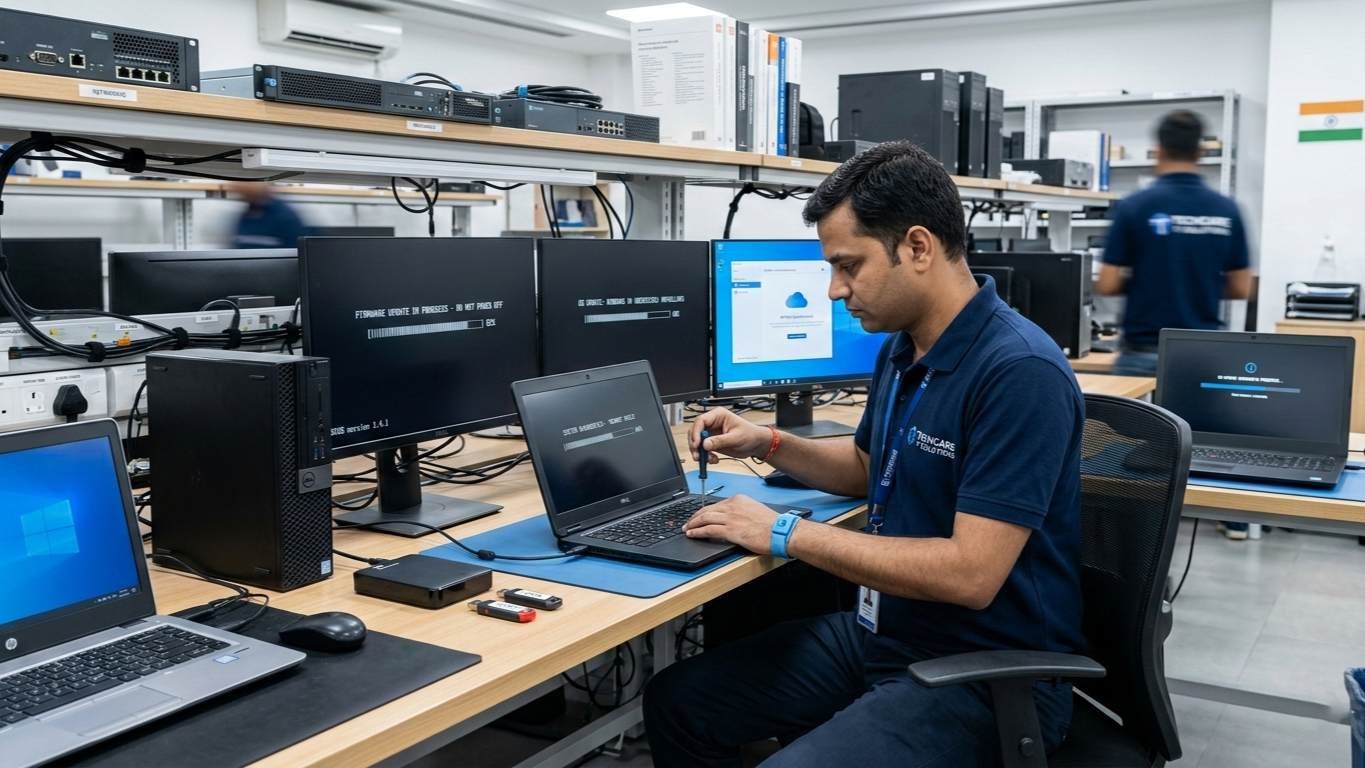
- Regular Backups – Store critical files on cloud or external drives
- Run Diagnostics Frequently – Detect early hardware or firmware issues
- Keep BIOS and OS Updated – Avoid conflicts causing boot failure
- Handle Devices Carefully – Avoid drops, shocks and water damage
Conclusion
Boot failures on laptops or desktops are serious but manageable. Quick diagnosis and professional recovery are crucial to prevent permanent data loss. Data Engineers provides:
- Reliable recovery from all device types
- Logical and physical recovery expertise
- Secure, confidential handling of your data
Don’t risk losing critical files—trust Data Engineers for professional, secure and fast data recovery.

Worldwide Leader in Data Recovery

Leave a Comment